
Adding a Brokerage
Brokerages can be added under the Advisors menu:
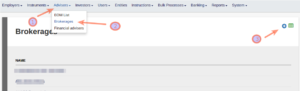
Complete all fields and save. On saving the Company is created as an Entity.
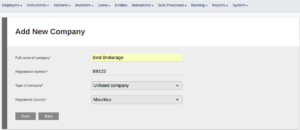
You are taken to the brokerage page to update the Company to a Brokerage. Complete the Brokerage’s FAIS licensing etc. and save. On saving the company now exists as a Brokerage under the Brokerages menu and as an Entity with a Brokerage card under the Entities menu.
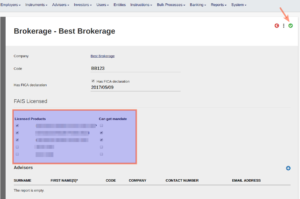
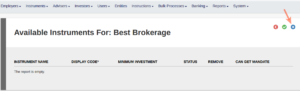
Re-enter the Brokerage from the brokerage – or Entities menu to load the Instruments available to the Brokerage
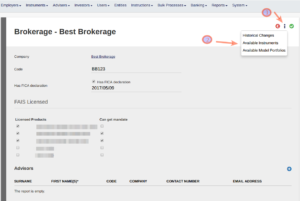
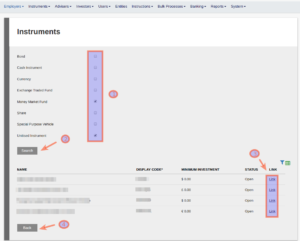
Tick the relevant instrument types from which you want to link, search and then link the applicable instruments. When completed, select ‘Back’
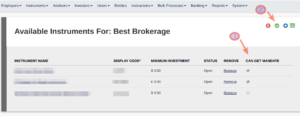
Update the mandates of the brokerage on the linked instruments
To add Advisers to the Brokerage, see Adding and Editing Advisers
Last Updated on 2 years ago by Tinus Burger