
Adding a Product
For details refer to Steps on setting up a new Product
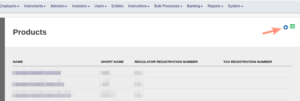
Products are added under the System Main menu

Select the Add button
Name the Product, update applicable settings and save
Important: Link the product to the correct Owner – and Asset holder custodian (In most businesses these are the same. An example of where the asset holder will differ is a LISP where the actual assets are bought in the name of a Nominee, but the Retirement Fund owns the members).
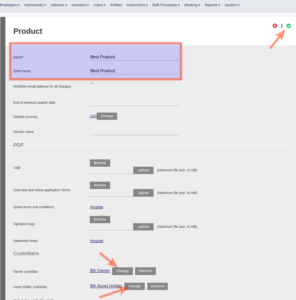
If the Custodian/s to be linked does not exist, see Adding a Custodian and the procedures explained under ‘Custodians’ to set bank accounts on a Custodian.
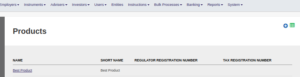
The product now exists in the Product list
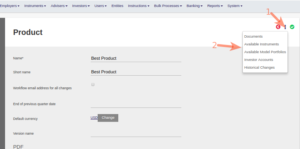
Further selections regarding the product can be done under ‘More Actions’
Last Updated on 3 years ago by Tinus Burger