
Creating a user
To add a new user that can access the system, go to the main User menu. Before adding the user the system will search the database for Persons with the same Surname or ID as the new person you are trying to add.


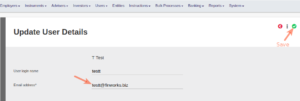
The username can now be changed and add the email address of the user. The email address will be used to send the user a new password to login.
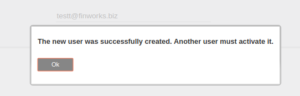
After saving a warning message will appear, that a different user must activate the user for security purposes.
Follow the procedure in Activating a new user to complete the process.
Last Updated on 3 years ago by Antoinette Van Meyeren