
Adviser Fee Maximums
Adviser fee maximums can be set in two places, under Fee Types and on an Instrument.
Under Fee Types – The selection under Fee Types will apply to all instruments on the system.

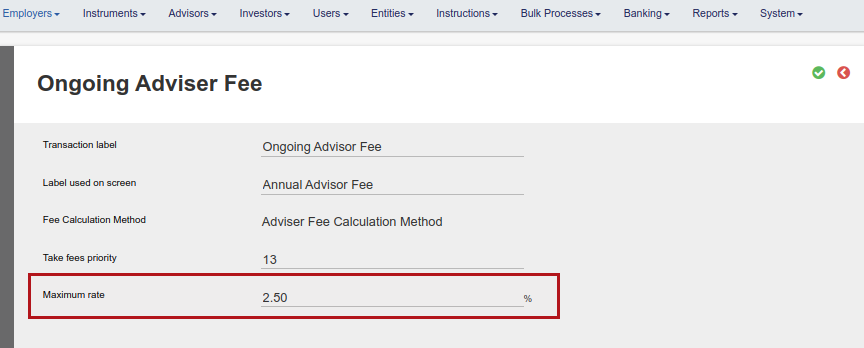
On an Instrument – the selection will apply to that instrument only and the system will not allow you to input a maximum fee that is higher than what is set on on the Fee type.
Select Fees on an instrument


The lowest of the two maximum selections will apply, in other words, if the selection under configuration is set to 7% maximum and on the instrument at 3%, a maximum fee of 3% will be allowed when buying into the instrument.
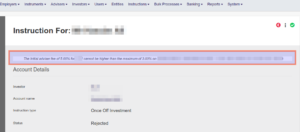
Submitting an instruction where a higher adviser fee was included will bring up a screen error message and the necessary adjustments will have to be made to be able to continue with the submission of the instruction.
Last Updated on 4 years ago by Antoinette Van Meyeren