
Client Group
- Different Client Groups can be created and selected on an Investor account.
- The group can then be used as a filter on Instruction lists or when Dealer Instructions are created.
Navigate to the Client Groups section on the Main Menu under (1)System and then select (2)Client Groups

You have the option to (1)Add, (2)Edit or (3)Delete a Client Group

Populate the fields as listed and select the Save Button

Available Fields:
- Name
- Show details on Client Groups Instructions
Investor Account
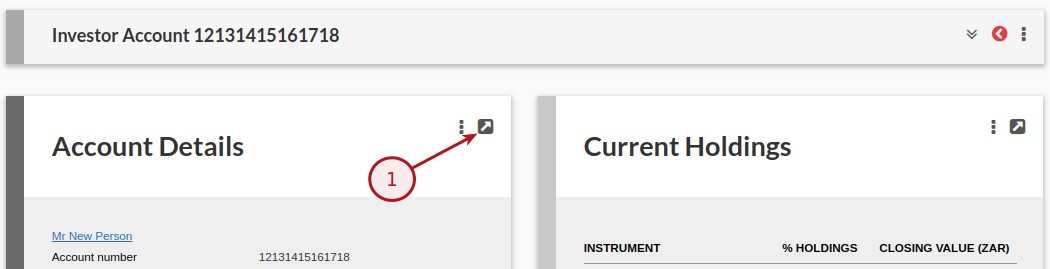
Via the Account details Card on the Investor Account select (1)View Details
Populate the fields as listed and select the Save Button
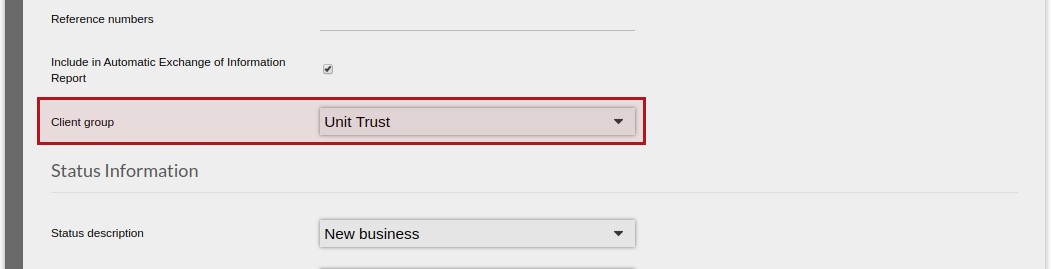
Scroll down to “Client group” as indicated below, select the Group and select Save
Dealer Instructions
Via the Main Menu (1)Bulk Processes select (2)Dealer Instructions

Select (1)Create Dealer Instructions button to create a new Create Dealer Instructions

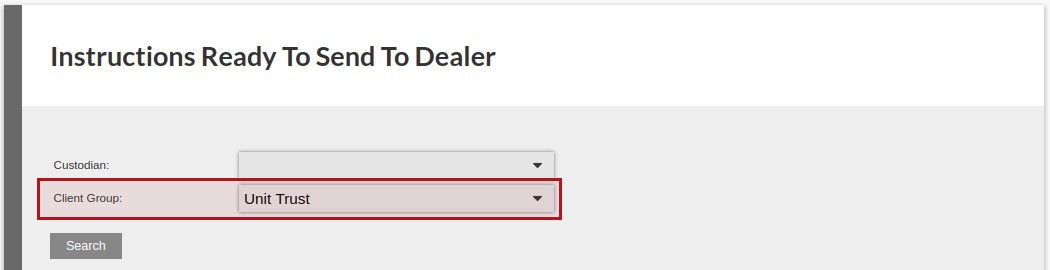
One of the option is to select the Client Group as one of the parmeters when createing the dealer instructions
Last Updated on 7 years ago by Tinus Burger