
To create a new platform provider instruction for Model portfolios:
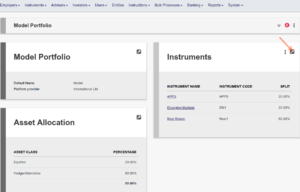
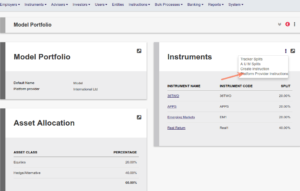
Go to the Model portfolio under the Instrument menu and change the Split column to the new split of the model
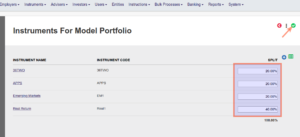
Select ‘Create Instruction’
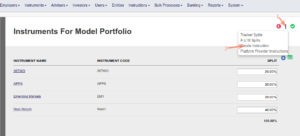
The system takes the new Split on the model and generates an instruction to the Platform provider.
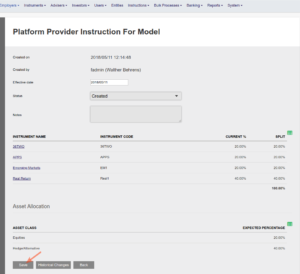
Once saved the instruction will appear under Platform Provider instructions.
Last Updated on 8 years ago by Antoinette Van Meyeren