
Sometimes when searching for instruments you’ll find instruments that belong to the same Collective Investment Scheme (CIS) have been created under a separate CIS’, for instance:

Go to the incorrect CIS and select the instrument linked to the incorrect CIS
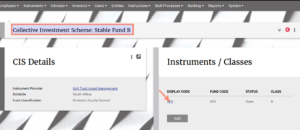
Go to Change CIS on the Instrument
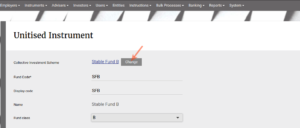
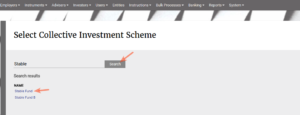
Search for, select the correct CIS and Save
The instrument will now be displayed under the correct CIS
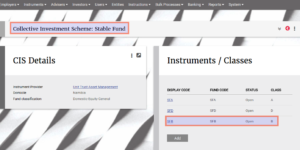
The incorrect CIS can now be removed as it does not contain any instruments. Go to the Instrument main menu -> Collective Investments Schemes and remove the CIS.

Last Updated on 8 years ago by Antoinette Van Meyeren