
Unit Transfer Out Process
With the Unit Transfer Out Process we will address the following:
Add and Submit Instruction
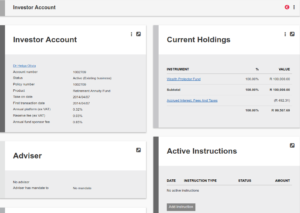
Go to the relevant investor account and select ‘Add Instruction’
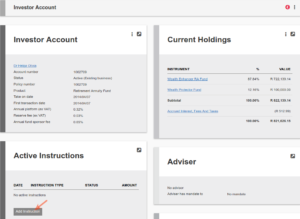
Select the instruction type from the drop down list:

Complete the relevant information on the instruction and Submit
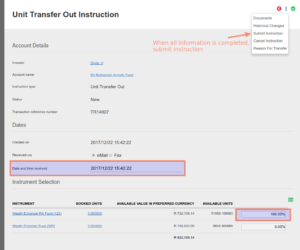
Authorise Instruction

Confirm units
Return to the instruction

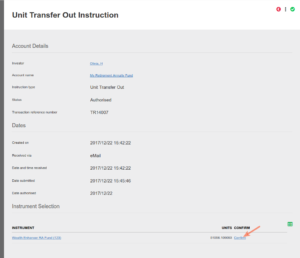
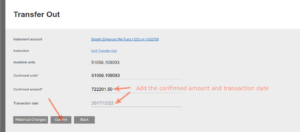
On confirmation, the instruction is completed and the units subtracted from the investor account
Edit transfer out
From the unit transfer out instruction navigate to the “Instrument Selection” section and select the Amount to open the “Transfer Out” card

From the More Actions button on the “Transfer Out” card select “Edit Transfer”

The following fields can be changed
- Confirmed units
- Confirmed amount
- Transaction date

After update select the save button to compleet the process
Last Updated on 6 years ago by Tinus Burger