
Accrued fees report
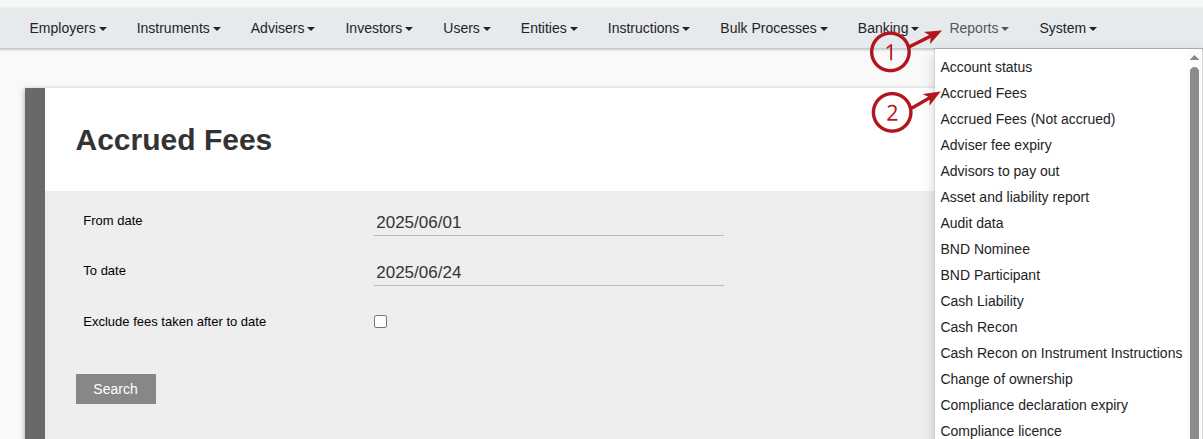
Go to Accrued fees:
Selecting ‘Exclude fees taken after to date’, will provide accrued fees on the accounts as at the ‘To Date’ of the report, regardless if fees have been taken (Fee run done) after the ‘To date’.
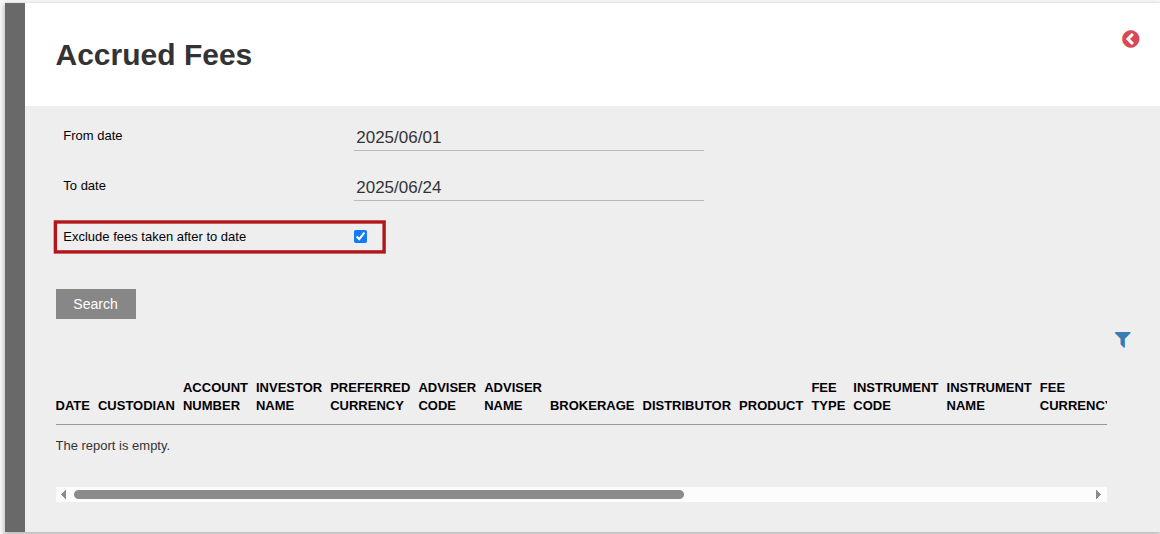
If ‘Exclude fees taken after to date’ is left un-ticked, accrued fees will be shown taking fee runs after the “To Date into consideration.
Last Updated on 1 year ago by Debra Hart