
Instruction purpose on statement defaults and Active Instructions Card
On a statement
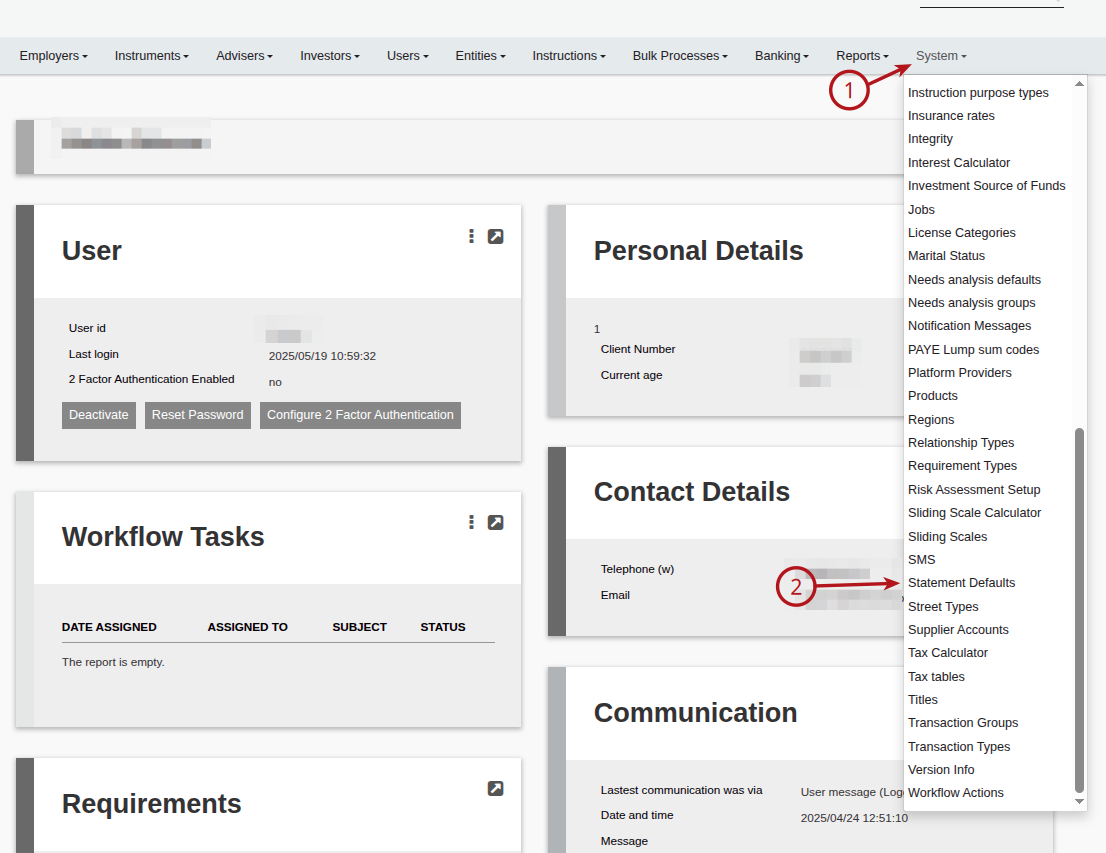
From the main menu navigate to System -> Statement Defaults
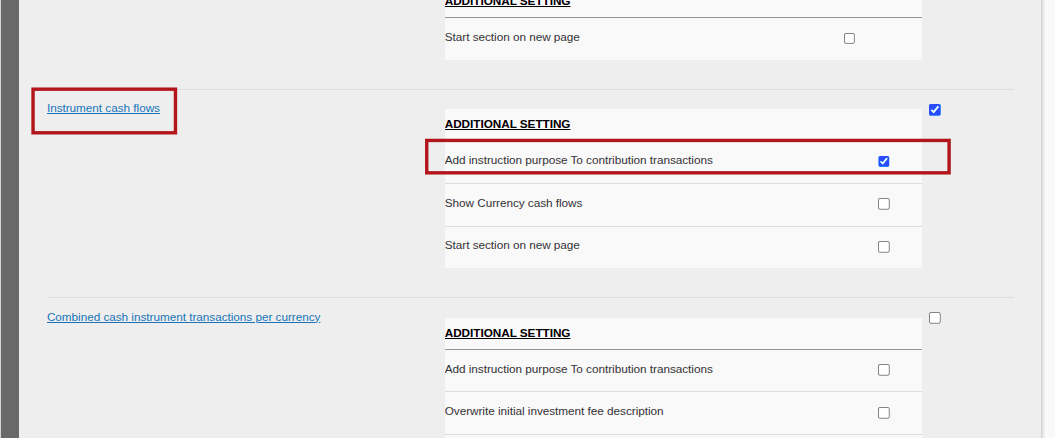
Navigate to Instrument cash flows and select ” Add Instruction purpose to contribution transactions” and save.
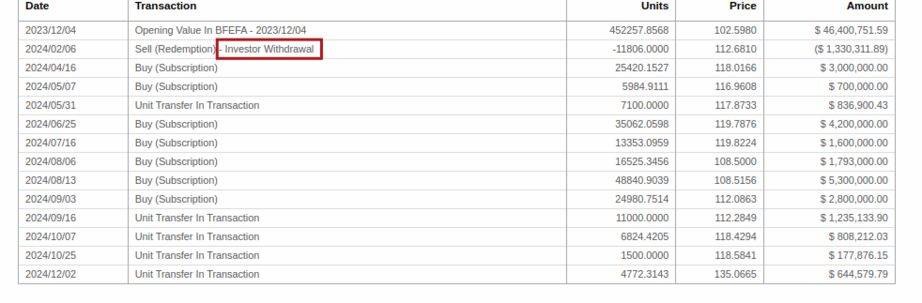
When viewing the client statement the additional details on the purpose will be displayed with the transaction.
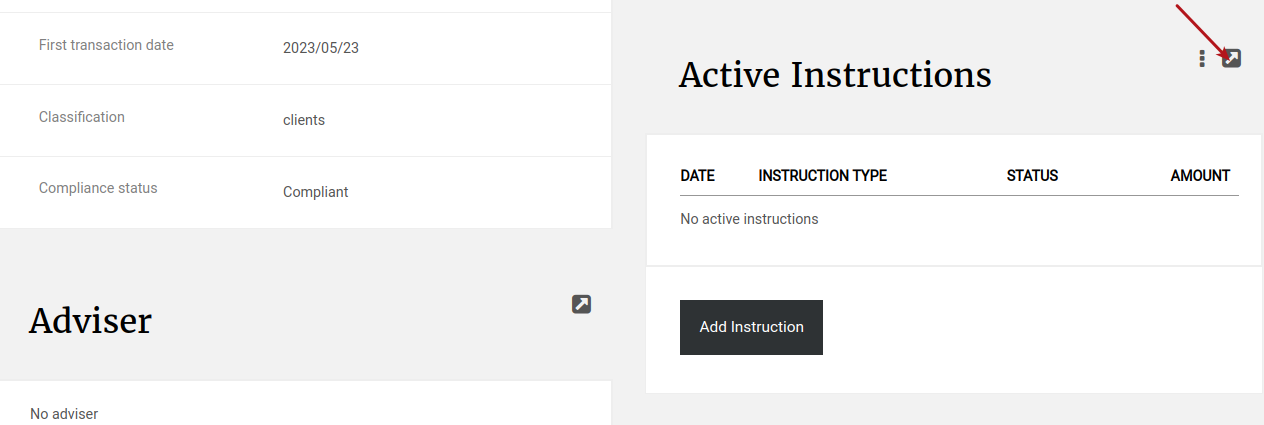
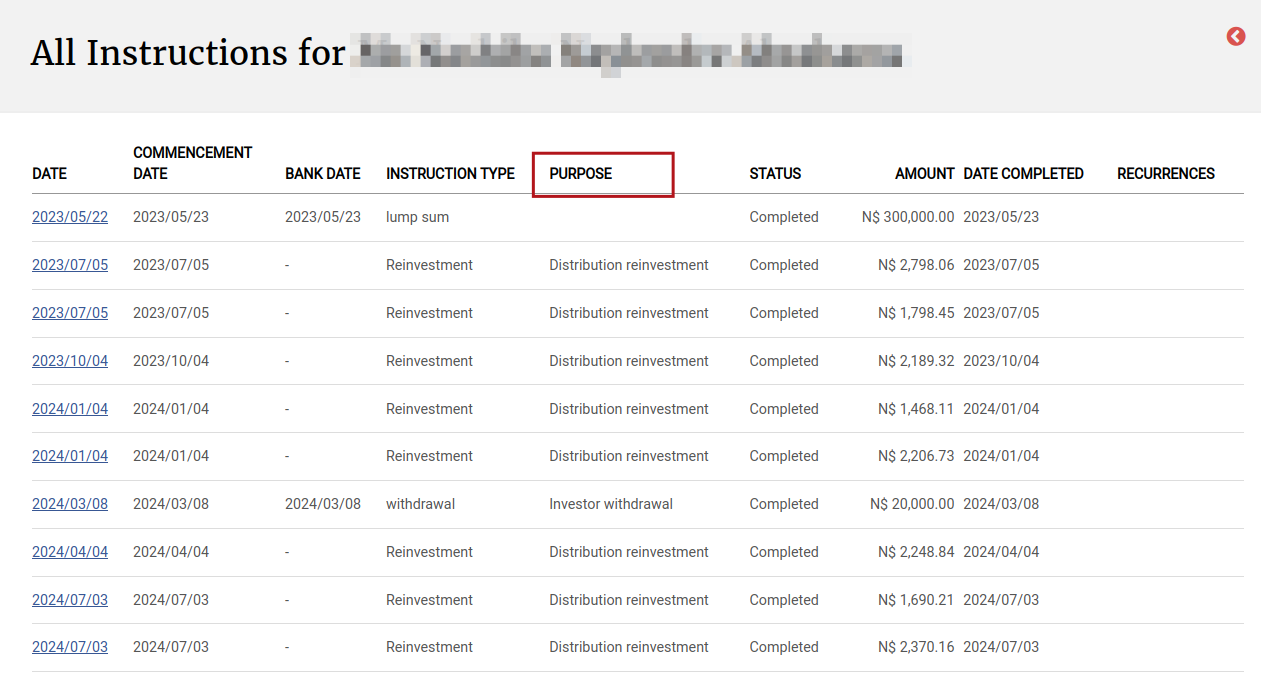
On the Active Instructions Card
Last Updated on 1 year ago by Debra Hart