
Add or remove visible contracts
When a user is created, for example a user with an adviser role, the user gets automatic visibility to the contracts of his/her clients and fee portfolio. Where the adviser should not, for instance be able to view the fee portfolio, the visibility of the fee portfolio can be removed.
In another instance, where a minor has a contract and the parent wants to view the contract of the minor, the parent can be made a user and provided with visibility to the minor’s contract.
Should the parent not have any role on the system beside the user role, it is necessary to give the parent user the Global permission ‘Contracts’ in order to view the contract that was made visible.
It will be good practise to also provide the Adviser in the first example with the Global permission ‘Contracts’ to enable the adviser to view his/her client contracts not just through his/her adviser screen, but also under Investors->Contracts
Go to the user card on a person

A user with the ‘user administration’ permission can remove or add visible accounts for a user other than him/herself
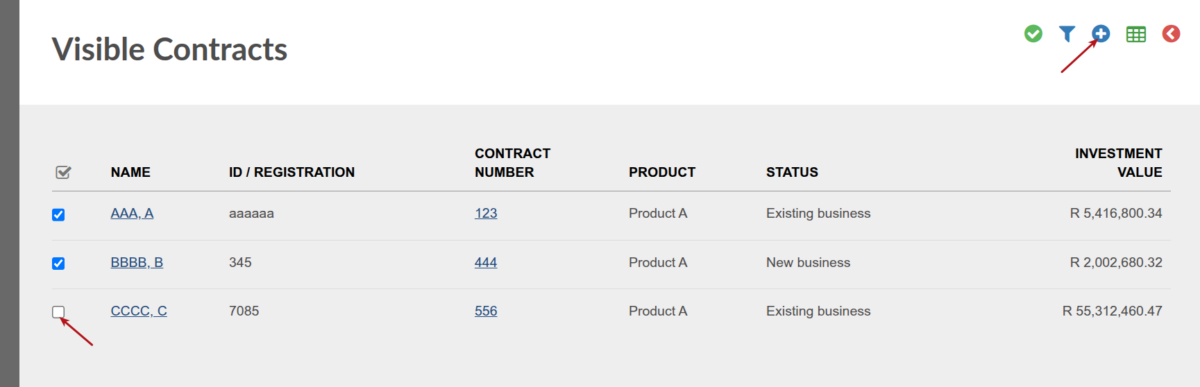
When the user login, he/she will be able to view the accounts as saved under his/her visible accounts

Last Updated on 4 months ago by Antoinette Van Meyeren