
Add Statement Notes and Footer
Go to System->Statement default (remember to also update the combined statement notes and footer at this level)
or
in the case where the product does not use the system wide default statement setup under the system main menu, go to System->Products and select the relevant product. On the product go to More Actions->Statement defaults.
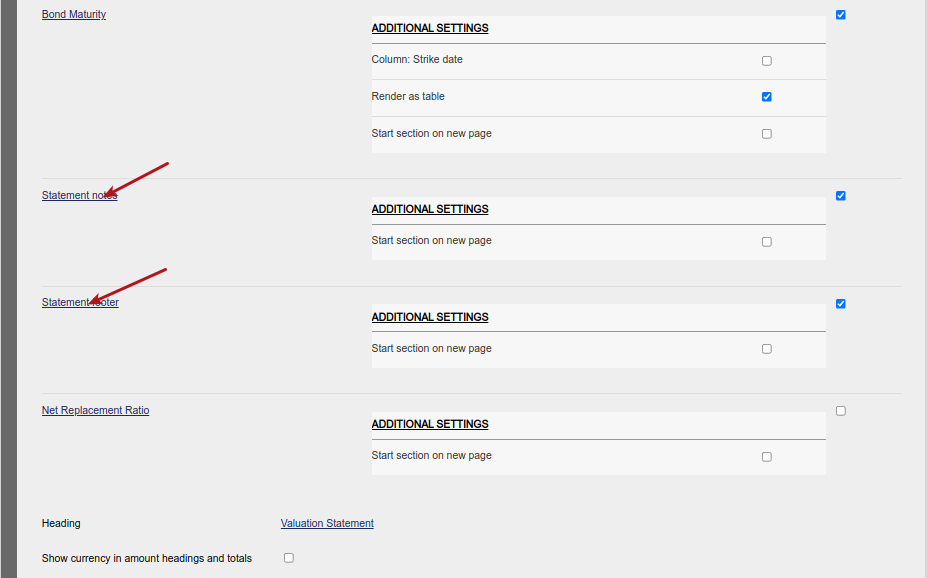
Enter the required Footer and Notes information in the template text box in html format and save

The notes and footer information will now be included on the generated pdf Statements and Combined Statements
Last Updated on 2 years ago by Antoinette Van Meyeren