
Amend Weighted Average Base Cost on a transaction
If any of the following transfer transactions: Internal Transfer, Fund Merger, Unit Transfers, Manual Movement, Client Account Transfer, have been processed, where there is No Capital Gains Event and the Weighted Average Base Cost is incorrect, Finworks Support Users have the ability to amend the weighted average base cost. A request to correct this can be sent to support@finworks.biz
If the Base Cost needs to amended on a transaction that was marked as a YES is a Capital Gains Event (on the from contract) this first needs to be to be updated to a non Capital Gains Event (No).
Please note, the Gains/Loss will be impacted if this was a Change of Ownership transaction and will need to corrected via a data-fix which can be sent to support@finworks.biz.
If the transaction was marked as a Capital Gains Event (YES) in error, this can be updated to a non Capital Gains Even (NO).
Go to the FROM transaction Contract. Then under Active Instructions> View Details> trace the relevant transaction to amend (select the date hyperlink)
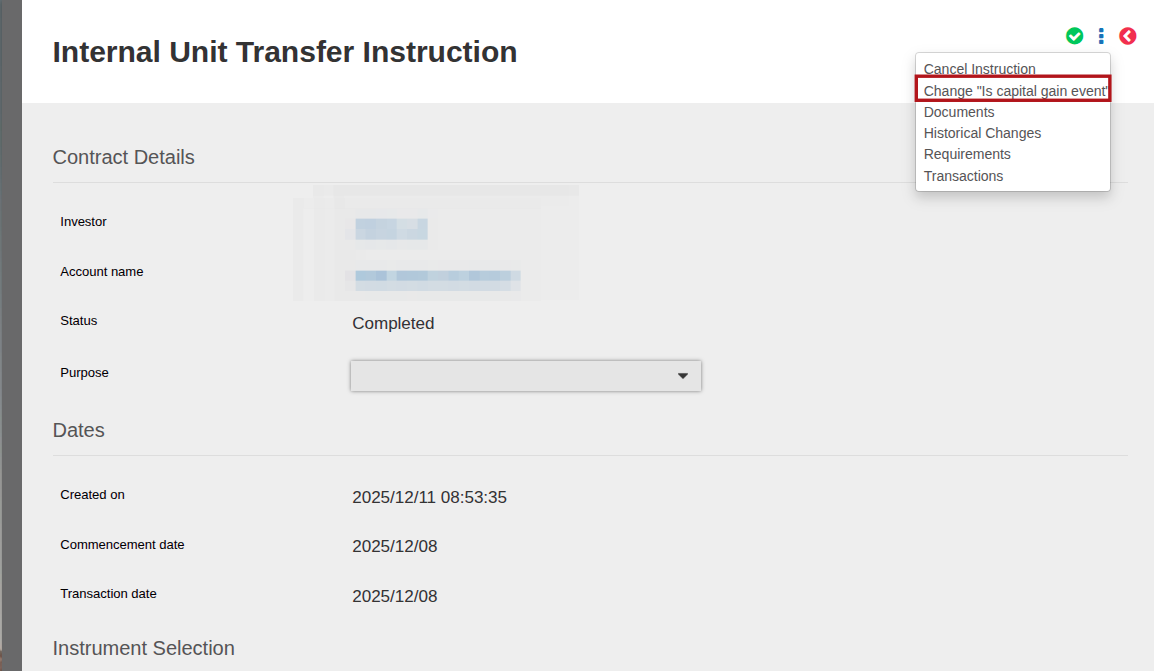
On the instruction go to More Details and select Change “Is capital gain event”, then save
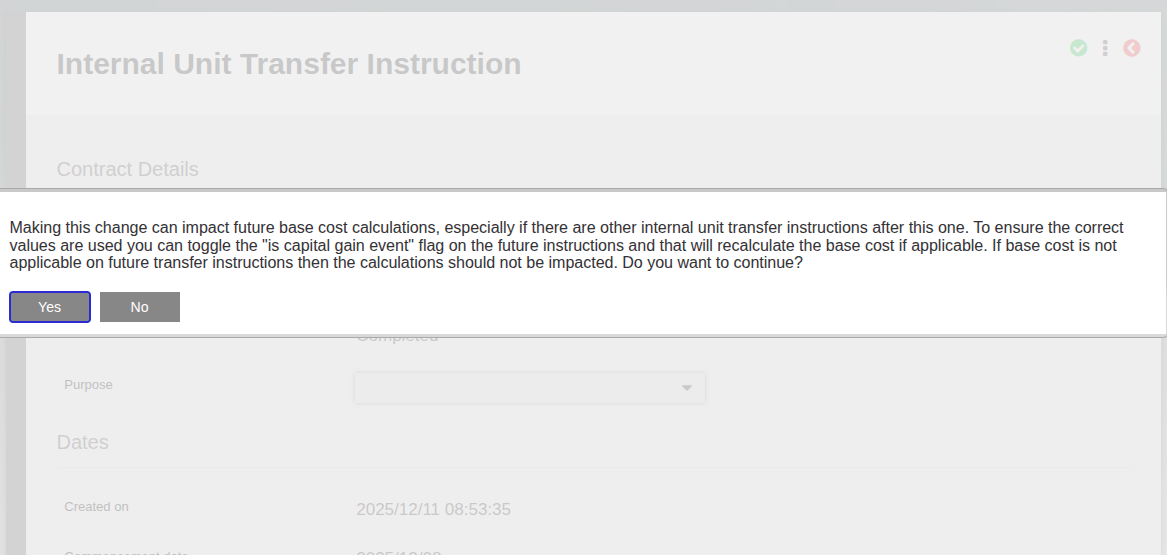
There will be a warning message displayed, review and if you wish to continue, select Yes
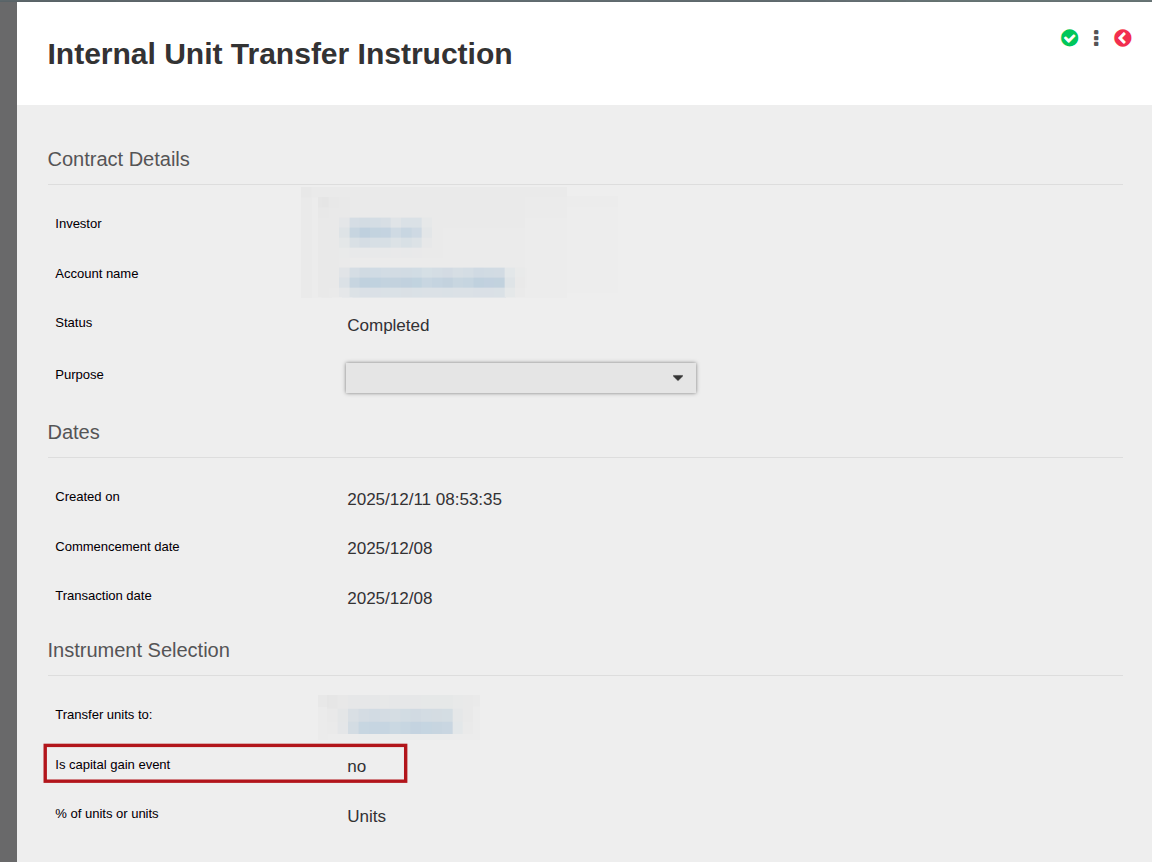
The Capital Gains Event will be updated to NO
You can now update the Base Cost, go to the “transferred to” Contract.
Select the Instrument Hyperlink (that the transfer in took place on)
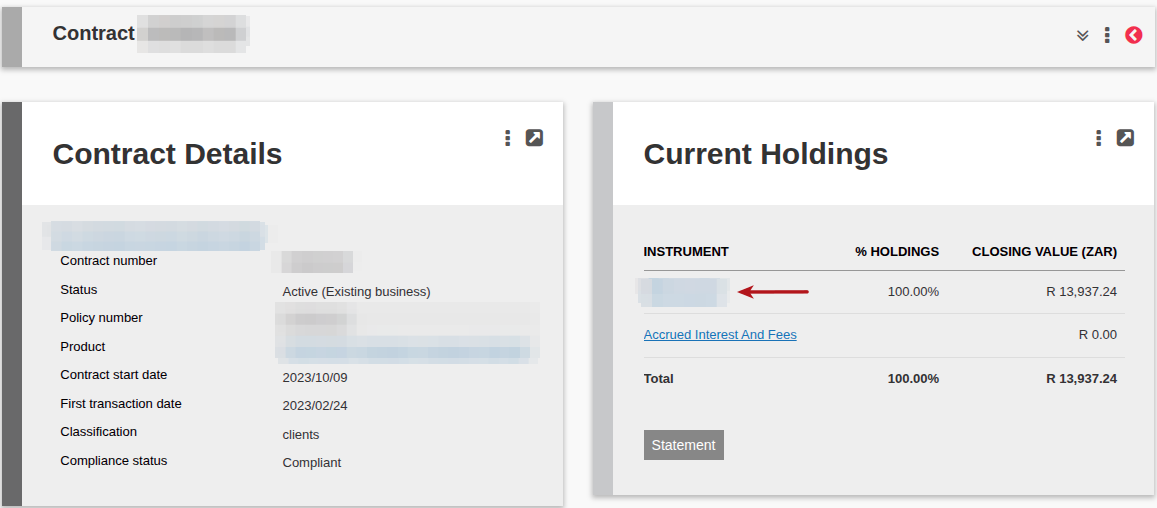
Select the date hyperlink on the required transaction
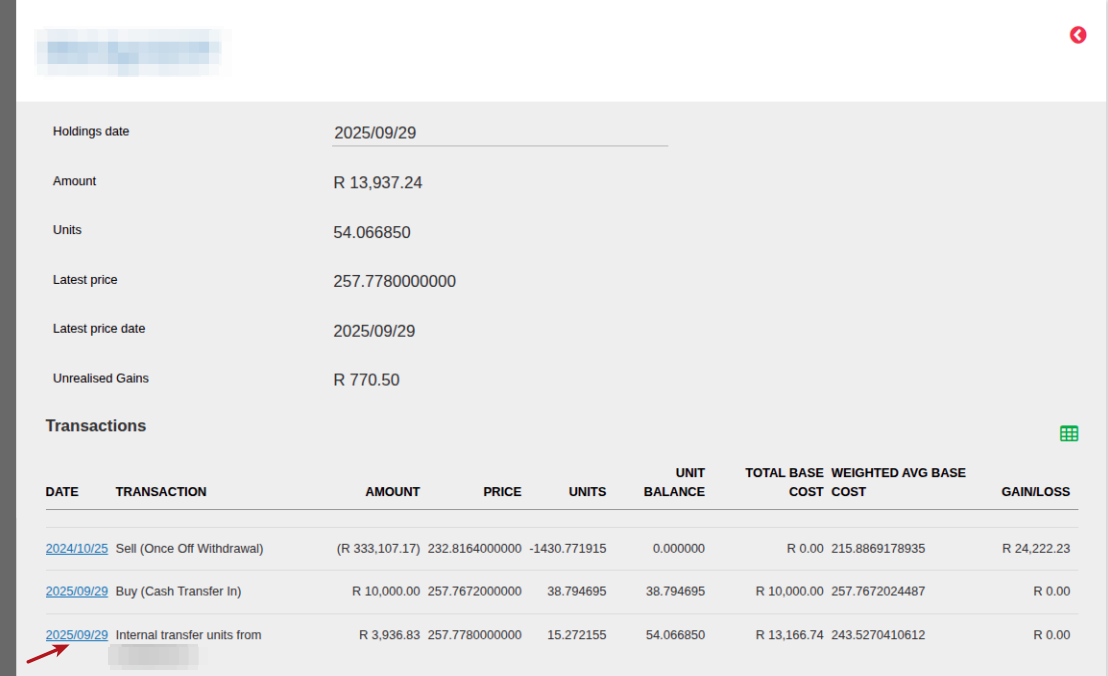
Update the Base Cost (1) as required and Save (2)

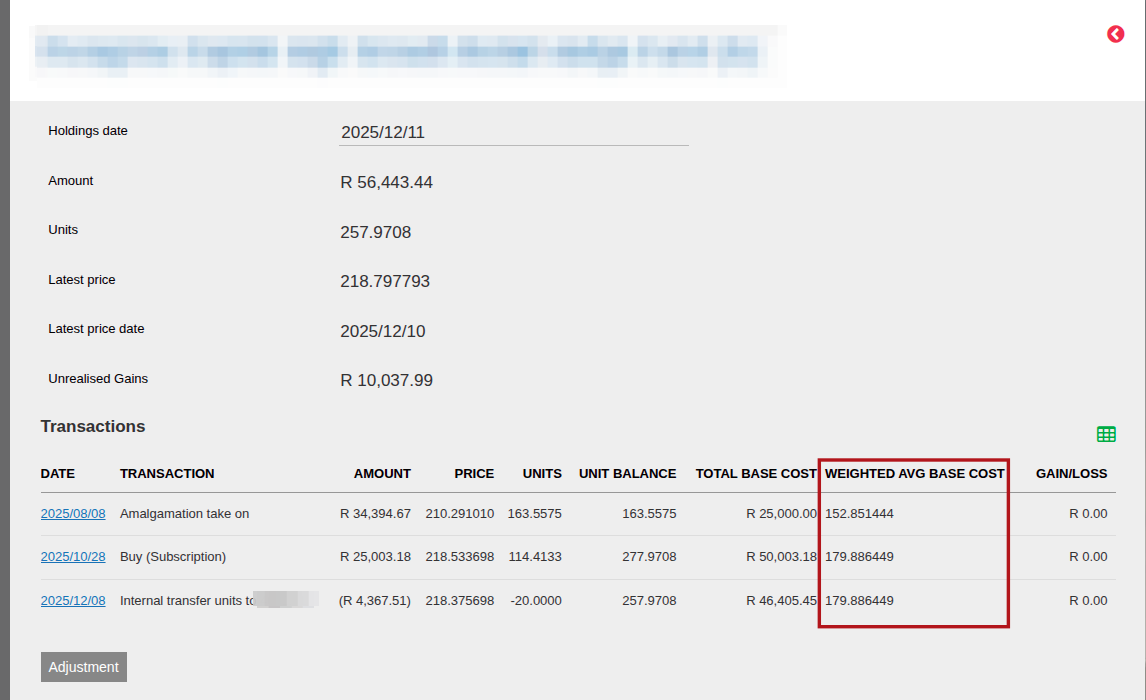
You can then check this is correct by going back to the Instrument Hyperlink to see the updated Weighted Average Base Cost:
Last Updated on 10 months ago by Debra Hart