
Annual Fees – take order
When doing an annual fee run, the system will try to take fees according to the ‘Take fees priority’ as set on the fee types.
Should there not be enough funds available to take, for instance, Adviser fees (if set as top priority), the system will move to the next fee and try to take that, etc..
Setting up Take fees priority

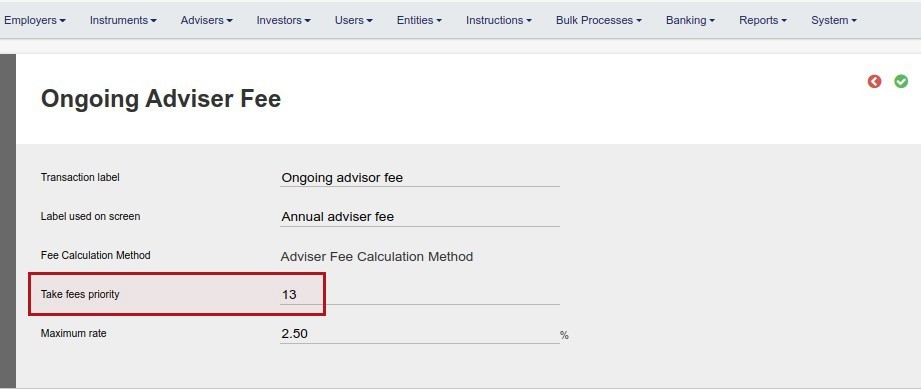
Priority can be set as a value from 0 to 100
Fee types with the highest ‘Take fees priority’ will receive priority. For example ‘Take fees priority’ 16 will have priority over ‘Take fees priority’ 15
All fee types setup as type ‘ongoing’ can be taken during an annual fee run.
Last Updated on 6 years ago by Antoinette Van Meyeren