
Automatic Escalation on Recurring instruction
Escalation on recurring investments and/or – withdrawals can be activated at a product level.
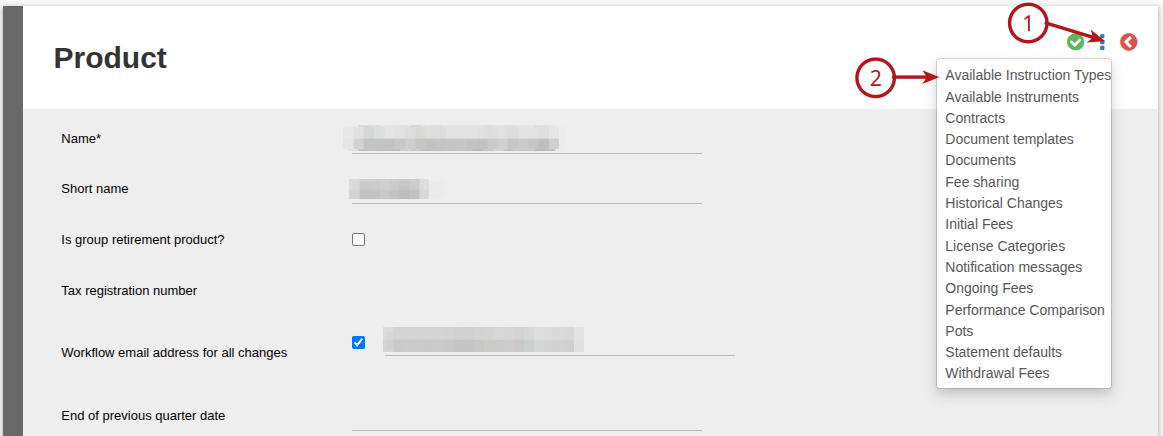
Go to the System main menu, then select Products, select the required product. In the Product select (1) more details, then (2) Available Instruction Types
On the Recurring Investment/Withdrawal, select the tick box Includes Escalation and save
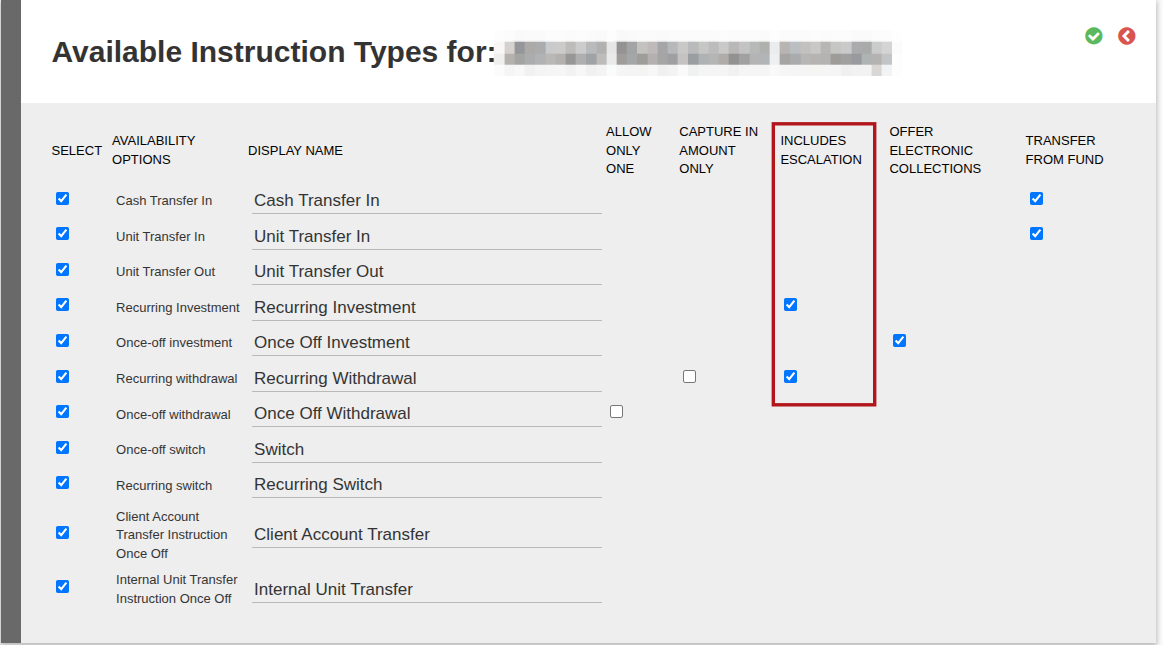
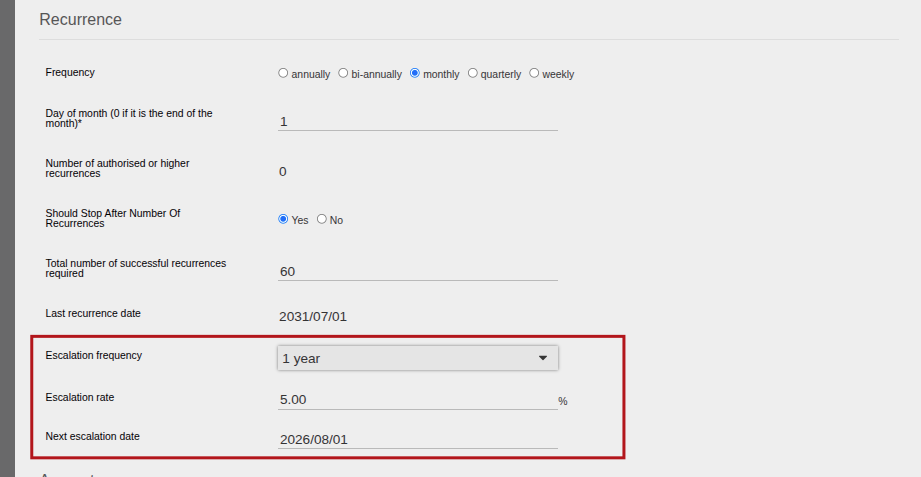
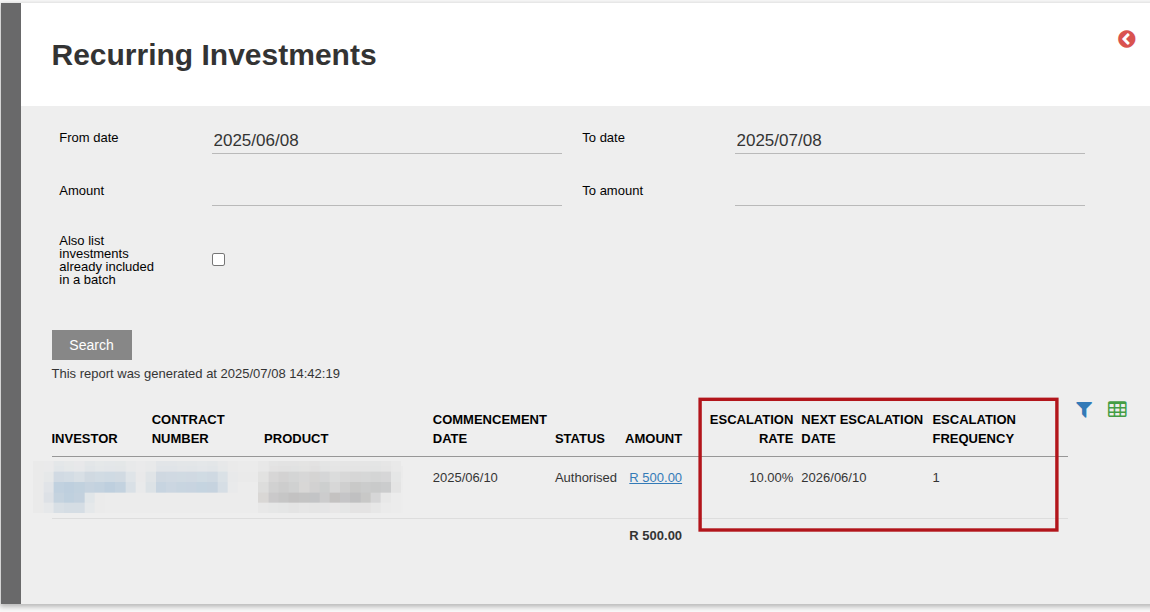
When ticked, the fields Escalation frequency, Escalation rate and Next escalation date will become available on recurring instructions on accounts in the product and can be completed.
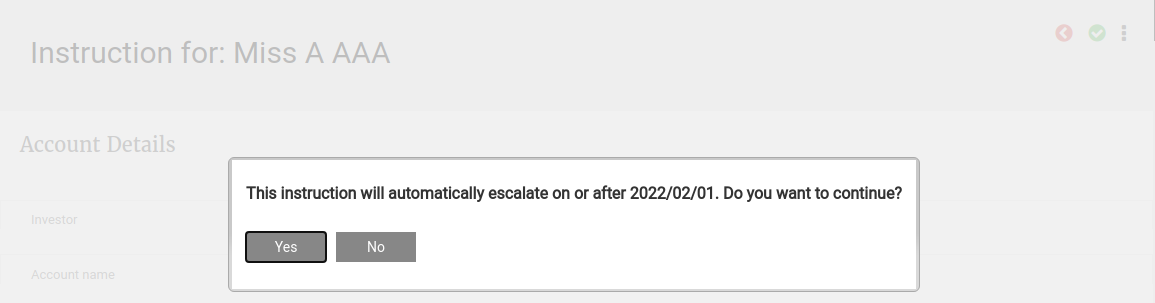
When a new recurring with a next escalation date is submitted the first time, a warning message will appear that the escalation will take place. The administrator can cancel the submission or continue.
The escalation fields can also be imported on recurring instructions with status new, no warning message will then be displayed.
Go to Instructions->Recurring Investments/Recurring Withdrawals to get an overview of Escalations set on recurring instruction
Last Updated on 3 months ago by Debra Hart