
Brokerage and Adviser Dashboard Changes
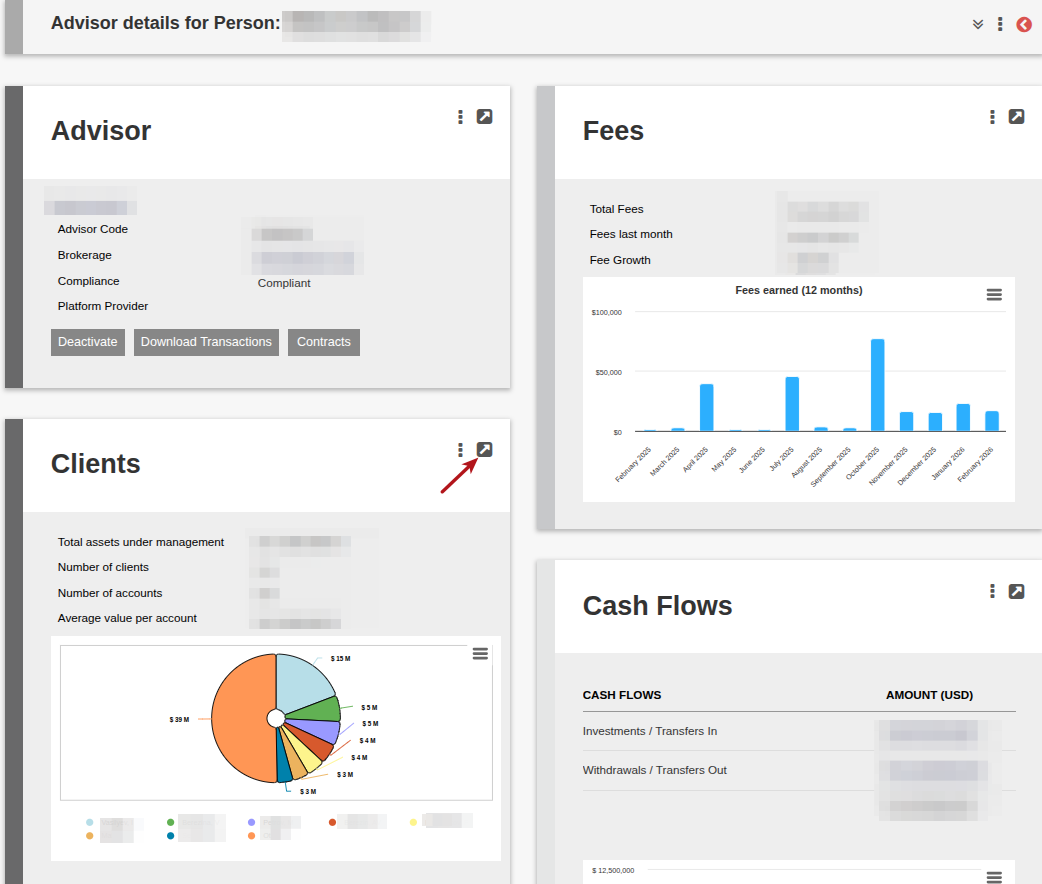
The Brokerage and Adviser dashboard has been streamlined. The existing cards have been moved, with functions now accessible via the “More Options” menu or hyperlinks.
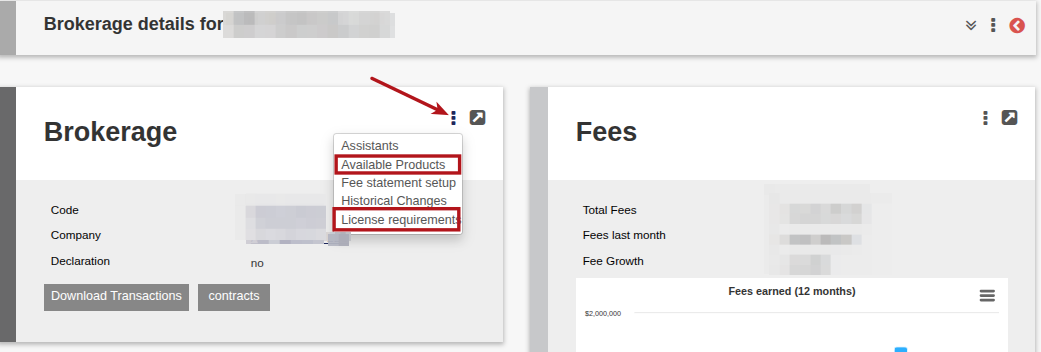
The following Cards have been moved to the “More Options” on the Brokerage/Adviser Card.
- Available Products
- License requirements
A user will require the appropriate Global Permissions to view and access these menu options. Please refer to the ‘Brokerage Card’ section on the Global Permissions screen to edit a user’s access in this regard.
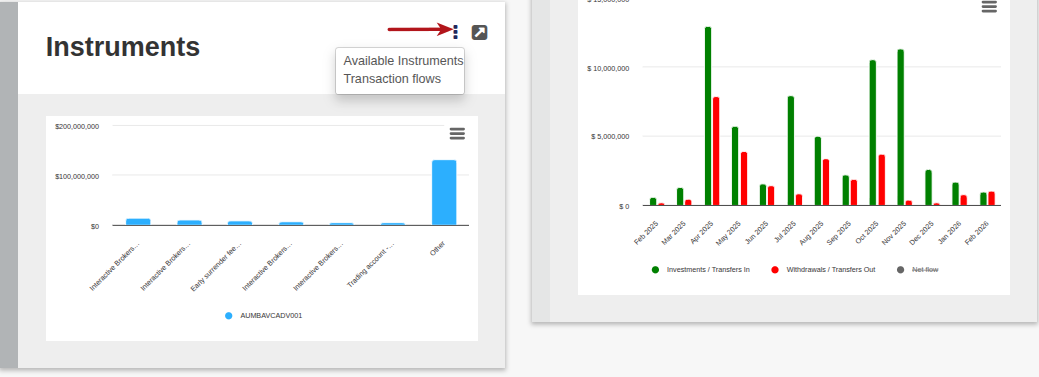
The Available Instruments and Transactions Flows information has been moved to the “More Options” on the Instrument Card
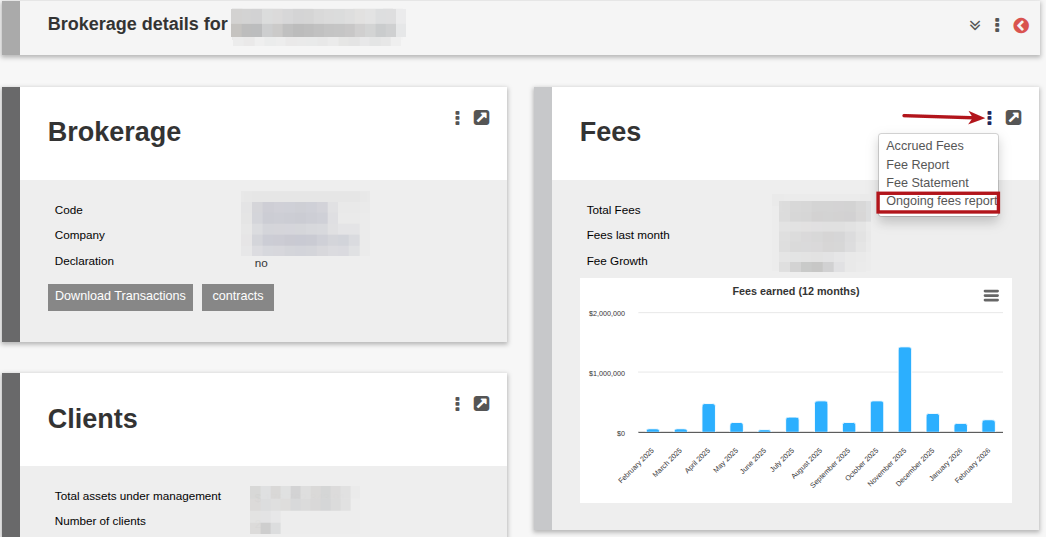
The Ongoing fees report has been moved to the “More Options” Fees Card
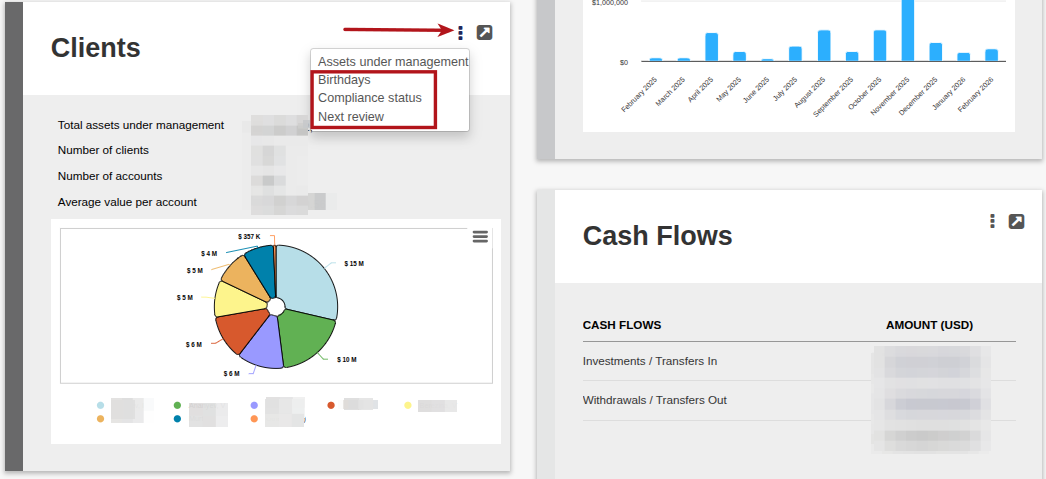
The following Cards have been moved to the “More Options” Clients Card on the Brokerage/Adviser
- Birthdays
- Compliance status
- Next review
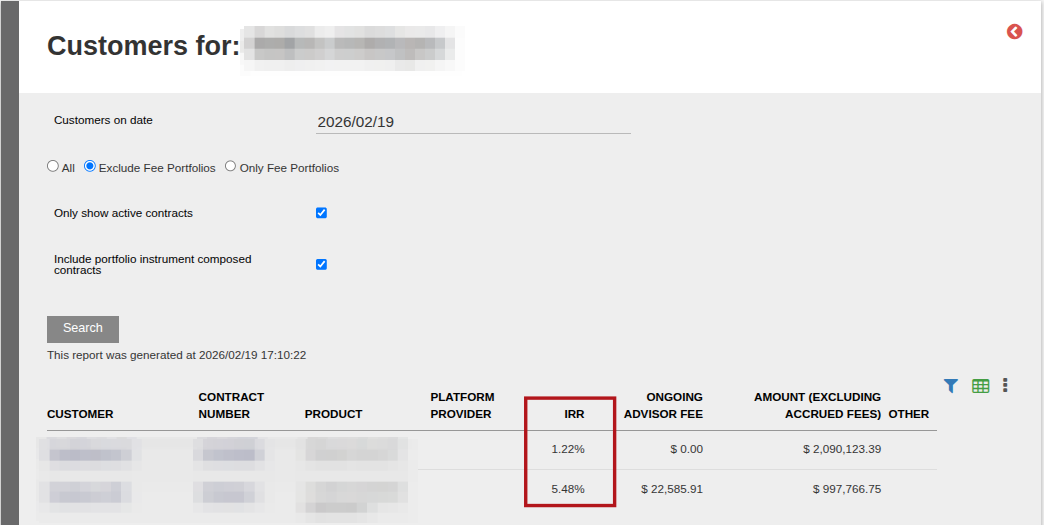
On an Adviser, when selecting View Details on the Client Card to access the Customer Report, the Accrued Fees column has been replaced with the IRR (Internal Rate of Return) of the customer. The Accrued Fees is available under “More Options” on the Fees Card
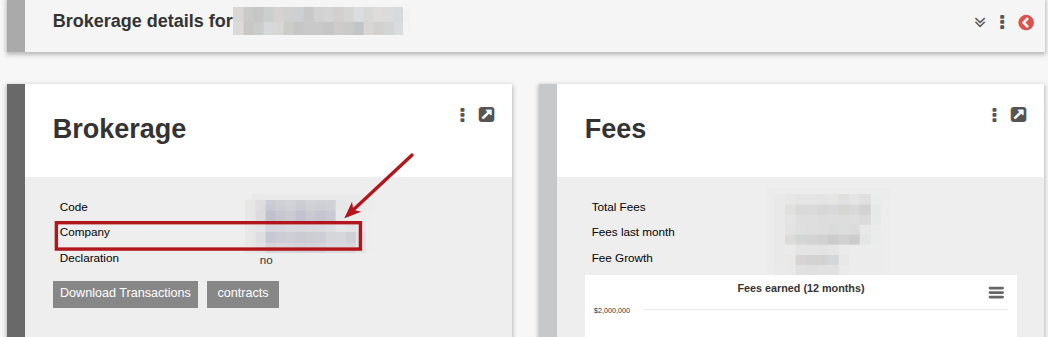
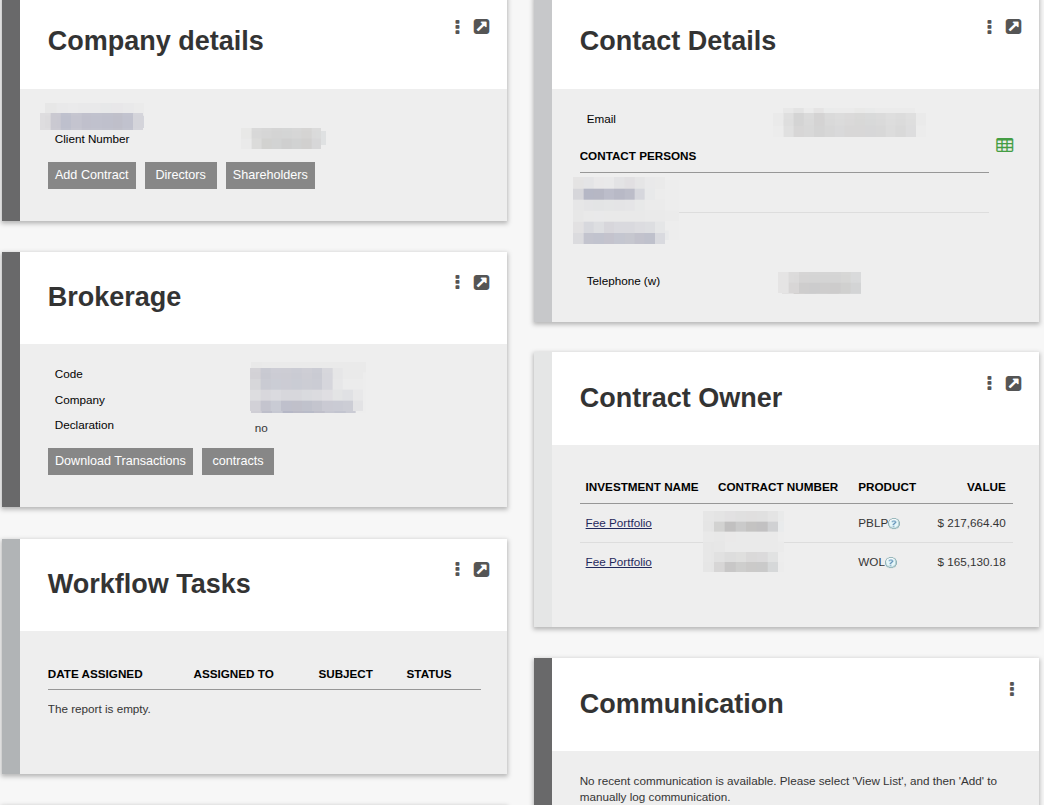
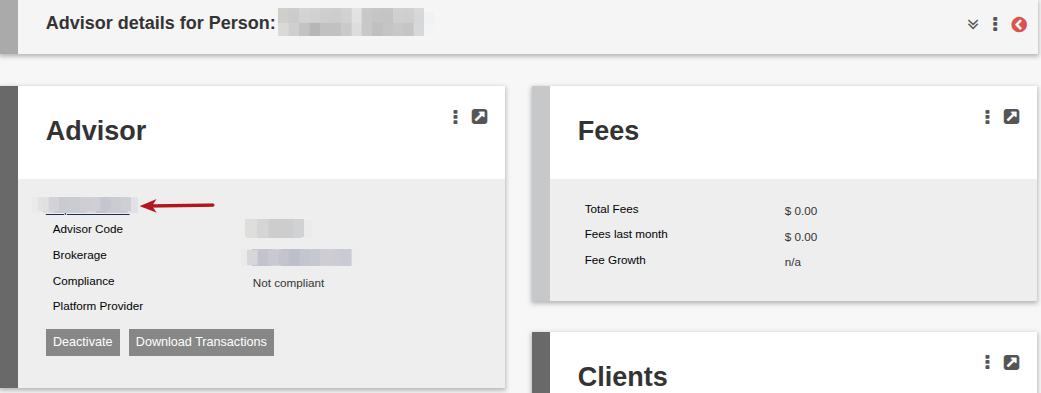
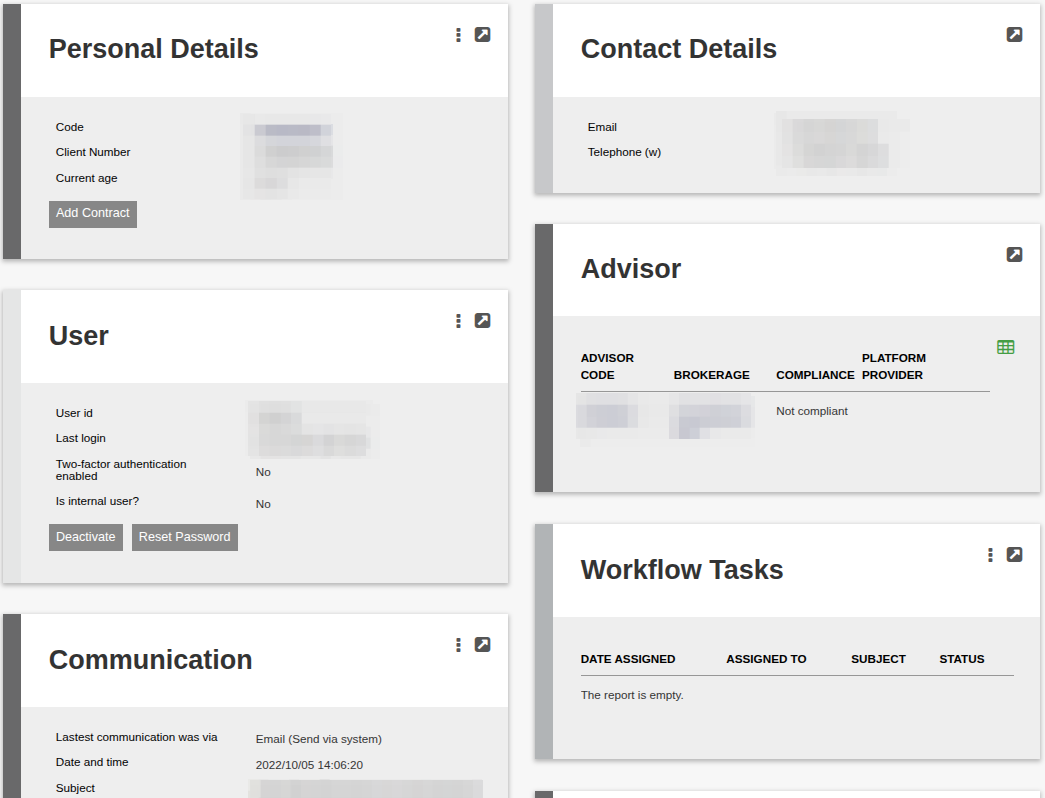
The ability has been added on the Brokerage/Adviser Card to navigate to the entity via a Company/Person hyperlink (and visa versa) where the following cards have moved :
- Company/Personal Details
- User (if a Person)
- Contact Details
- Brokerage/Adviser (with hyperlink available)
- Contract Owner (Brokerage)
- Workflow Tasks
- Communication
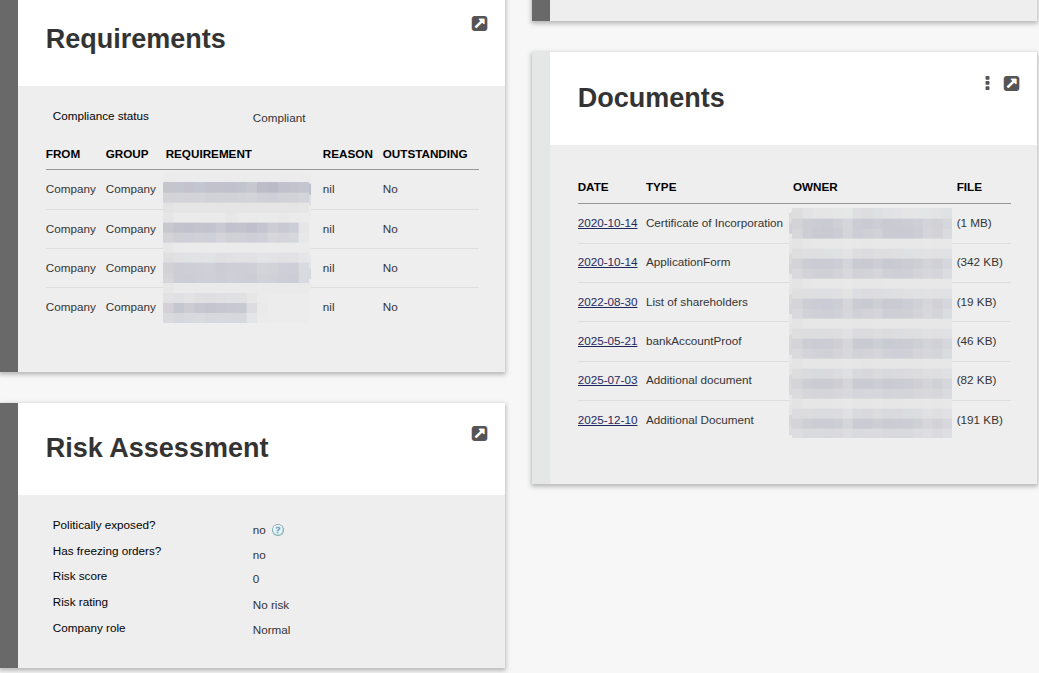
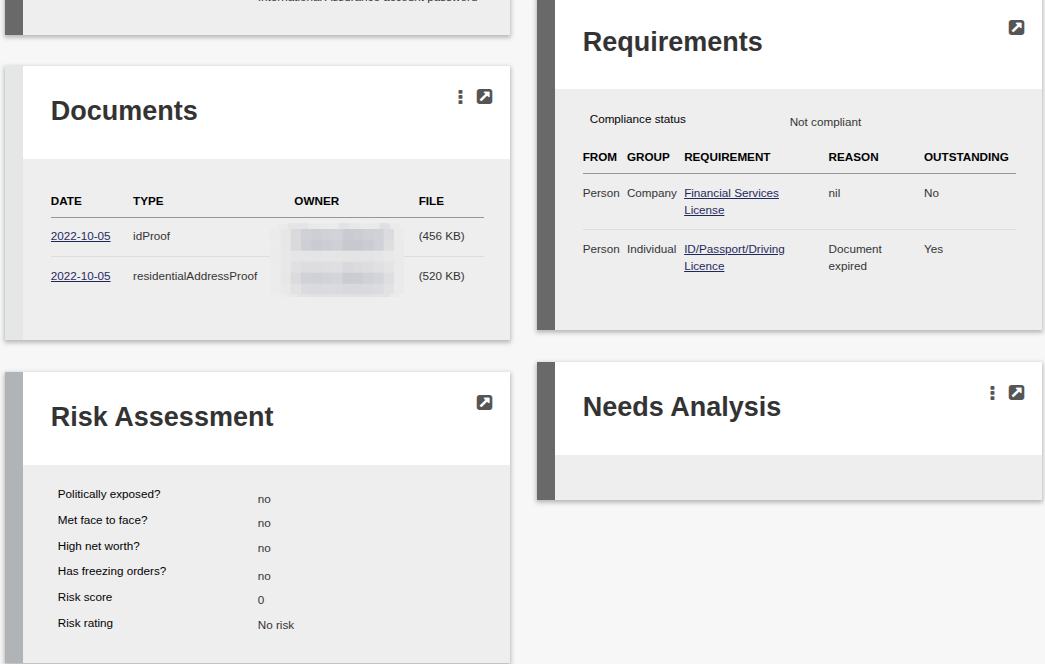
- Requirements
- Documents
- Risk Assessment
- Needs Analysis (Adviser)
Brokerage navigate to Company:
Available Company Cards
Adviser navigate to Person:
Available Person Cards:
Last Updated on 7 months ago by Hayley Jerram