
Bulk Recurring Investment Changes
An instrument into which recurring investments invest can be changed in bulk to another instrument.
Note: Recurring investment in status ‘Authorised’ will not be updated. It is therefore important to make the change prior to creating the debit order collection file or authorising the recurring investments to which the change in instrument should apply.
Go to the instrument that must be removed from all client’s recurring investments


Select the new instrument from the drop-down list
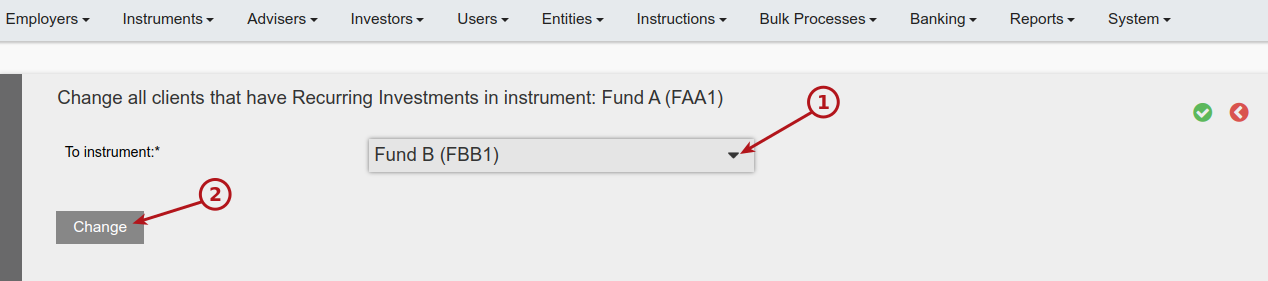
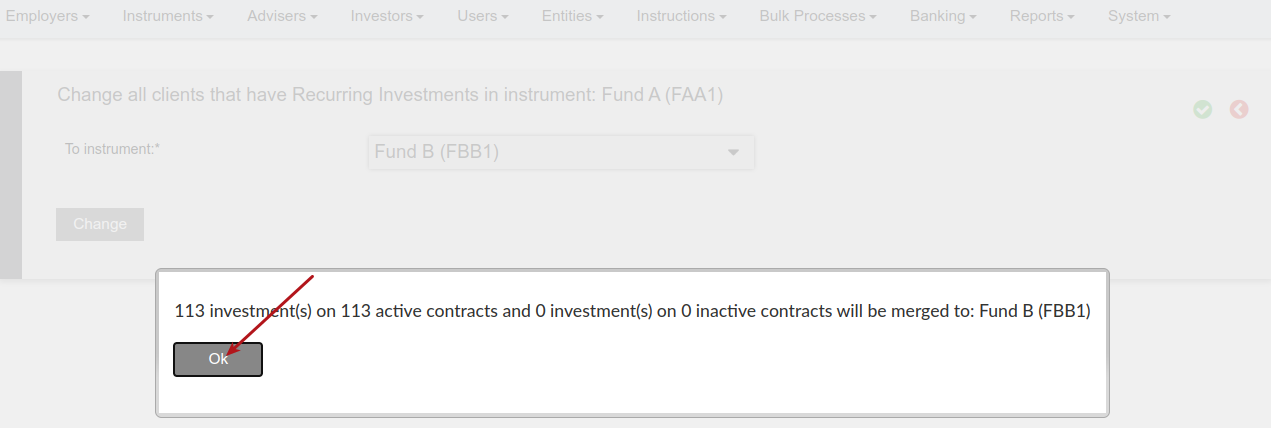
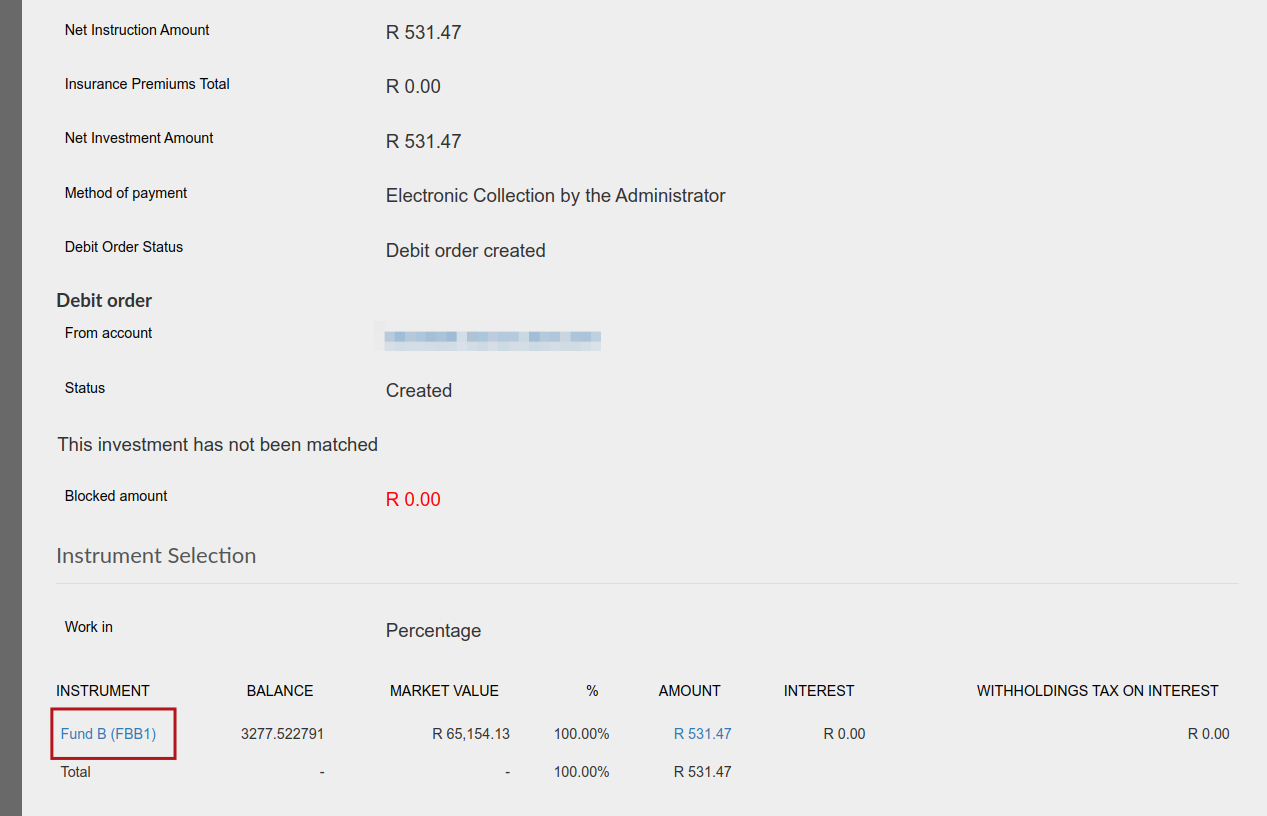
All recurring investments that were scheduled to be invested in Fund A, will now invest in Fund B
Another change that happens automatically if the instrument you are changing to is a Restricted Instrument i.e Retail Type = Limited Access, is that the Restricted instrument is added to the Available Instrument lists of the same Employers, Advisers and Brokers that had the “from” Instrument in their available instrument lists.
If the instrument you are changing to is not a Restricted Instrument, no updates will be made to available instrument lists.
Last Updated on 2 years ago by Antoinette Van Meyeren