
Change an Entity to a Person or a Company
You can change an entity from a Person to a Company or a Company to a Person.
This functionality is only available to users with the Global Permission: Change to Person under the Company Card and Change to Company under the Person card.
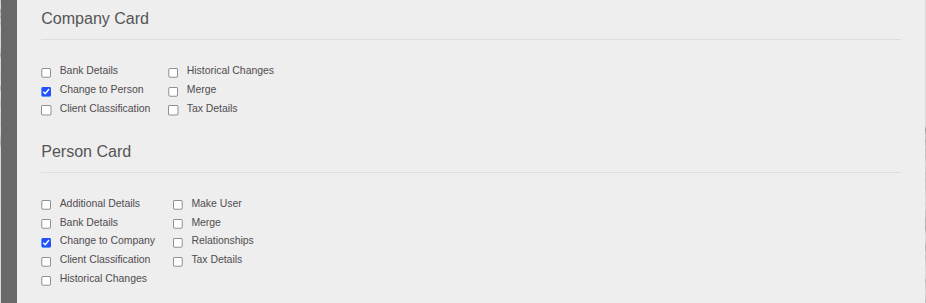
Please note that all existing relationships currently linked to the entity will be destroyed when this change is made, example: Directors/Shareholders/Mother/Father/Beneficiary will be removed.
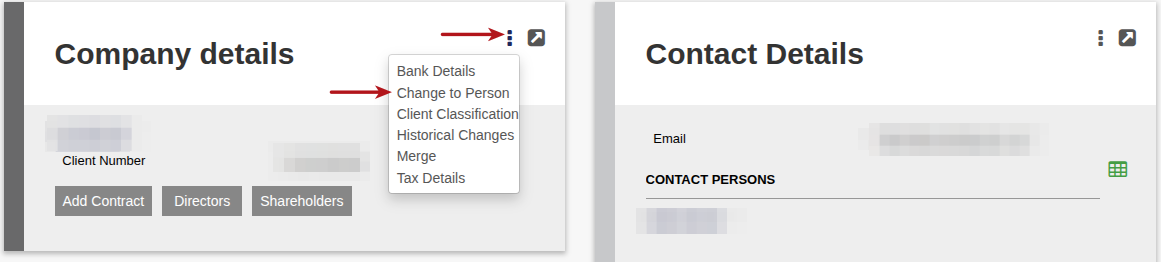
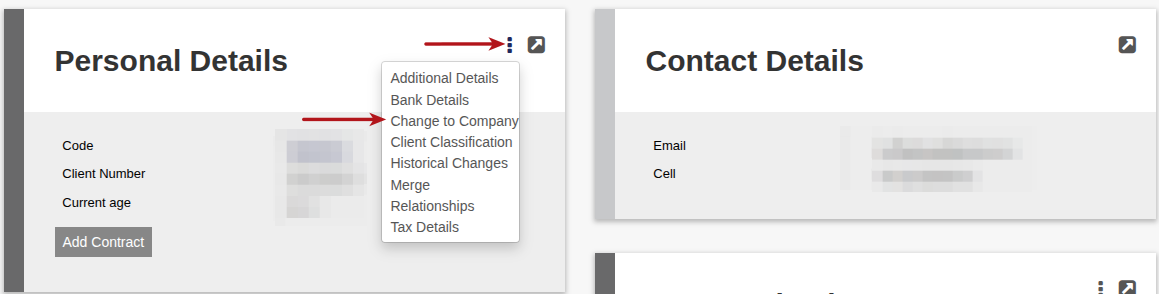
To make this change, go the Entity (Person/Company) that requires the change.
On the Person/Company Card, select More Options then select Change to Person/Company.
A warning message to advise that the Historical changes will be lost, select YES/NO to continue with the change

Last Updated on 4 months ago by Debra Hart