
Compliance Requirements on a Person, Company or Investor account
Compliance Requirements will appear under the Compliance Requirements Card on persons, Companies or Investor Accounts depending on the Compliance Type/s that was selected during the setup of Compliance Requirement Types
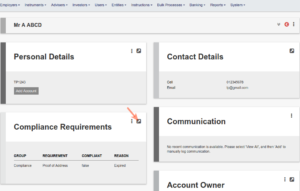
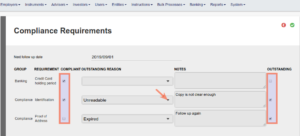
Compliance Requirements can be marked as Compliant and/or Outstanding and Outstanding reasons can be selected from the drop-down lists
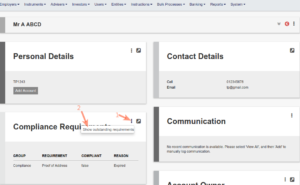
Non-compliant requirements will appear on the front of the Compliance Requirements Card, while Outstanding Requirements can be viewed under More Actions
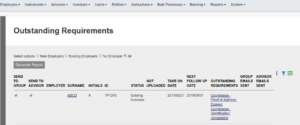
An Outstanding Requirements report can be generated under the Reports Main menu
NOTE: Users require the Global permission ‘Compliance Requirements’ to access the Compliance tick boxes for Compliance requirements on a Person, Company or Investor Account
Last Updated on 7 months ago by Tinus Burger