
Creating a Benchmark
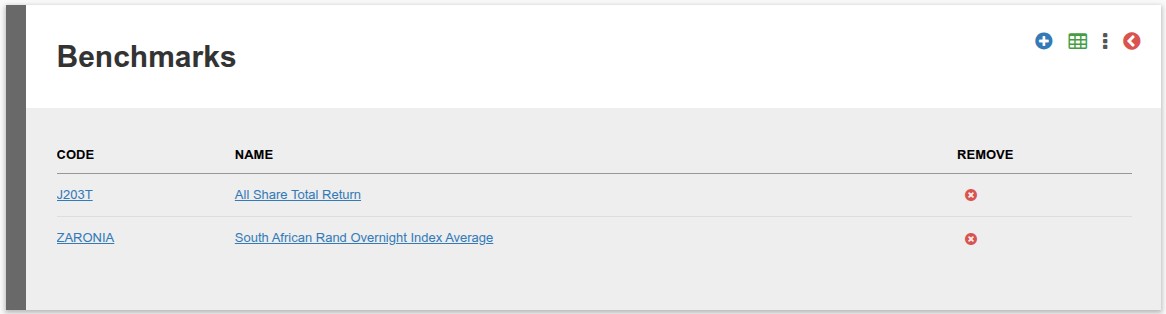
- Navigate to Instruments -> Benchmarks
- If a Benchmarks already exist a list will be shown
- To add a new Benchmark click on the Add Button
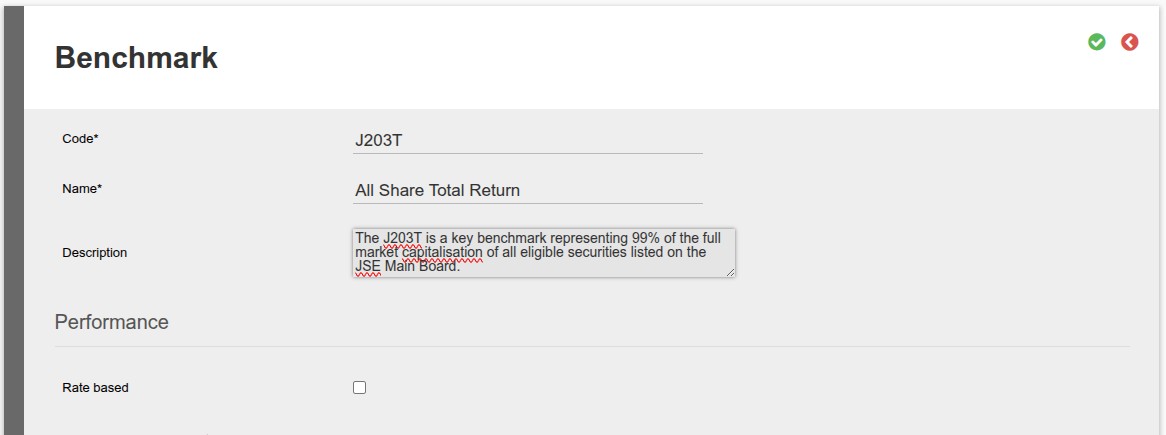
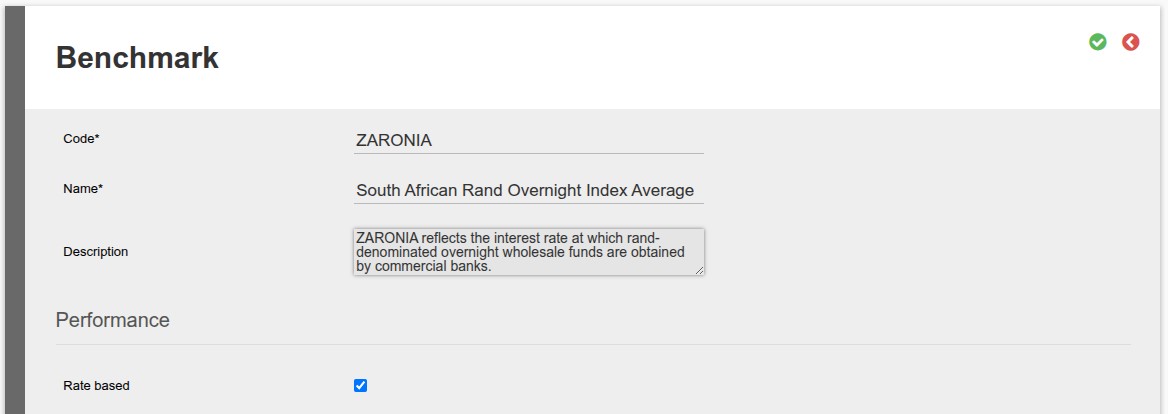
- Code* [E.g. CPI5] (The * indicate that this is a required filed. Also note if an import will be used to update the prices/percentages the Code will be used to identity the line in the import file)
- Name* [E.g. CPI +5%] (The * indicate that this is a required filed)
- Description [E.g. Consumer Price Index + 5%]
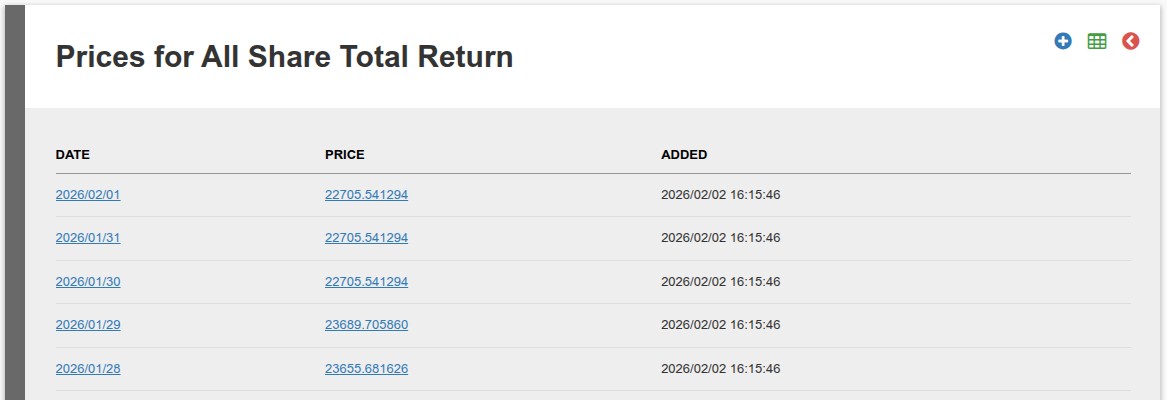
- Price Based Example
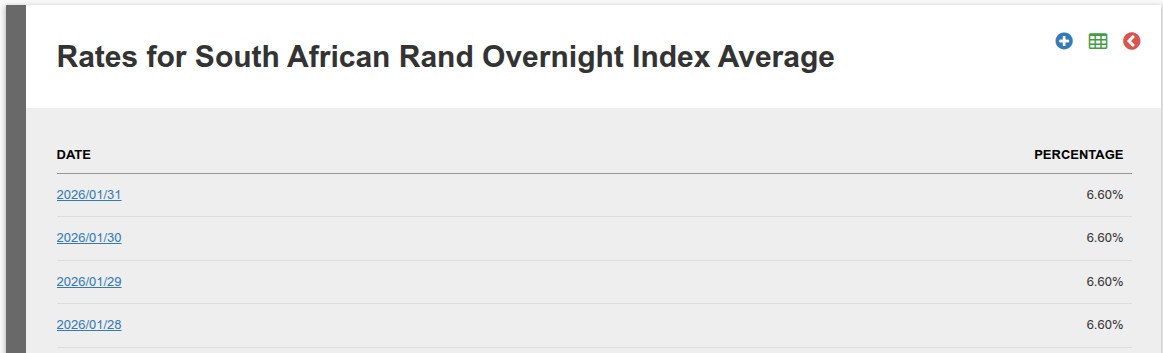
- Rate Based Example
Performance
- Rate based (Benchmarks can be either Price or Percentage base, if Percentage base set the Rate based option)
- The following options can be captured as reference purposes:
- Performance since inception
- Performance three year
- Performance five year
- Highest Annual Returns
- Performance ten year
- Lowest Annual Returns
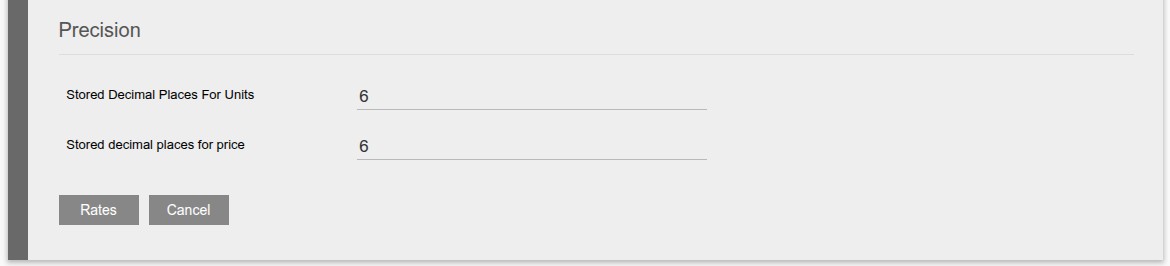
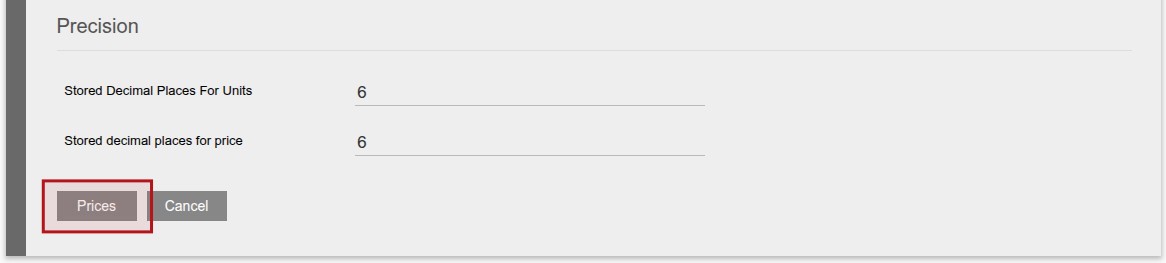
Precision
- Stored Decimal Places For Units Set the decimal places to be used for units
- Stored decimal places for price Set the decimal places to be used for price
- Rates – if Rate based was set
- Prices – if Rate based was NOT set
- Cancel
- To add a new prices/percentage click on the Blue add button
- To edit an existing prices/percentage click on the date link
Buttons
Adding and or updating prices/percentage
Last Updated on 9 months ago by Tinus Burger