
Custodian report for Bonds with an once off strike date
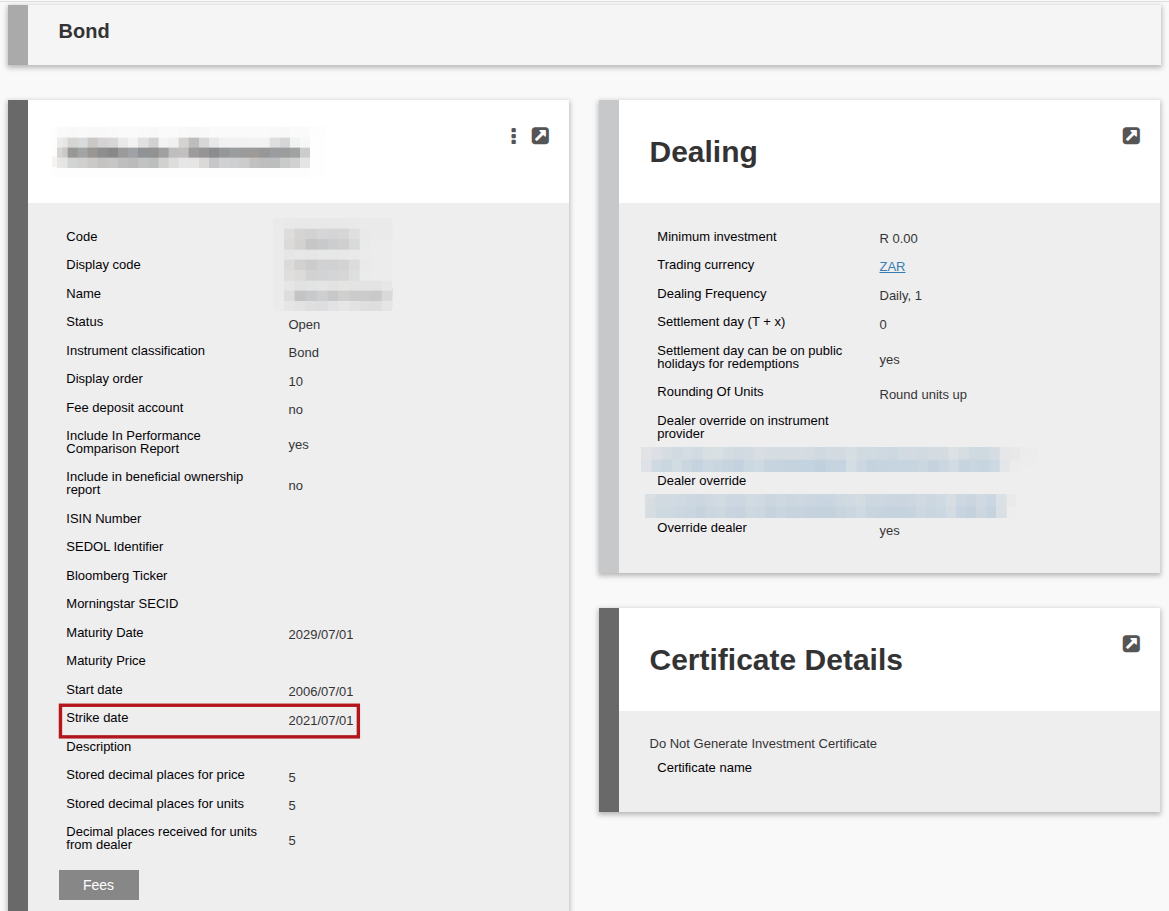
A Custodian Report can be generated for Bonds with a once off strike date if the strike date is capture on the Bond Instrument:
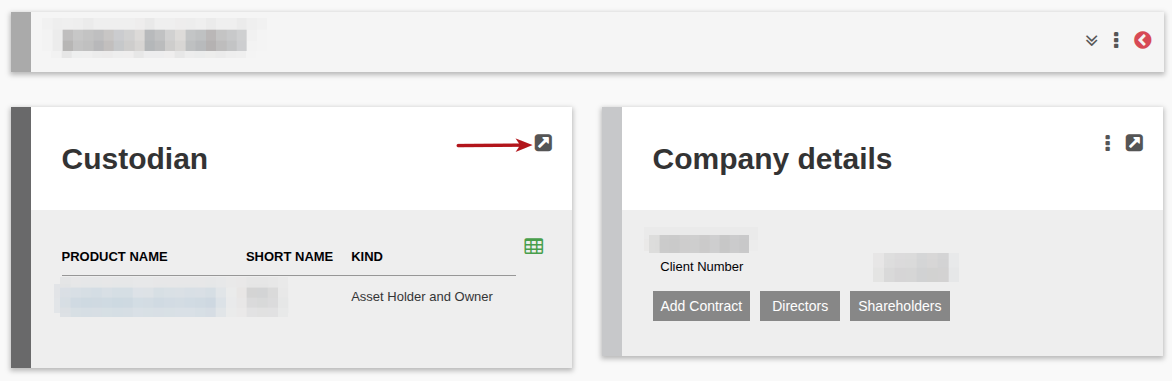
To generate the Custodian report navigate via System to Custodians and choose the Custodian you want to generate the report for. Once chosen View details
Go to More actions and choose Custodian report. Choose the To and From dates required for the report, enter on the Search button. Once Search is done, download report.
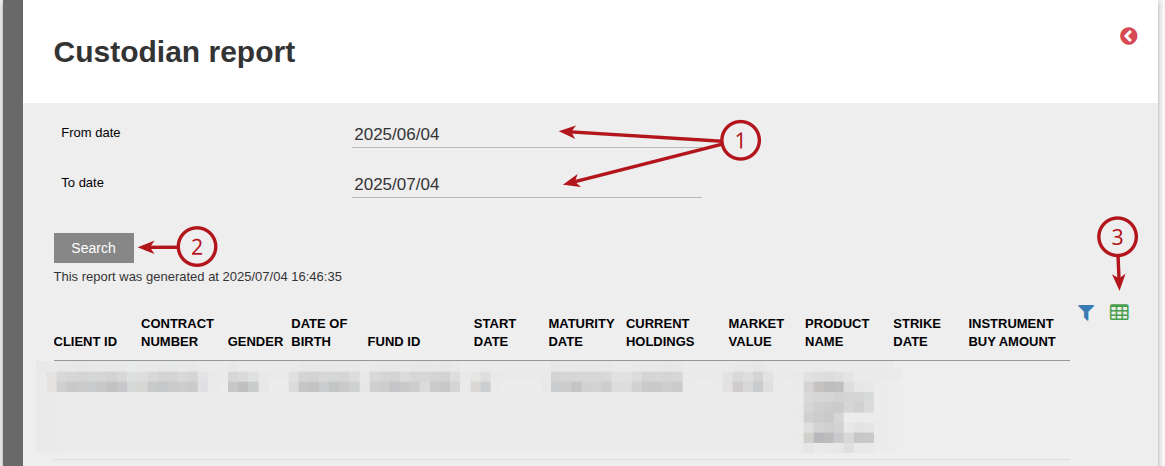
The Custodian report contains the following data: client ID, investor account number, gender, date of birth, fund ID, start date, maturity date, current holdings, market value, product name, strike date, instrument buy amount, early withdrawal date and amount and redemption date and amount.
Please note:
If no report is generated, it is due to one of two reasons: there are no bonds on the custodian’s products or there are no bonds with a strike date
Last Updated on 1 year ago by Debra Hart