
Editing Contract and Client Account Numbers/Investment Names
As an example with a contract with number 123456/001 with 2 client accounts with the following no:
- 123456/001-1
- SAVINGS-1
If we change the contract no 123456/001 to POL123456/001, the Client Account numbers will change as follows:
- 123456/001-1 will change to POL123456/001-1
- SAVINGS-1 will stay the saSme since it did not contain the old contract number
To edit the Contract Number/Investment Name, view the Contract Details Card
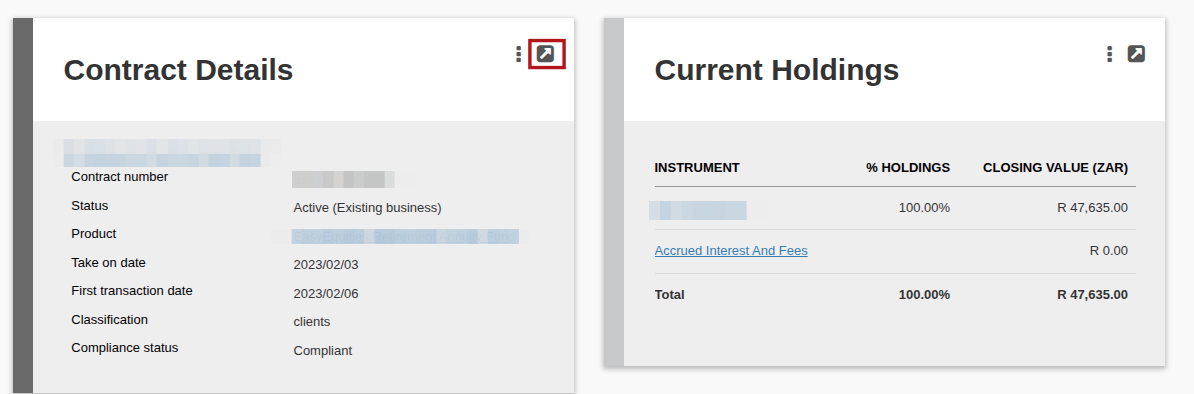
Update the (1) Contract Number/Investment Name, then (2) Save

To edit the Client Account Number/Account Name, select the hyperlink applicable to the Client Account number
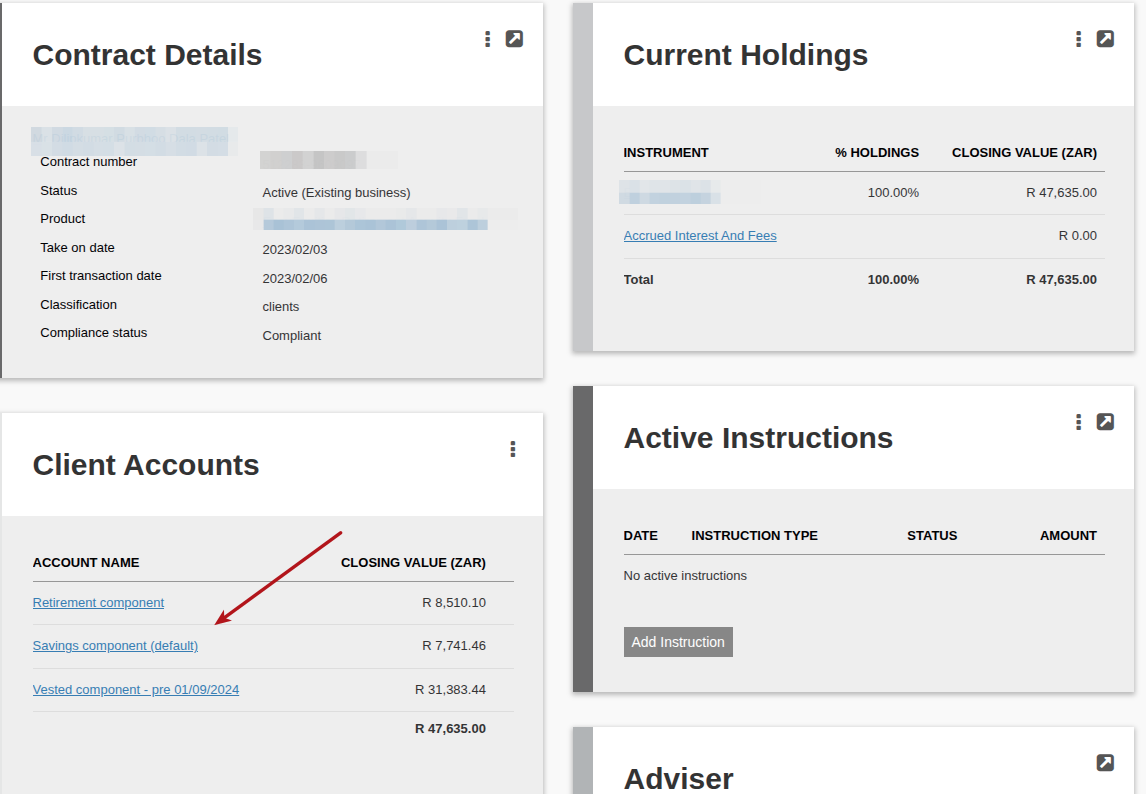
View the Account Details Card

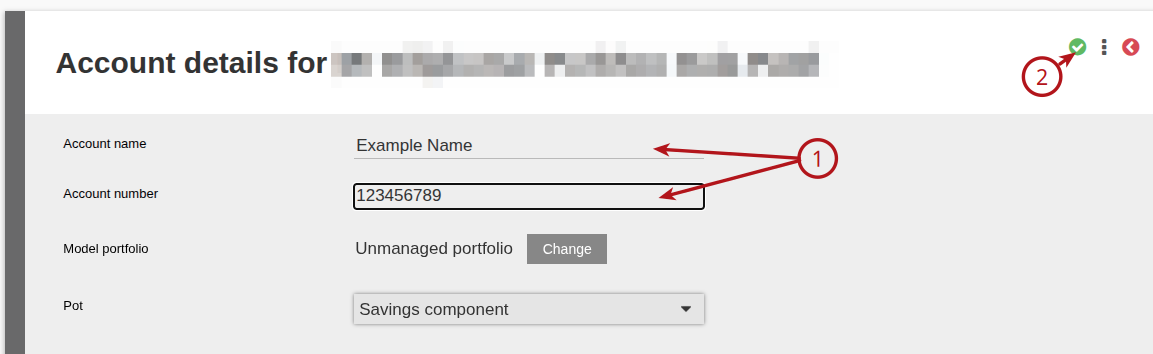
Update the (1) Account Number/Account Name, then (2) Save
Last Updated on 1 year ago by Debra Hart