
Email prioritisation
Emails can now receive a higher priority when sending as to ensure important emails like passwords go out before example statement emails.
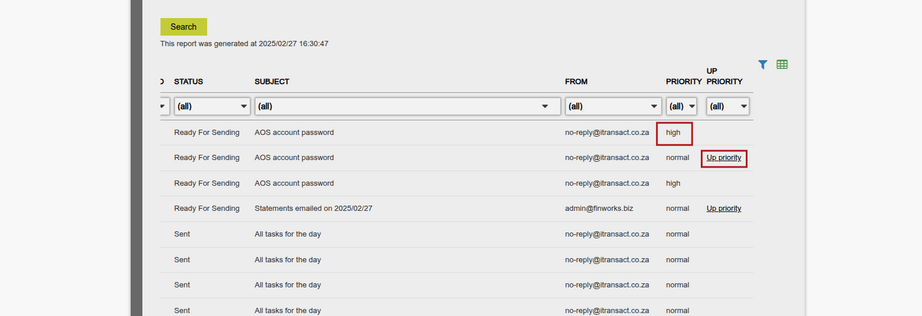
When navigating to “System” -> “Emails” the list of outgoing emails is displayed. You will now see the priority of the email and it can be filtered.
In order to change the priority all that is needed is for the hyperlink in the “Up Priority” column to be clicked.
The following are default High :
ResetPasswordAttemptEmailToAdministrator
UserRegistrationViaEmailAddress
UserRegistrationViaIdNumber