
Exchange cash with working portfolio instead of doing a money transfer
With small Cash transfers it can be more cost – and time effective to exchange the cash in the working portfolio and do a switch between bank accounts on the working portfolio for the accumulated small amounts, for instance, once a week.
Set the Minimum cash transfer threshold under System -> Configuration. The value must be >= 0.
The system will convert the minimum amount with the relevant exchange rates if the amount is in a different currency to determine if the threshold is met.
This threshold will also be applicable in the case of Netting off of money transfers

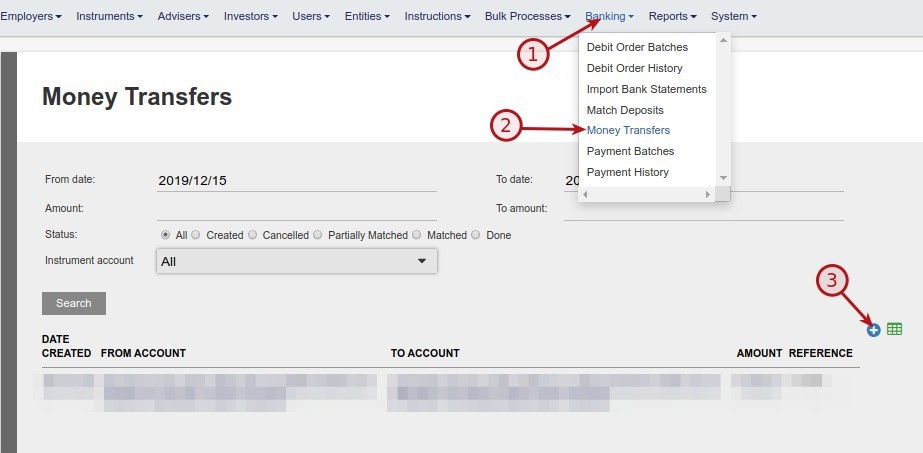
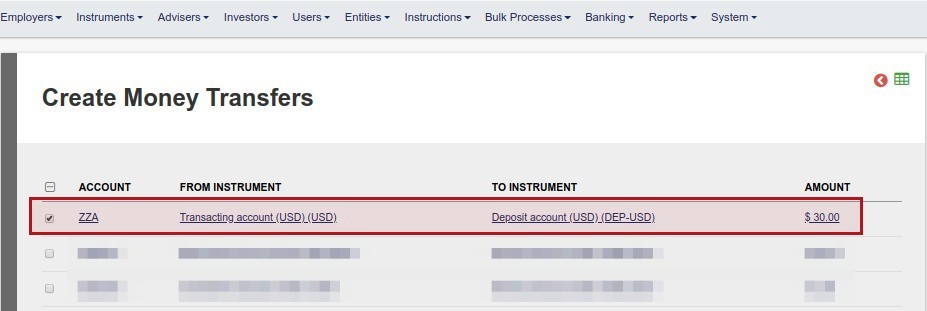

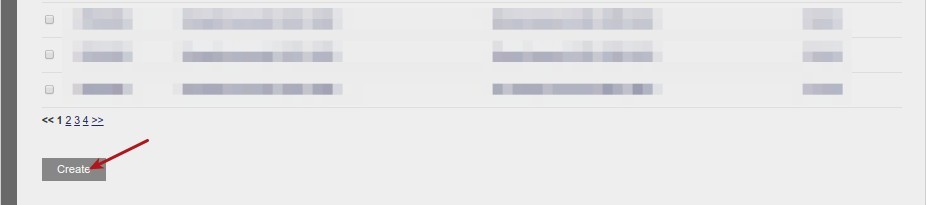
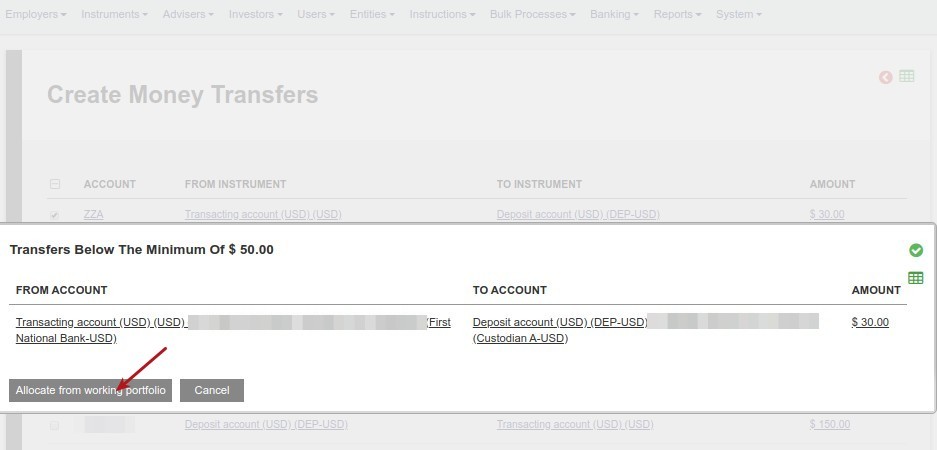
A warning will appear. Should you decide against a transfer with the working portfolio, select ‘Cancel’, lower the Minimum cash transfer threshold under System -> Configuration to below the amount to be transferred and create the transfer to be matched with bank entries.
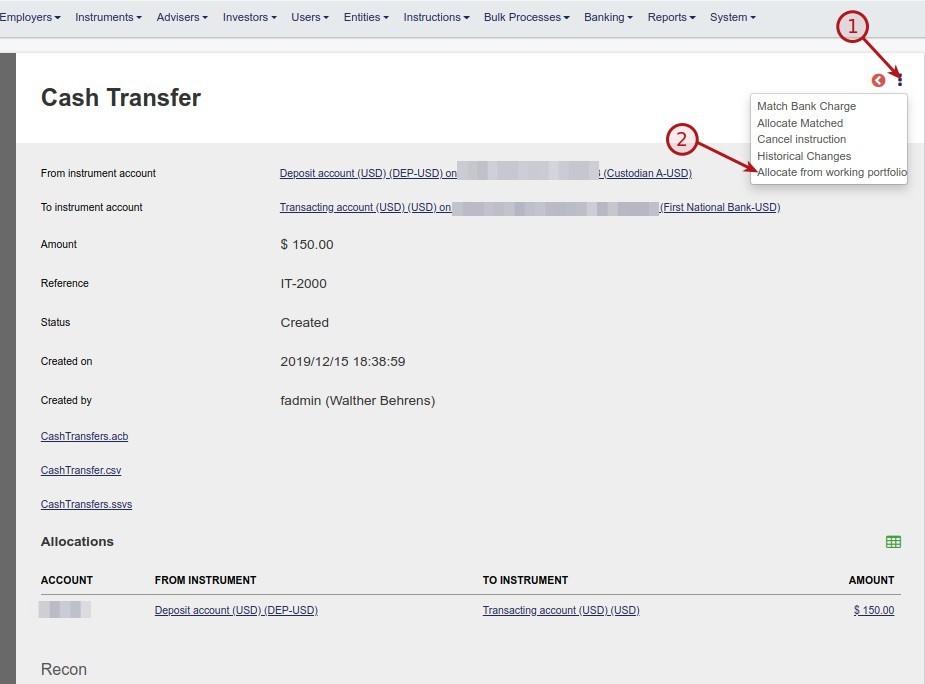
Otherwise select ‘Allocate from working portfolio’
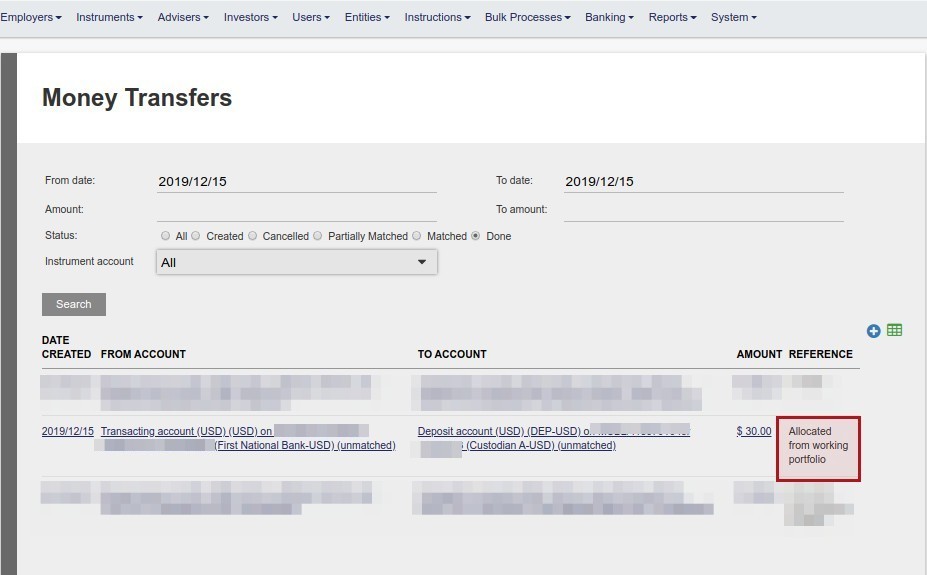
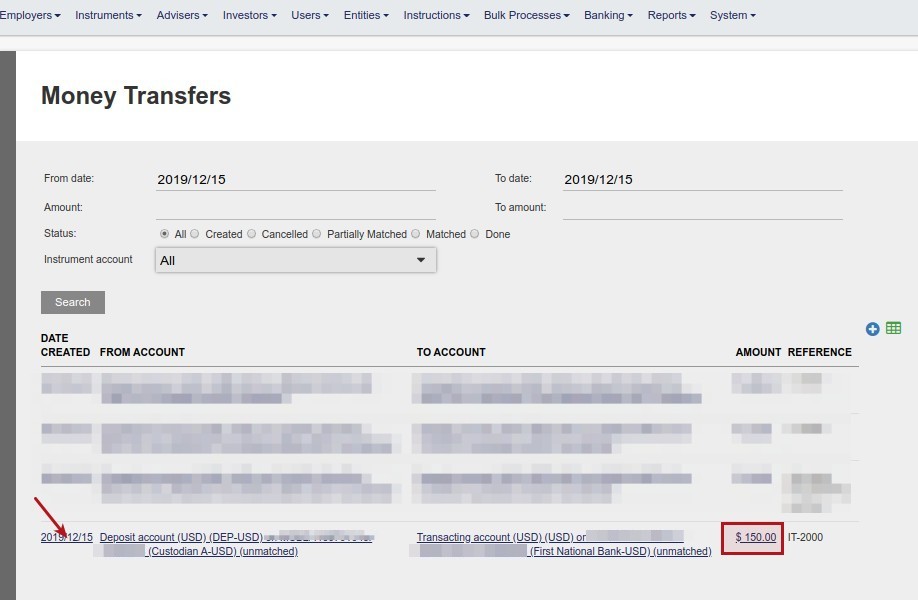
It is also possible to select ‘Allocate from working portfolio’ on a Money transfer that has been created and is above the threshold set on System-> Configuration
Last Updated on 7 years ago by Tinus Burger