
How to test what a user has access to
Got to your test site and the relevant user card of the user for whom you want to check access:
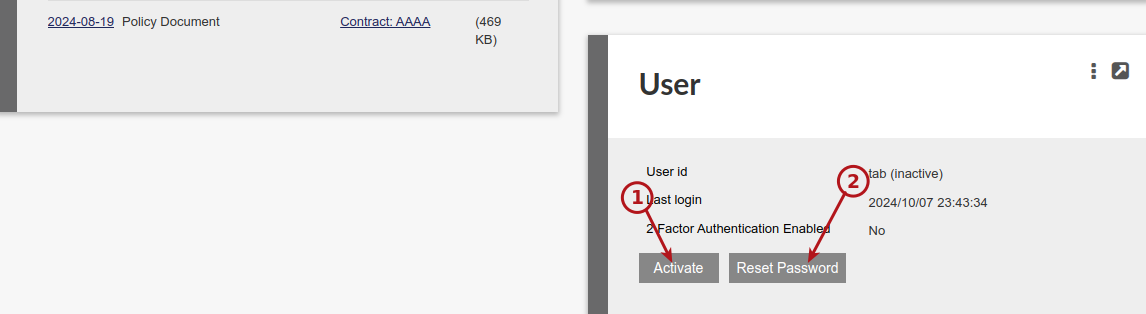
- Activate the user (if not already active)
- Reset the password for the user
On receiving the reset password email for the user, change the password.
Log out and login with the user’s Username and the password you set:
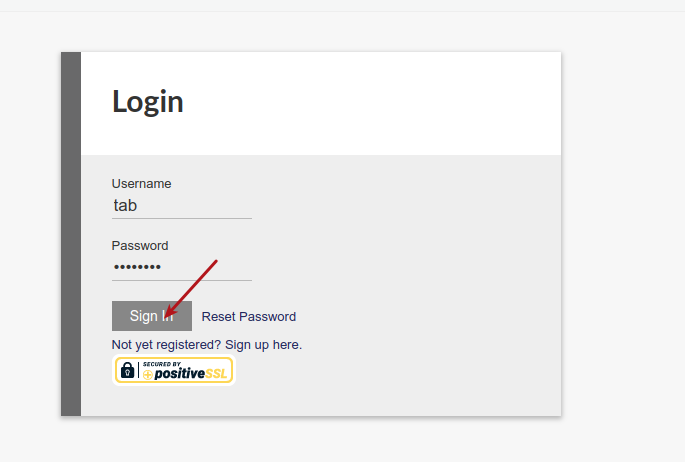
You will now be able to scrutinise what the user can see and do on the system.
Last Updated on 2 years ago by Antoinette Van Meyeren