
Increment Account/Portfolio numbers
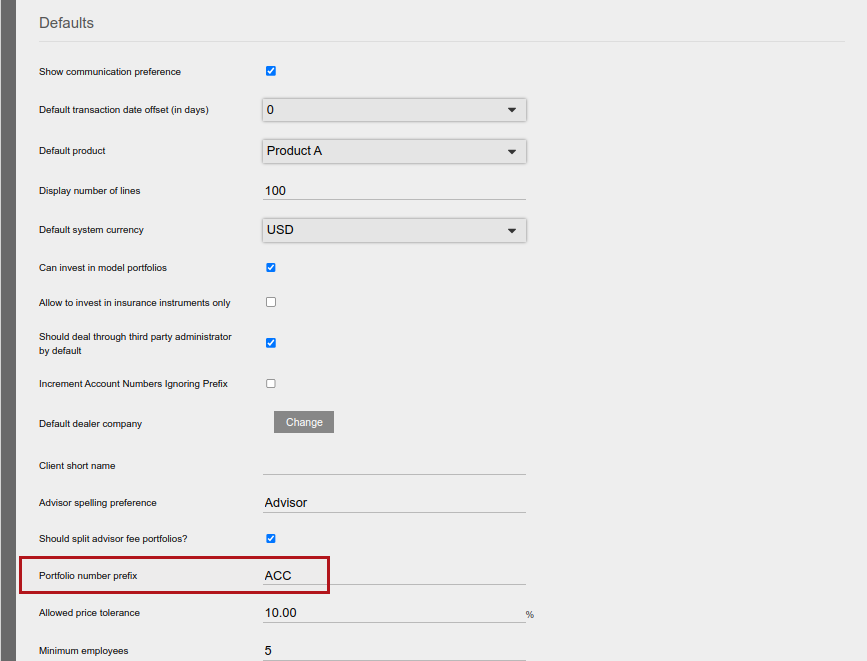
An account number is automatically generated by the system when a new account is created. The account number generated will be the last account number with the Portfolio number prefix as set under System->Configuration plus 1.
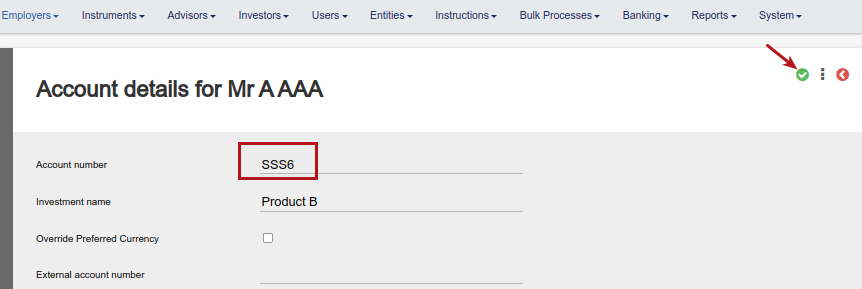
Account numbers can be manually changed on the account

Change Account number ACC6 to SSS6
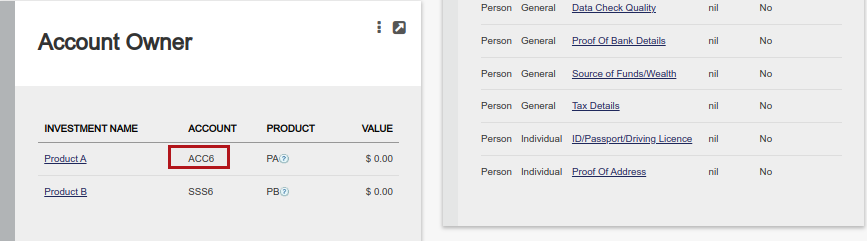
Creating a new account will result in the automatic account number being ACC6
Alternative incrementing
Under System->Configuration the option Increment Account Numbers Ignoring Prefix can be activated. If activated, account numbers will be incremented to the next number without considering the Portfolio number prefix.
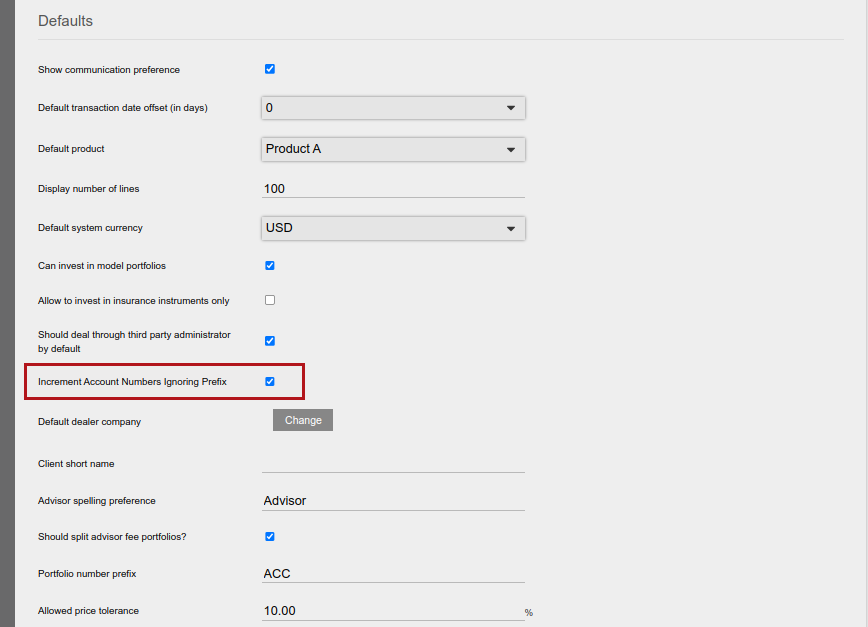
Changing the last account number from ACC6 to SSS6, will now result in the next automatic account number created being ACC7
Last Updated on 4 years ago by Antoinette Van Meyeren