
Industry type and Occupation industry
Industry Type fields are used for risk assessment, individual occupations industry, companies Main activity and the online application process.
Companies will use Industry and Individuals will use Occupation Industry.
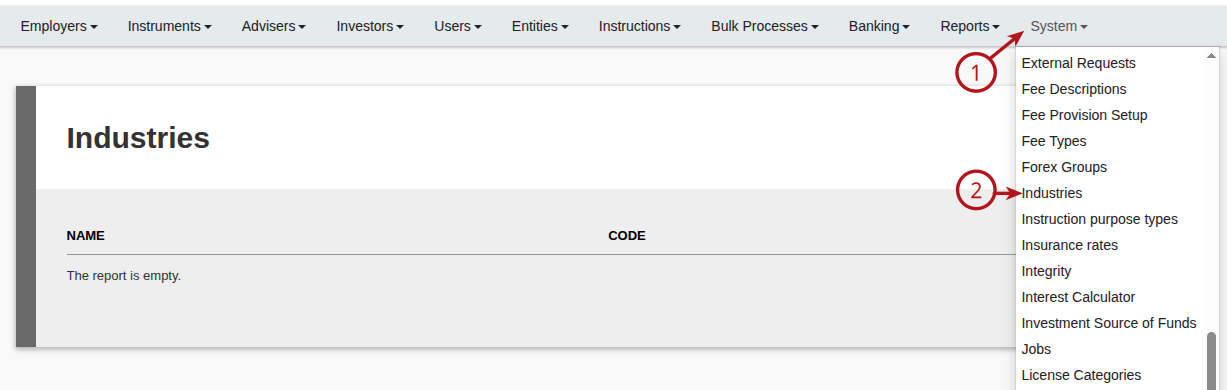
To load an Industry/Occupation Type go to (1) System main menu, (2) Industries
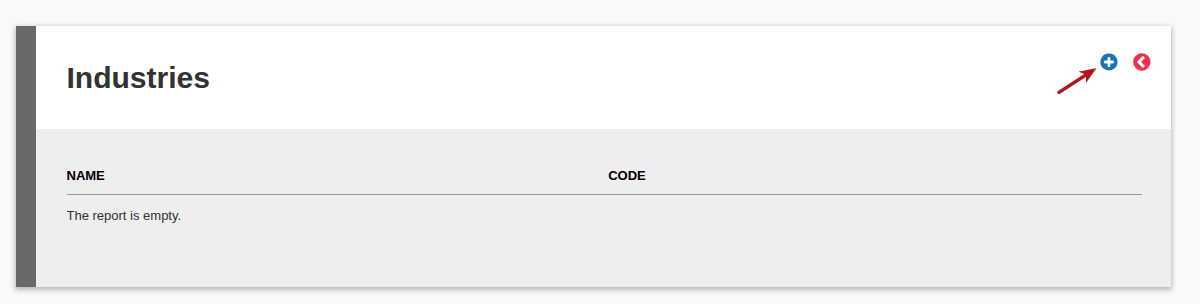
Select Add
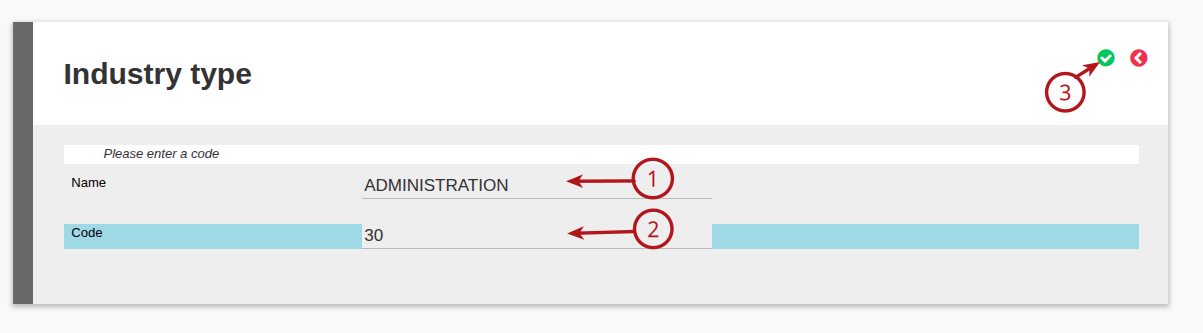
Capture the (1) Industry Name and (2) Industry Code, then (3) Save
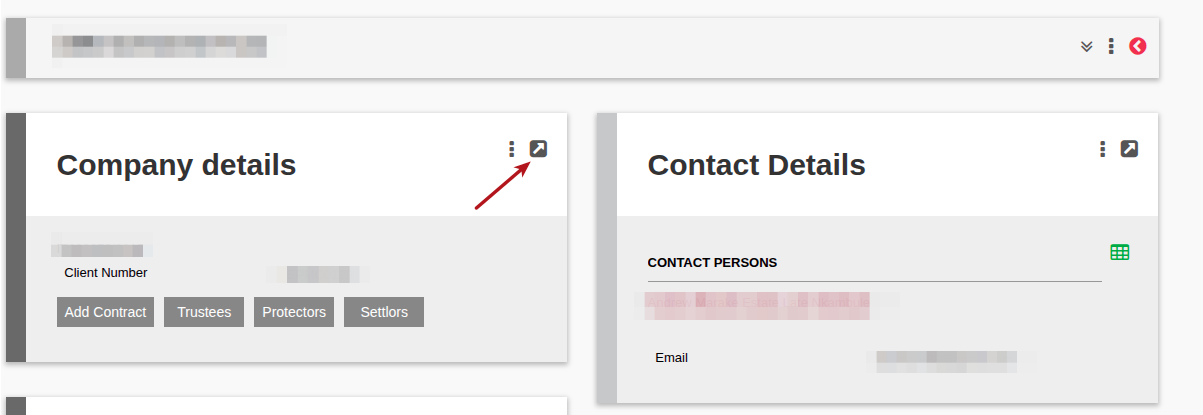
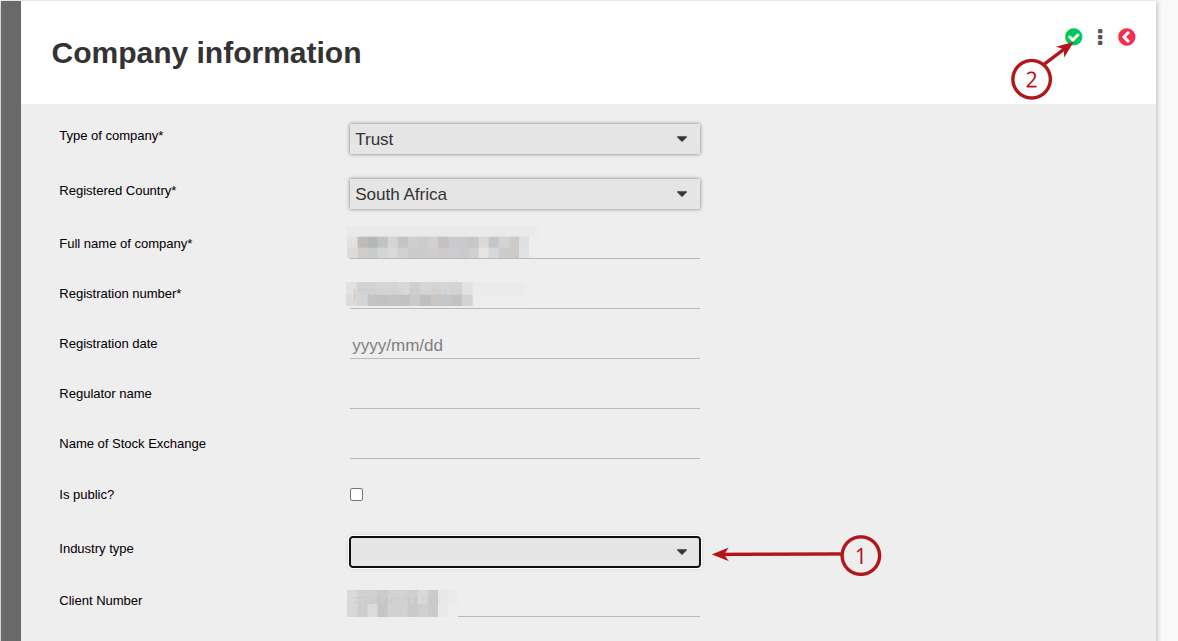
To update the Industry Type on a Company, go to the Company Details and view details card
Select the required Industry from the (1) Industry Type drop down and (2) save
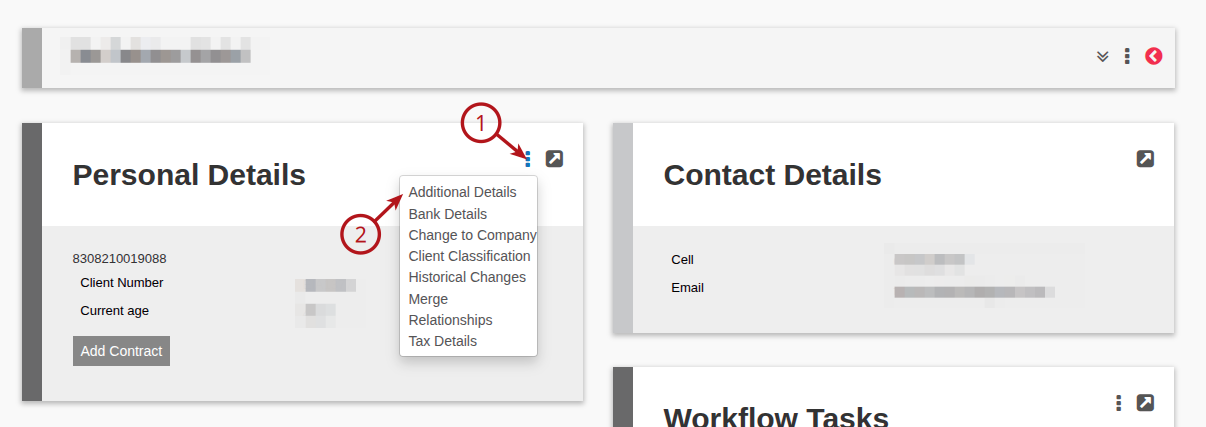
To update the Occupation Industry Type on an Individual, go to the Personal Details Card, (1) View details and (2) Additional Details
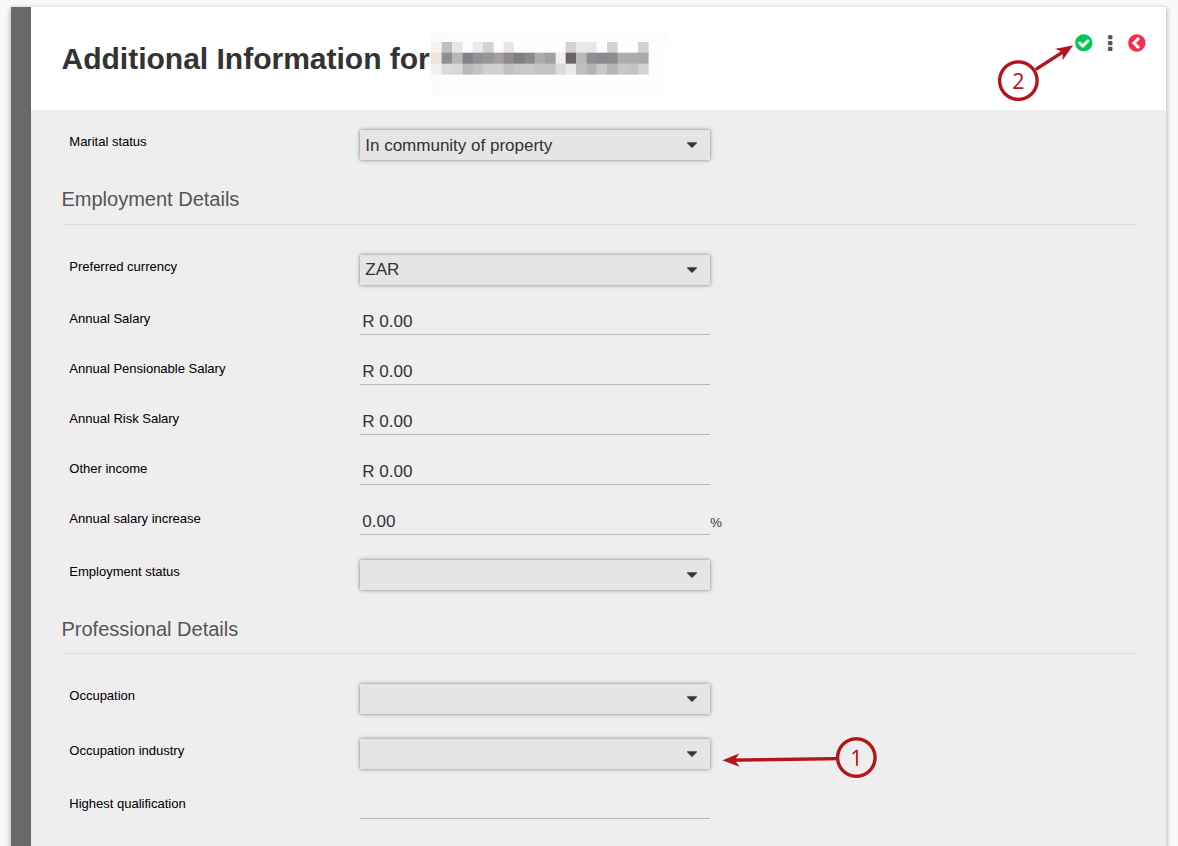
Select the required Occupation Industry from the (1) Occupation Industry Type drop down and (2) save
Last Updated on 1 year ago by Debra Hart