
Link an Assistant to a Financial Adviser
The Financial Adviser has the option to elect Quotes/Online Applications be submitted to an Assistant instead of directly to the Financial Adviser.
To a create a new Assistant, see link
An Assistant first needs to be linked to the Brokerage before they are added as an Assistant to the Financial Adviser
To link the Assistant to the Brokerage, go to the Brokerage, More Details and Select Assistants

Select Add

Enter the Assistant details and search
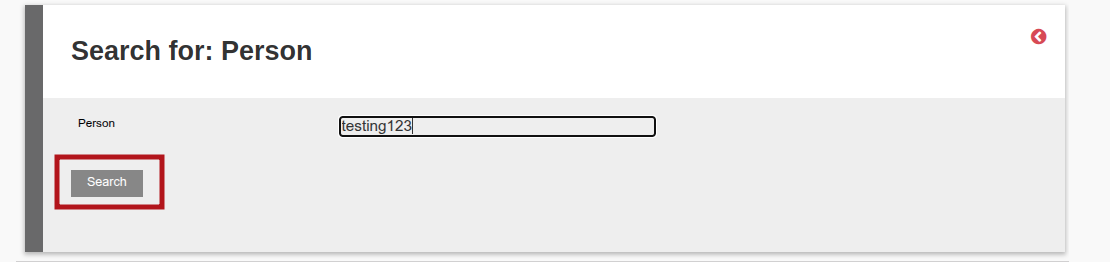
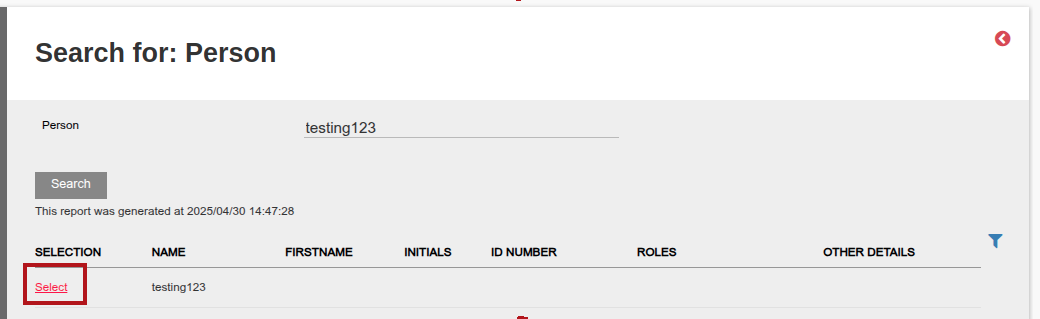
Select the Assistant once traced.
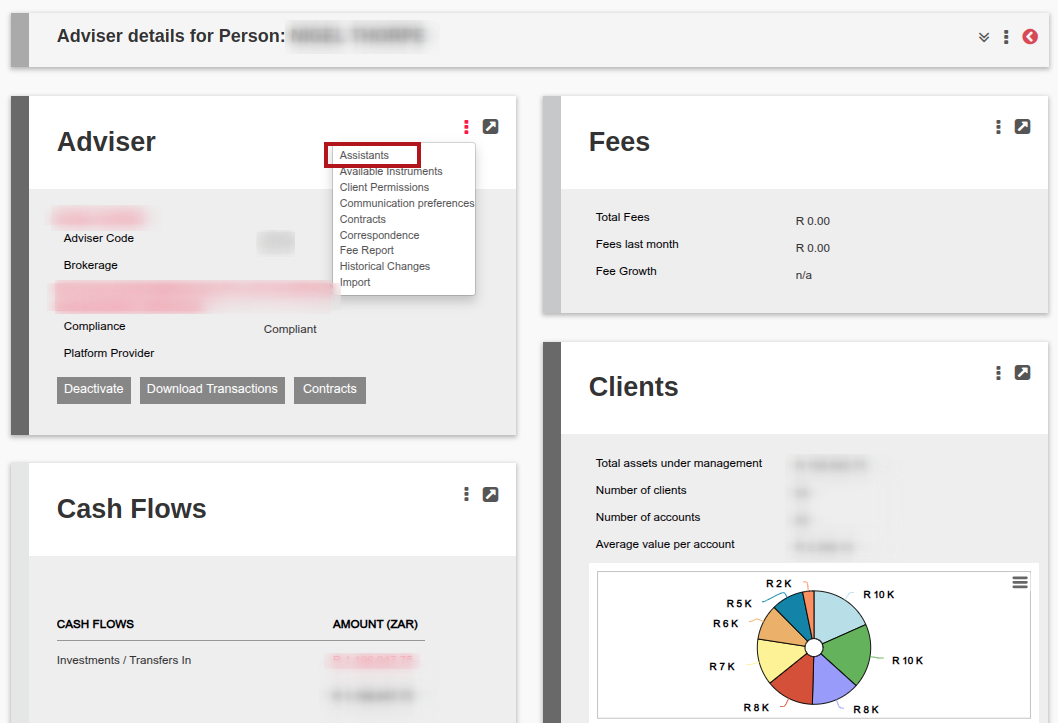
The Assistant can then be linked to the Financial Adviser. Go to the Financial Adviser and then on More Options select Assistants
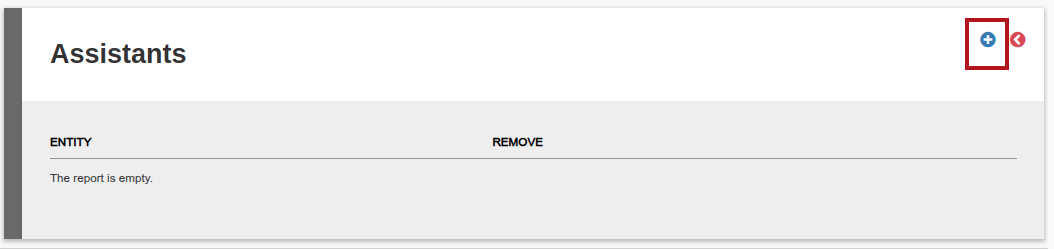
Then select Add
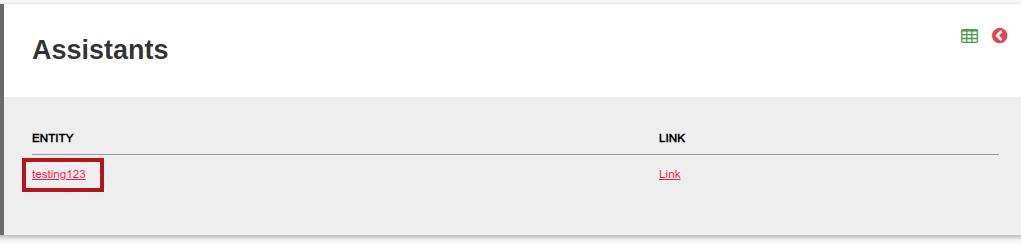
The Assistant will automatically pull through, go into the Assistant link under Entity to set up the Online Application process email to Assistant
In the Assistant, maximize the Adviser Assistant Card
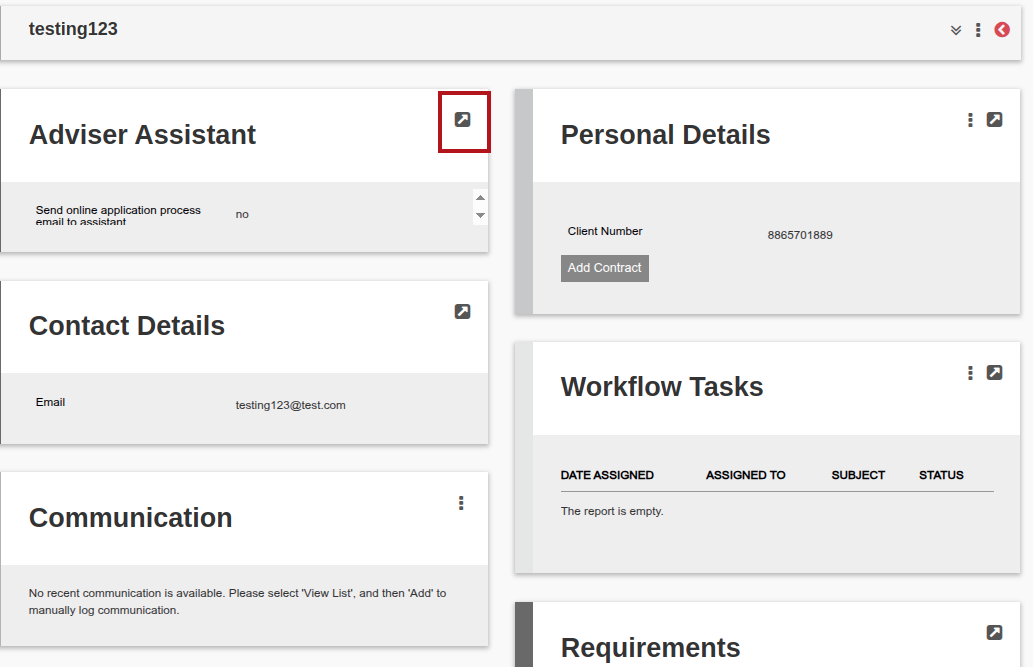
Then select the Send online application process email to assistant and save

Last Updated on 1 year ago by Debra Hart