
Linking a Dealer
- Every Instrument should directly or indirectly be linked to a Dealer to trade through.
- If no Dealer is linked on an Instrument, it would default to the Dealer linked on the Instrument Provider.
- If no Dealer is linked on the Instrument Provider it would default to the Dealer linked on the Custodian.
- If no Dealer is linked on the Custodian it would default to the dealer linked on the System Configuration.
Linking to an Instrument
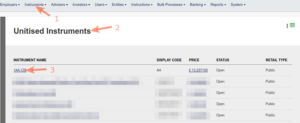
Access Instruments through the Instruments main menu:
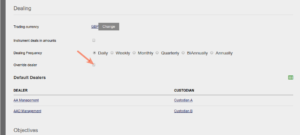
Tick “Override dealer”
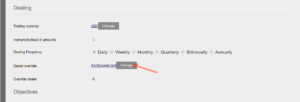
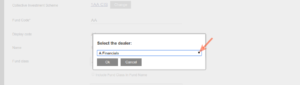
Select the required Dealer from the drop-down list:
Linking to an Instrument Provider
Access the Instrument providers through the Instruments main menu:
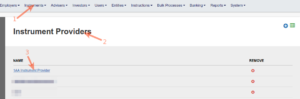
Select “View Details” on the Instrument Provider card:
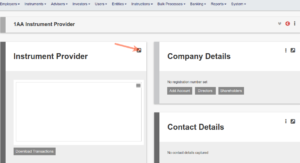
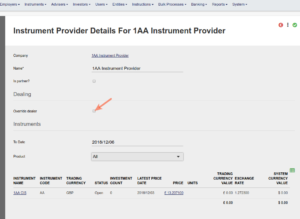
Tick “Override dealer” and select the required Dealer from the drop-down list:
Linking to a Custodian
Access Custodians through the System main menu:
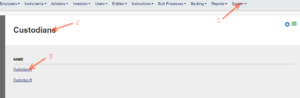
Select View Details on the Custodian Card
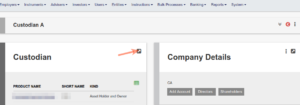
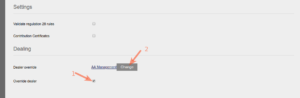
Tick “Override dealer” and select the required Dealer from the drop-down list:
Linking to System Configuration
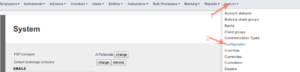
Access Configuration through the System main menu:
Tick “Should deal through third party administrator by default” and select ‘Change’
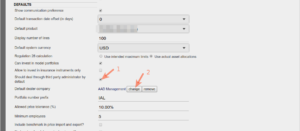
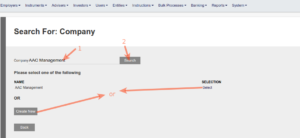
Search for the dealer company, if it exists, select it, if not create it:
Last Updated on 4 years ago by Tinus Burger