
From the Employer (group) view, select the “More” link from the Adviser section.
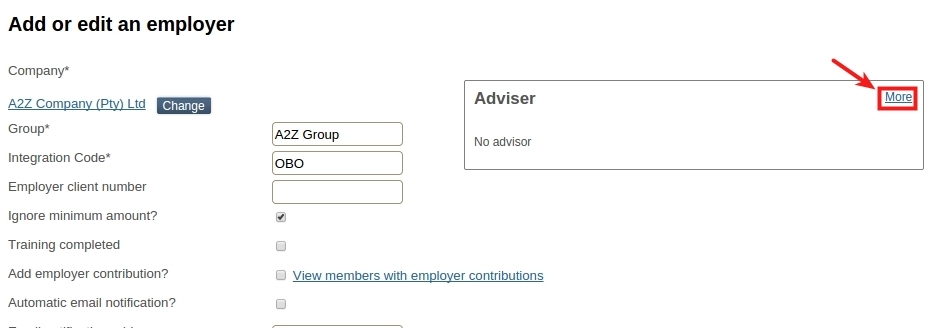
Now select the “Change” button.

Enter the surname of the advisor, that needs to linked.
Click on the “Add” button, will first search for existing advisers with the same surname.
If the adviser is listed, it can be selected from the search result, else select “Create New” and add the person details for the adviser.
