
Linking License categories to products and instruments
Also see Setting up license categories, advisers/brokerages and application of license categories
A. On a Product
Go to the relevant product and specify the adviser/brokerage licensing requirements to be able to sell/buy the product
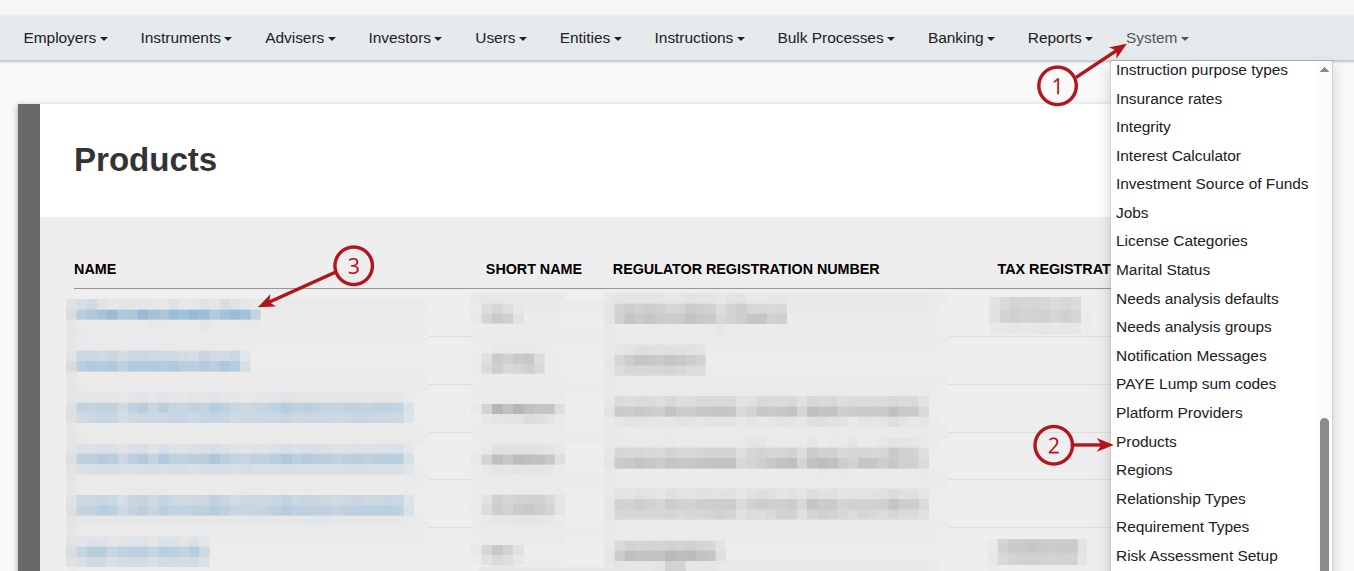
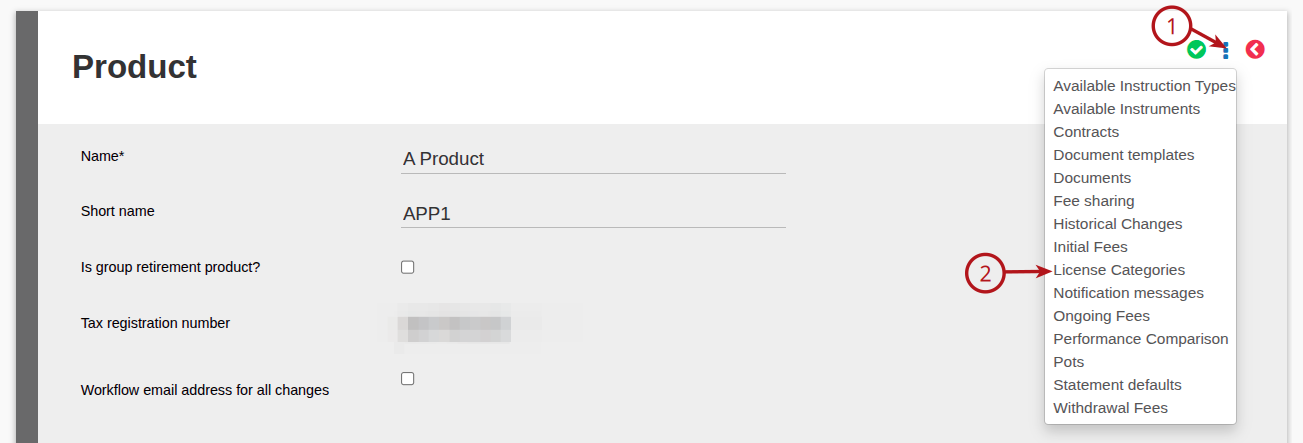
On the required Product, select More options then License Categories
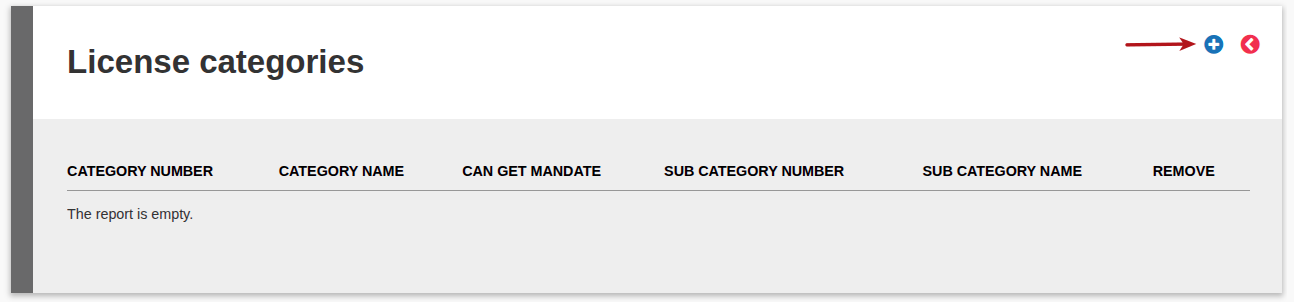
Then select Add
Link the required License Categories by selecting the Link hyperlink
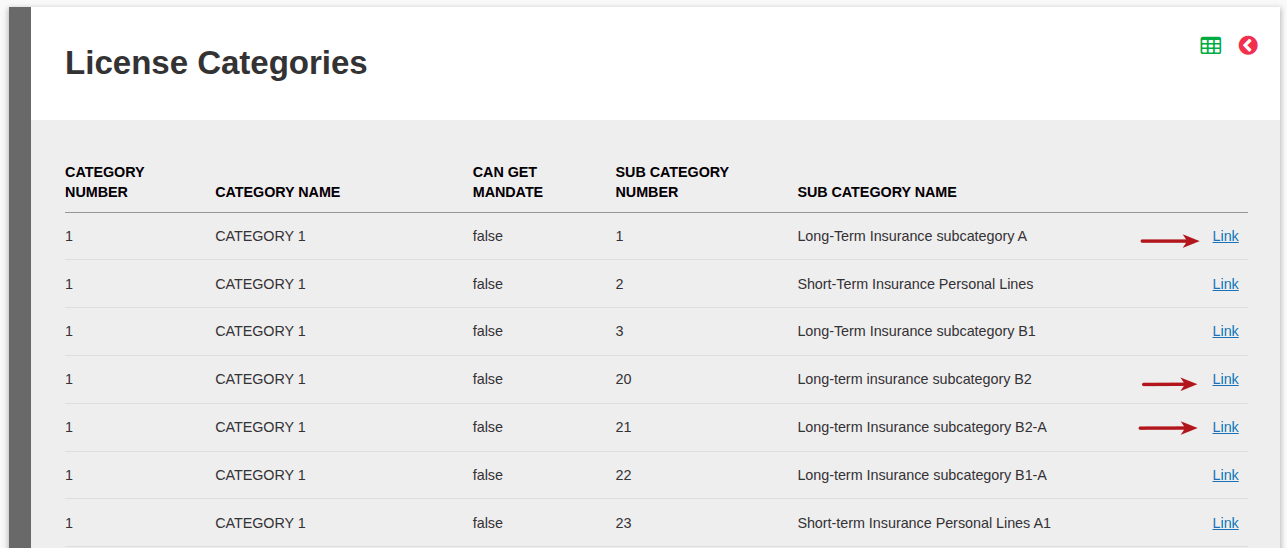
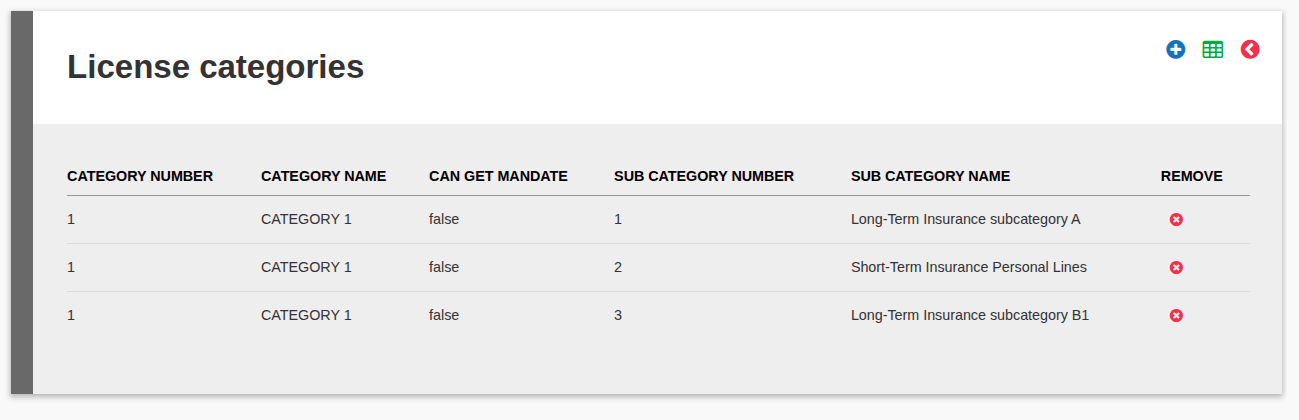
Once all required License categories have been linked, the categories will reflect
B. On an Instrument
Go to the relevant instrument and specify the adviser/brokerage licensing requirements to be able to sell/buy the instrument
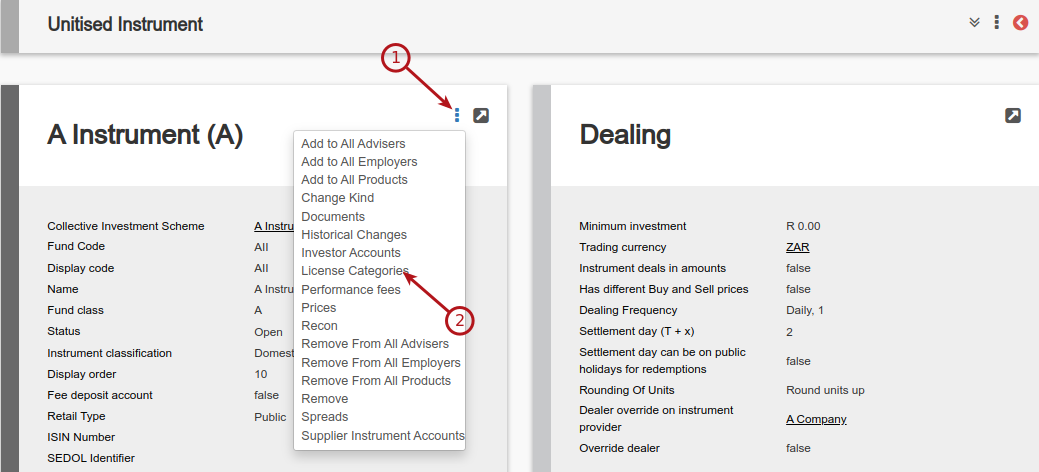
Follow the same procedure as A. On a product
Last Updated on 3 months ago by Antoinette Van Meyeren