
Manual Risk Assessment
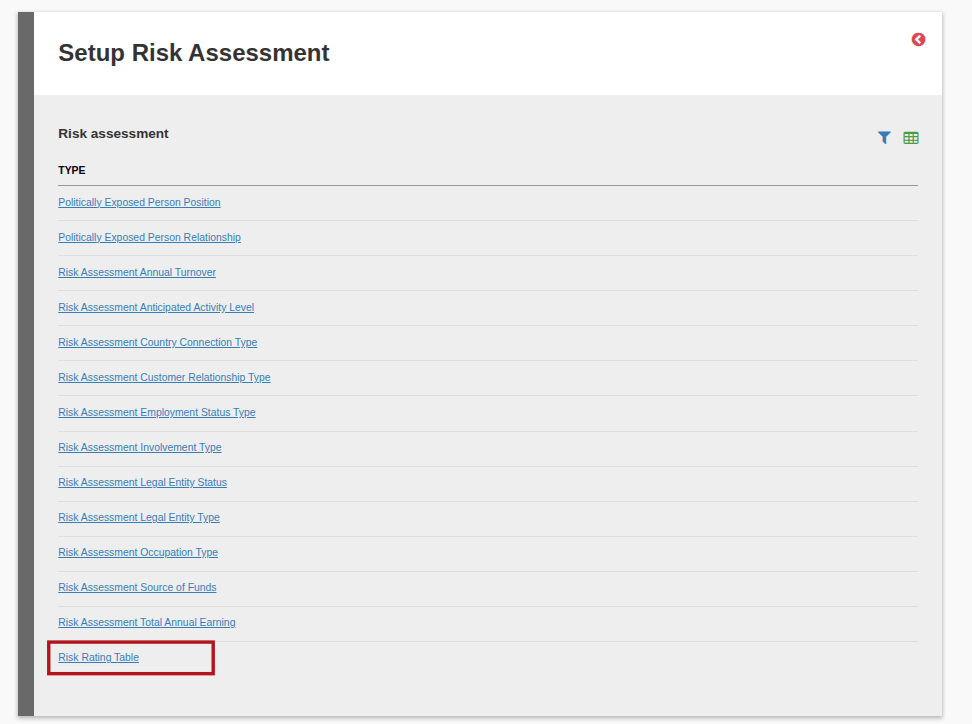
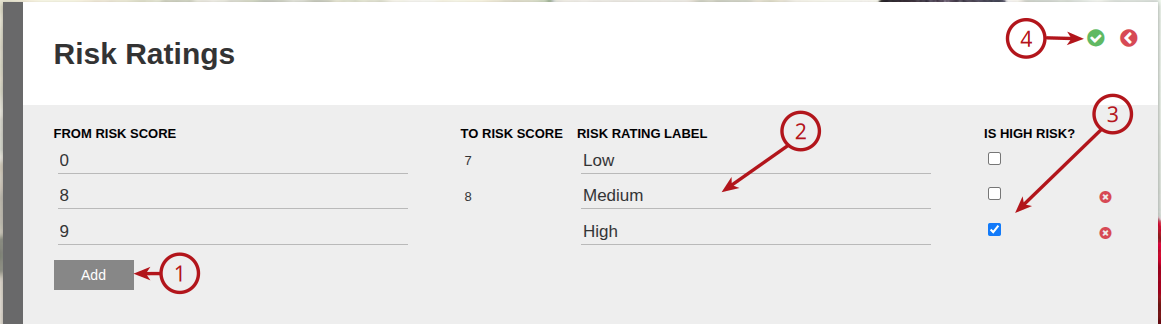
If the Risk assessment method ‘ManualRiskAssessmentMethod’ has been selected under System -> Configuration you will be able to create risk bands and can specify what the risk rating is for a risk score between 0 and 5, 6 and 8, and 9 and above as an example. These bands are set under System -> Risk Assessment Setup -> Risk Rating Table
If this is done, the risk rating will be set automatically when doing the risk assessment on an entity.
System -> Configuration, under the Compliance section, Risk assessment method drop down, select ‘ManualRiskAssessmentMethod’

System -> Risk Assessment Setup -> Risk Rating Table
At least one band has to be a high risk band. Every band must have a risk rating label.
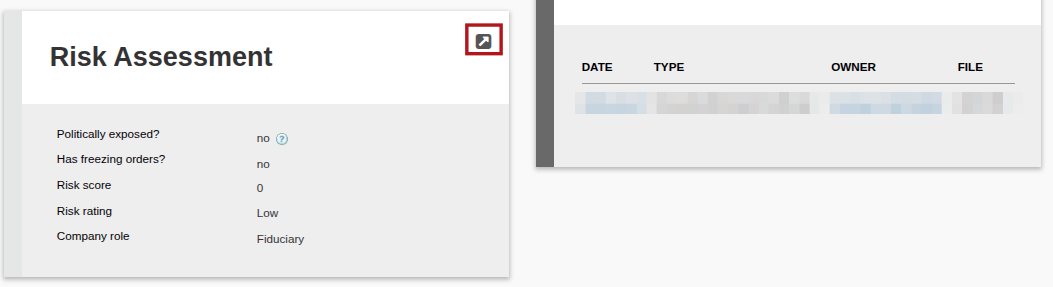
When you do the risk assessment on the entity by going into the View Details, you will be able to change the Risk rating.
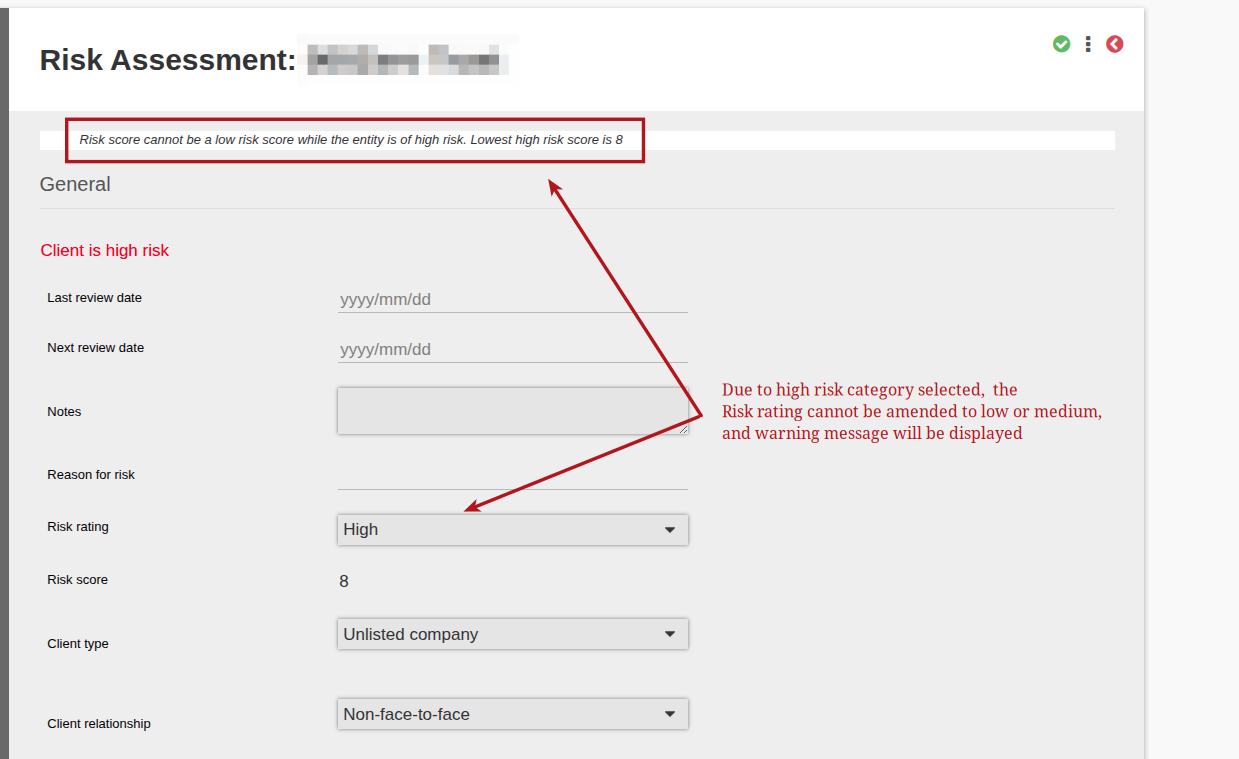
However, if a high risk category is selected for example Politically Exposed Person, only the high Risk rating will be available and you will get the following warning: Risk score cannot be a low risk score while the entity is of high risk.
Last Updated on 1 year ago by Debra Hart