
Matching multiple instrument instructions to a single payment in a payment batch
Multiple instructions linked to the same dealer account may be matched to a single bank transaction on the payment batch screen by following the steps below.
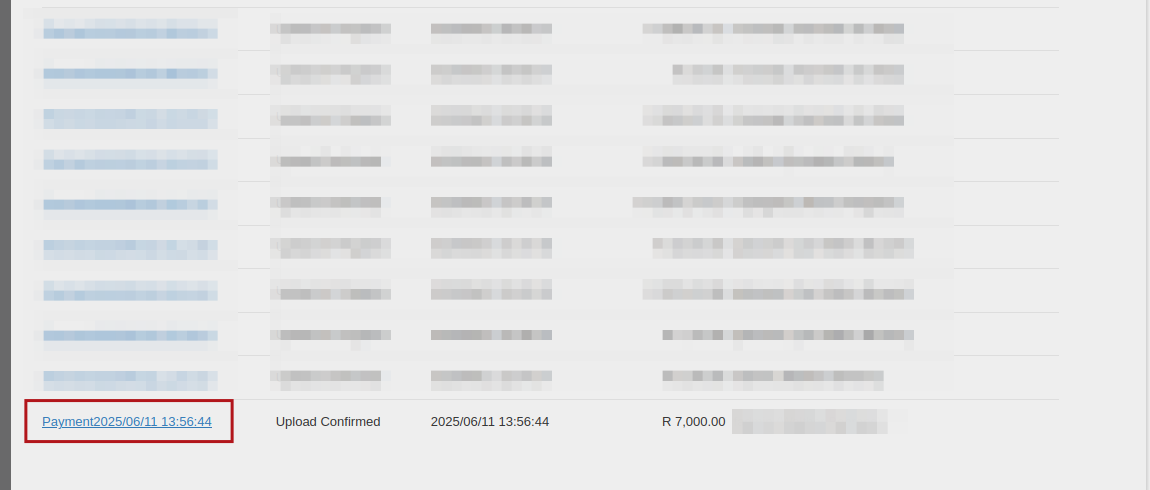
Create payment batch: banking -> payment batches -> create payment file -> select instructions using check boxes -> create -> ‘Payment batches’ screen: View payment batch by clicking on payment batch description hyperlink
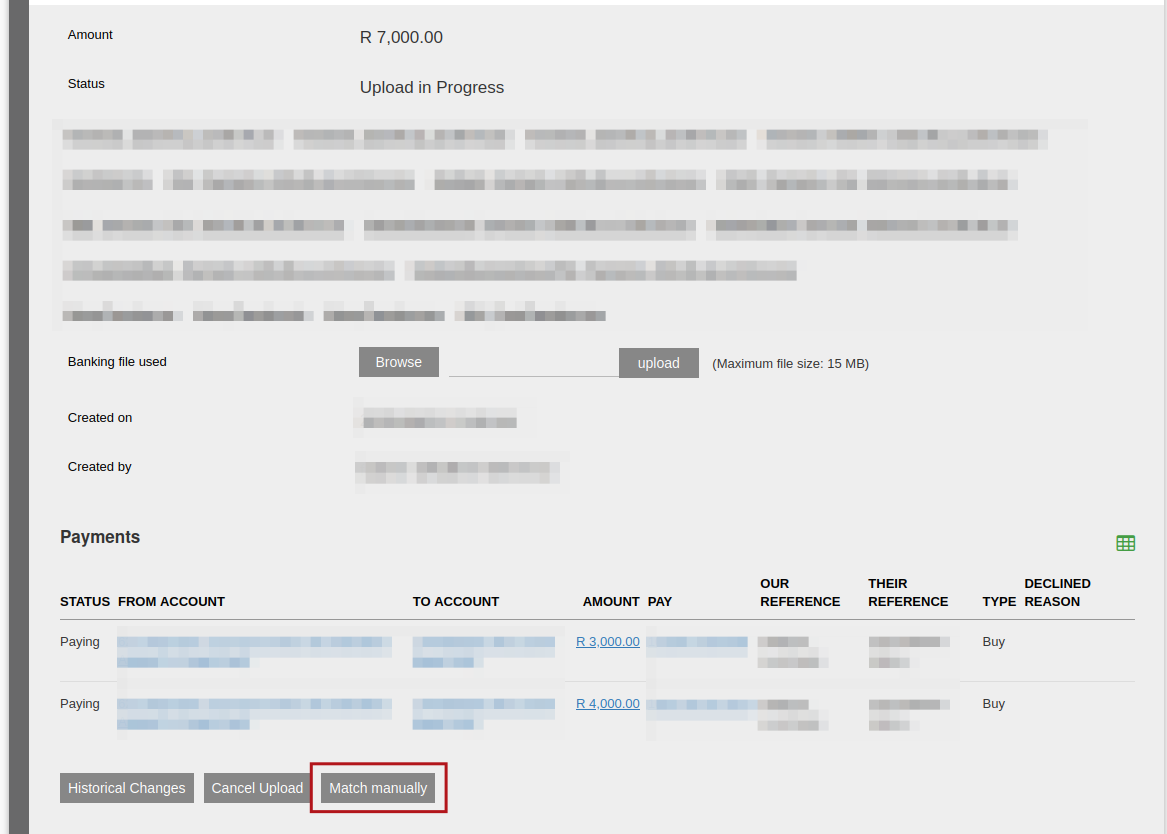
Payment upload screen: select ‘match manually’ button to match all included instructions linked to payment
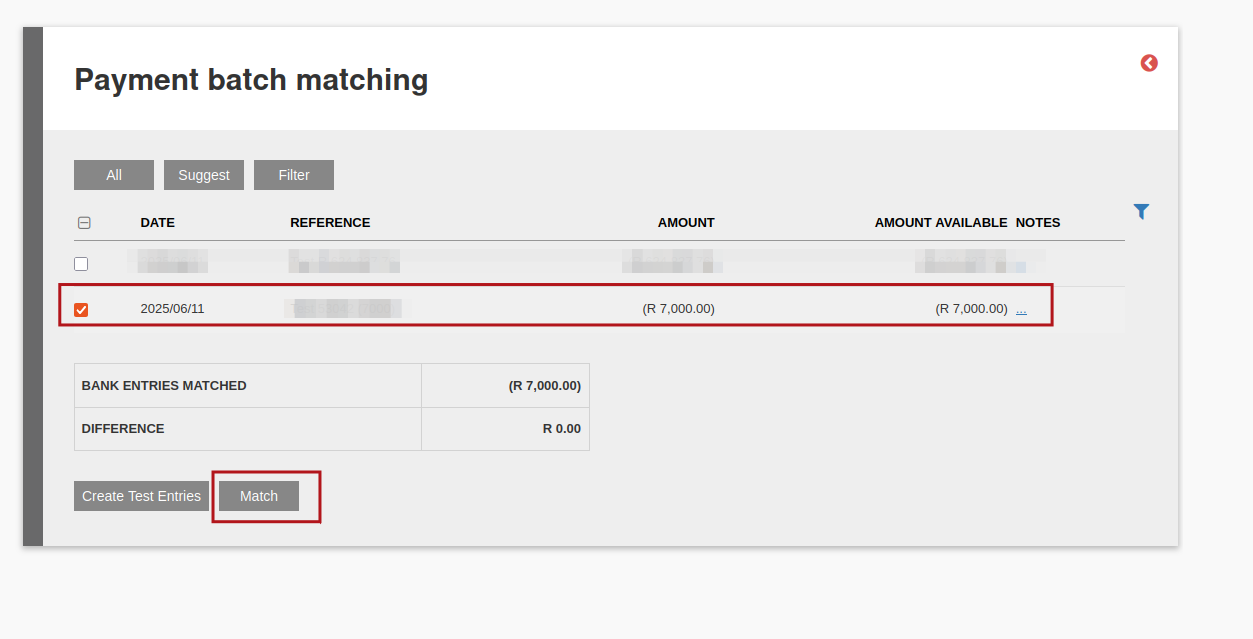
‘Payment batch matching’ screen: select the relevant transaction using the checkbox and select ‘match’. The transaction line’s amount should match the total of all instructions related to the batch which is being processed.
Last Updated on 1 year ago by Hayley Jerram