Move “Default transaction date offset (in days)” from system configuration to instrument level
Under System >- Configuration, you can set the “Default transaction date offset (in days)”. This means that when the dealer instruction is created, the transaction date will default based on what was completed in this field. This field can still manually be changed before the dealer instructions are confirmed.
For example, if the dealer instruction was created today and you set the “Default transaction date offset (in days)” to -1, the transaction date will default to yesterday’s date on the dealer instruction.
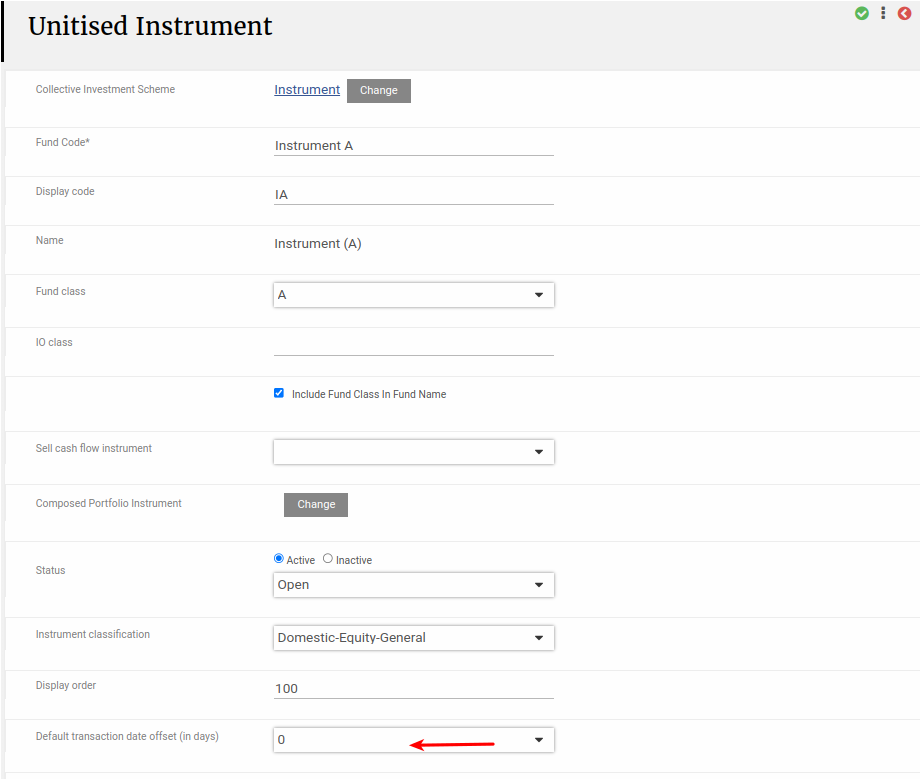
This setting is now also under the instrument and can be set on each instrument. See example below.
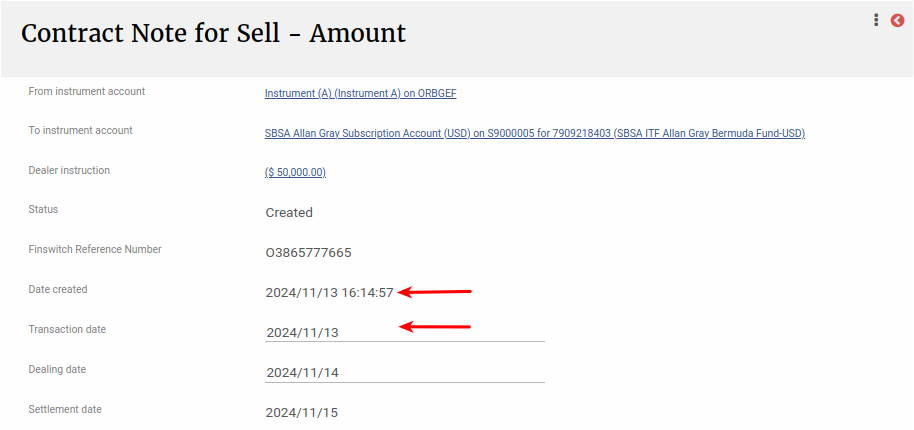
The “Default transaction date offset (in days)” was set to 0 on the instrument and dealer instruction was created on 13/11/2024. This means that the transaction date on the dealer instruction will default to 13/11/2024.