
1.Add and Submit Instruction
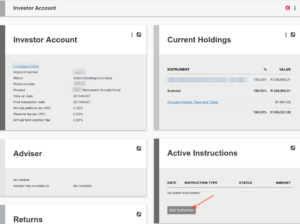
Go to the relevant investor account and select ‘Add Instruction’
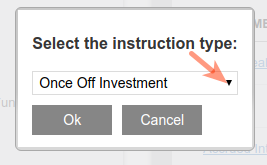
Select the instruction type from the drop down list
Complete the relevant information on the instruction and Submit
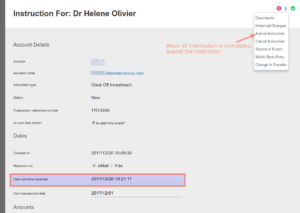

For more information on Instructions go here
2.Import bank statement
(See Import Bank statements and where to import Bank statements)
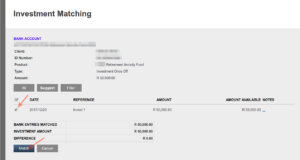
3.Match the Payment
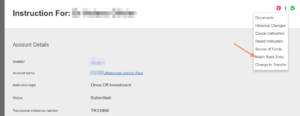
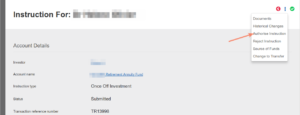
4.Authorise Instruction
5.Create Dealer Instruction
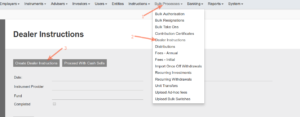
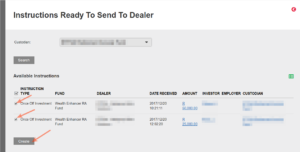
Dealer Instructions will be bulked together per Dealer, including different Instruction types (Withdrawals, Switches and Investments) and Instruments
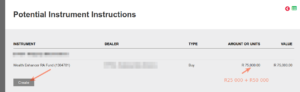
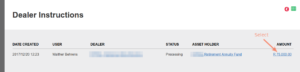
The system automatically create a Dealer Instruction to be send to the Dealer
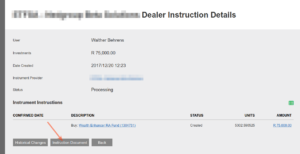
6.Create Payment file to the Dealer
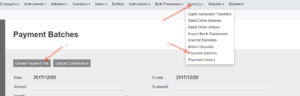
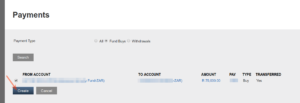
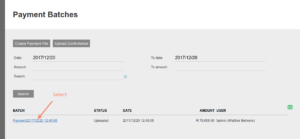
The system automatically create payment files to be uploaded for online Banking
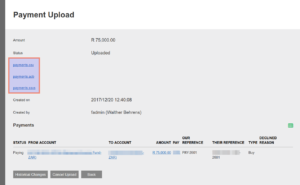
7. Pay the Dealer
Use the payment file created by the system in your external banking system
8. Import Bank statement
(See Import Bank statements and where to import Bank statements)
9. Confirm the Units bought
Return to the dealer instruction
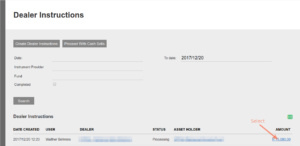
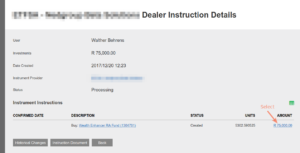
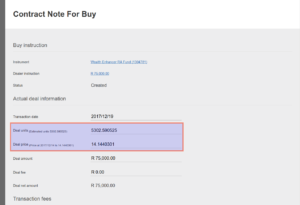
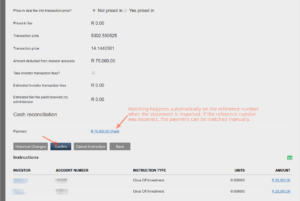
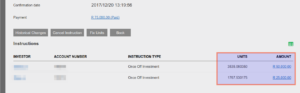
On Confirmation units will be allocated to the individual investors and there investment instructions and the Dealer instruction will be completed
Last Updated on 9 years ago by Antoinette Van Meyeren