
Printing the Application Form and Investment Overview
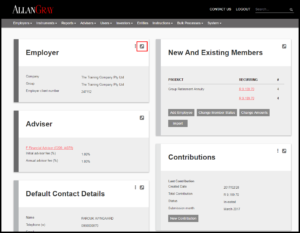
On the “Employer” screen click on “The Arrow”
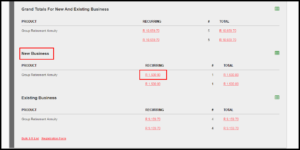
Under “New Business” click on the amount under “Recurring”
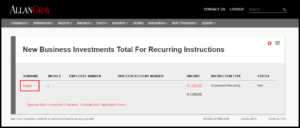
Click on the member’s surname
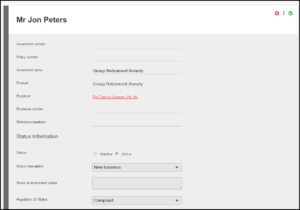
Select “My Group Retirement Annuity”
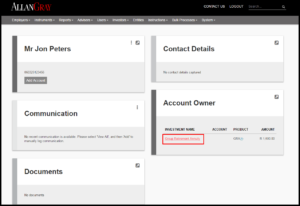
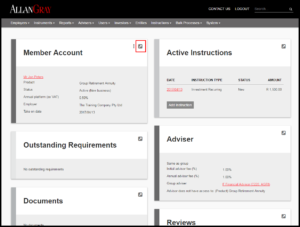
In the “Member Account” box click on the “The Arrow” tab
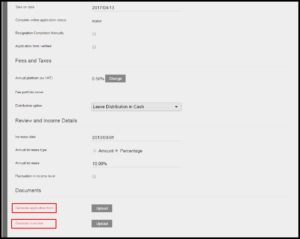
The application form and investment overview can be printed by clicking on the applicable link
Click on “Back” until you return to the “Employer” screen
Last Updated on 4 years ago by Antoinette Van Meyeren