
Removal of a Model Portfolio
If the user has created a Model Portfolio and no contracts are linked to it, the user can remove the Model Portfolio.
Steps to follow:
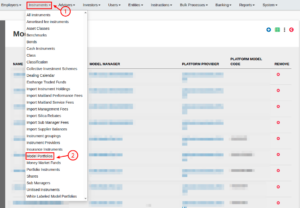
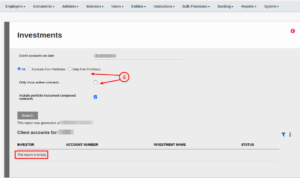
- Instruments -> Model Portfolios -> More Actions -> Client accounts
The report must be empty.

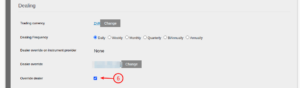
- Go back to the Model Portfolio -> View Details -> Select the Model Portfolio, scroll to ‘Dealing section’, and if ‘Override dealer’ is selected, unselect it and Save.

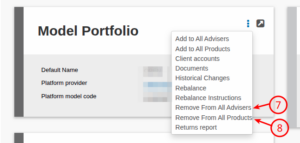
- Instruments -> Model Portfolios -> More Actions -> RemoveFrom All Advisers
- Instruments -> Model Portfolios -> More Actions -> RemoveFrom All Products
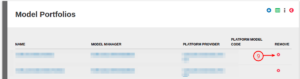
- Instruments -> Model Portfolios -> Scroll to the Model Portfolio -> Remove
Last Updated on 6 months ago by Anita Swanepoel