
Remove a Financial Advisor Incorrectly Linked or Duplicated on a Brokerage
If a Financial Advisor has been linked to the incorrect Brokerage or has been duplicated in error on a Brokerage, the Financial Advisor can be removed if there are no existing clients/transactions. Please note that only Finworks Support Users have the ability to remove these Financial Advisors, a request to correct this can be sent to support@finworks.biz
To remove the Financial Advisor, go to the Brokerage where they are incorrectly linked/duplicated
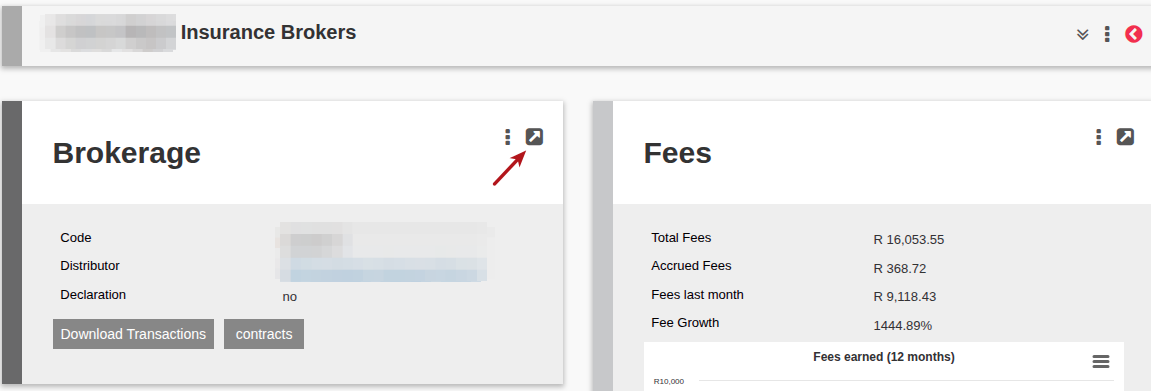
Select the View Details on the Brokerage Card
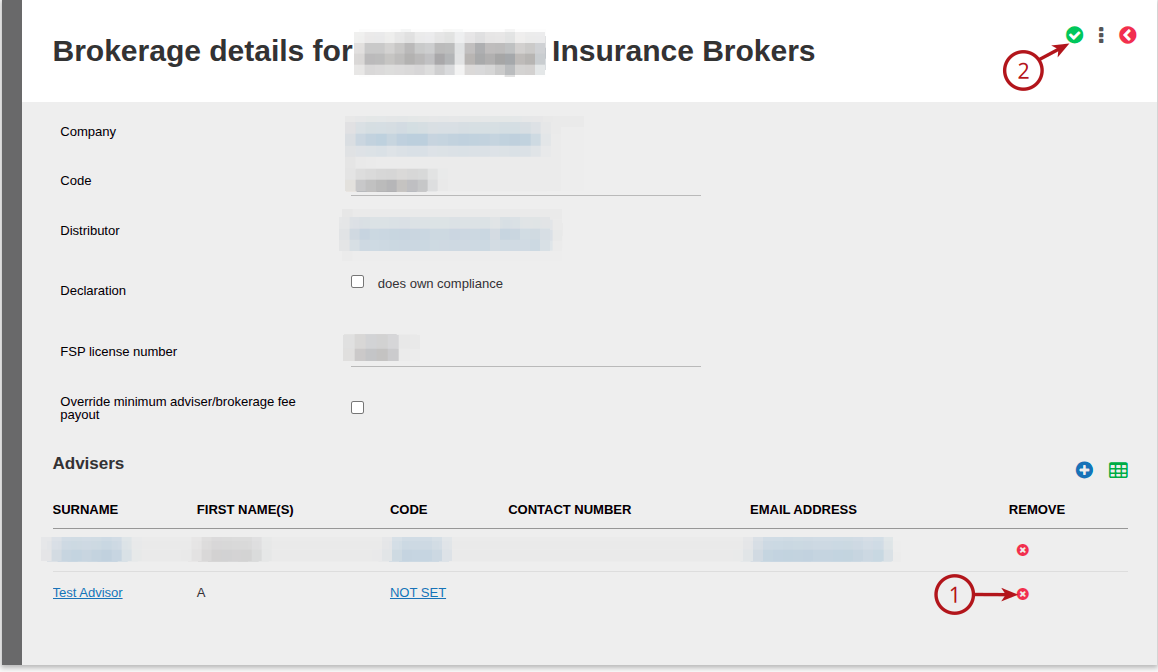
Trace the required Financial Advisor, Select the (1) X to remove, and then (2) Save
Last Updated on 1 year ago by Debra Hart