
Send emails/sms to client classification subgroup
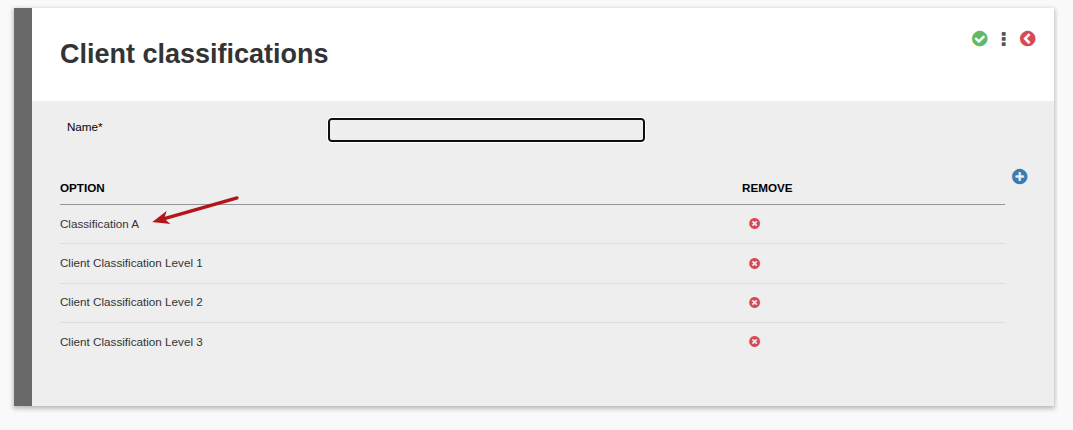
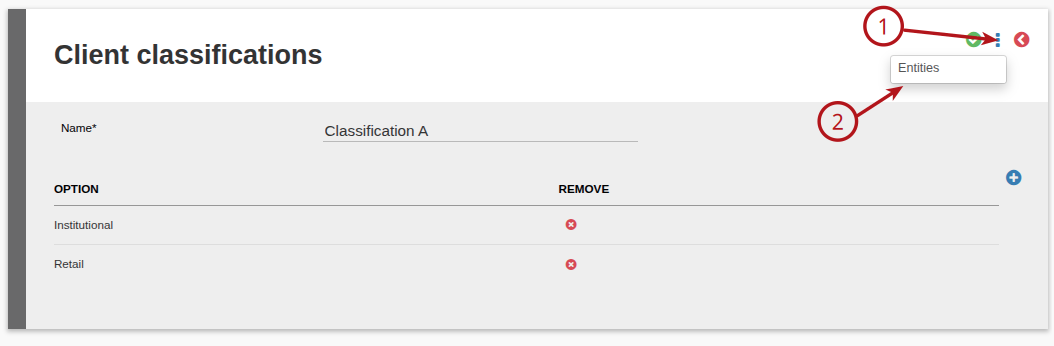
Go to (1) System, then select (2) Client classifications

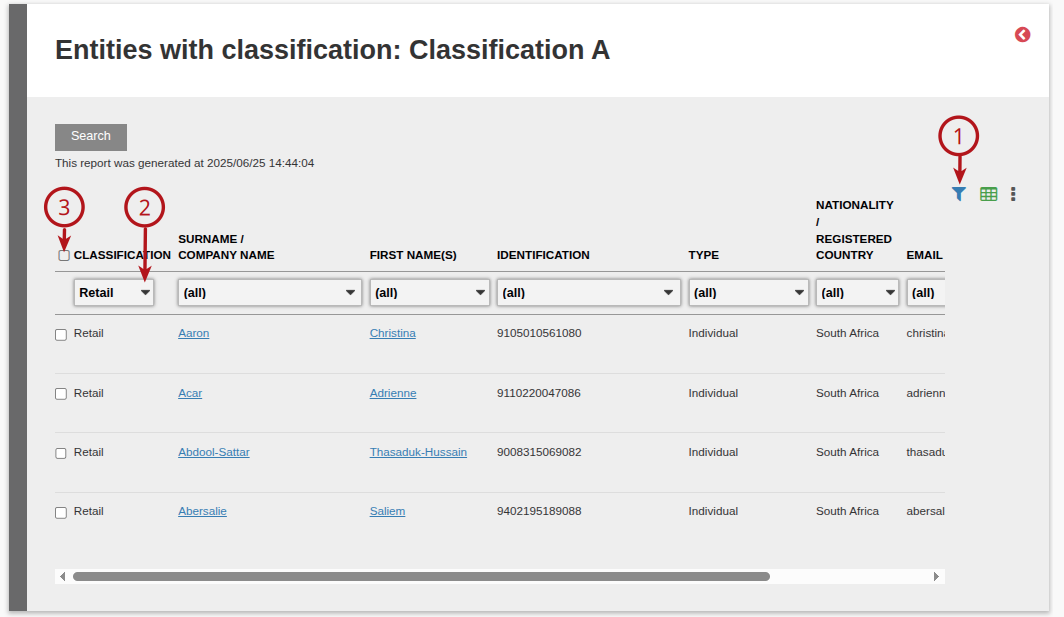
Use the (1) filter to select a subgroup of the classification, (2) select the required Classification Type and (3) tick box to select all Classifications or alternatively select each contract required
Select (1) More options, the (2) select the required method of communication required
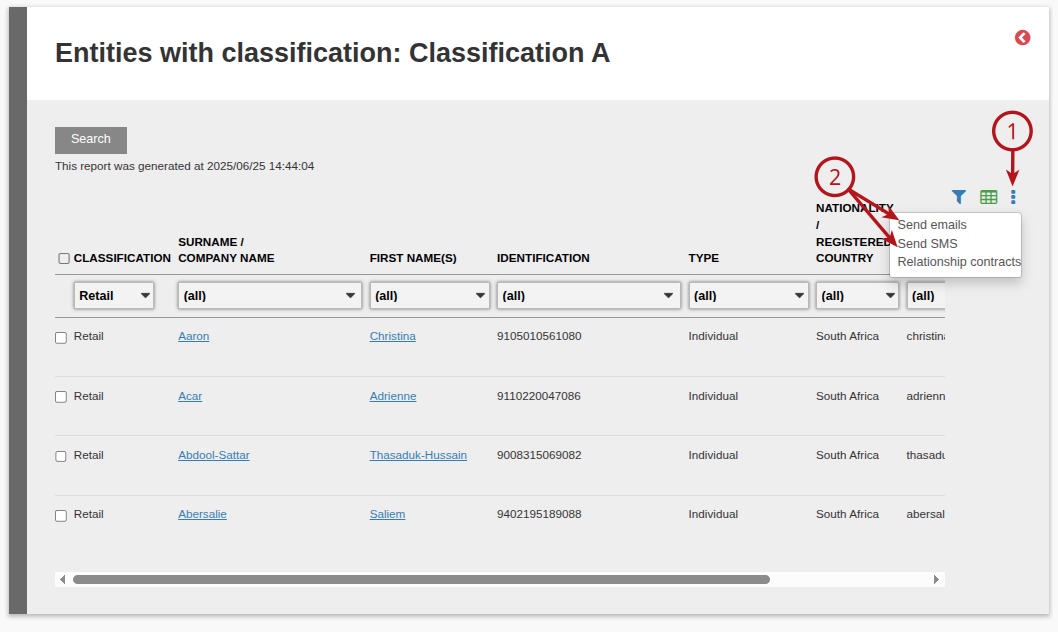
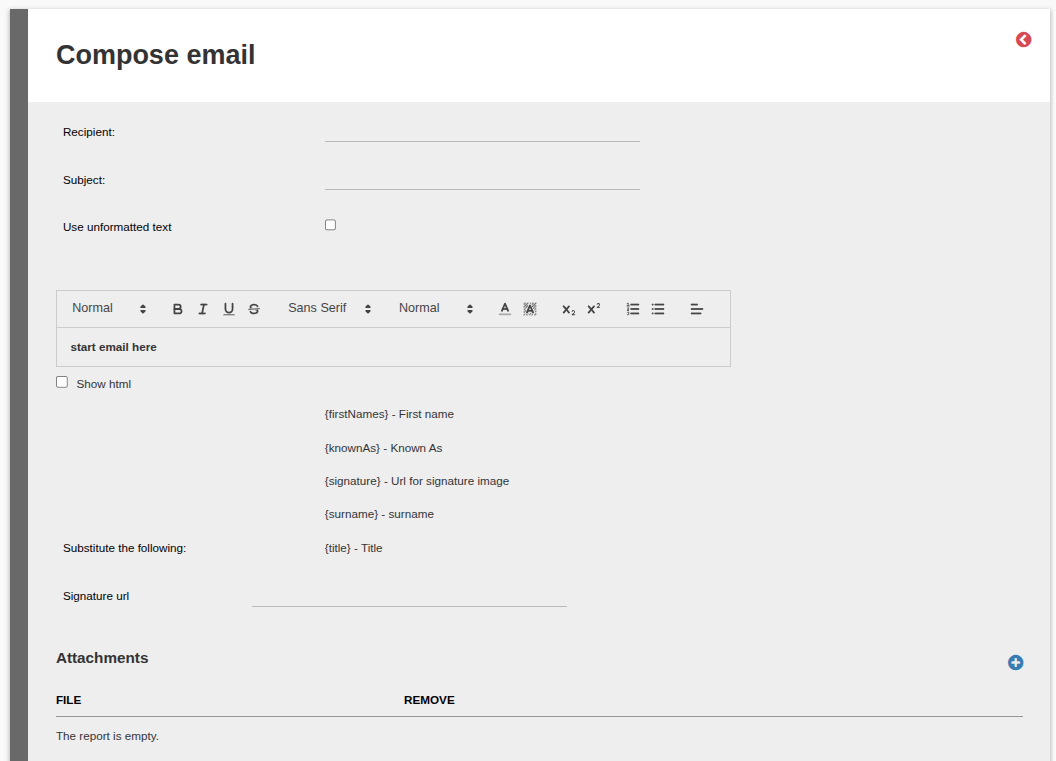
Example of selecting Send Email
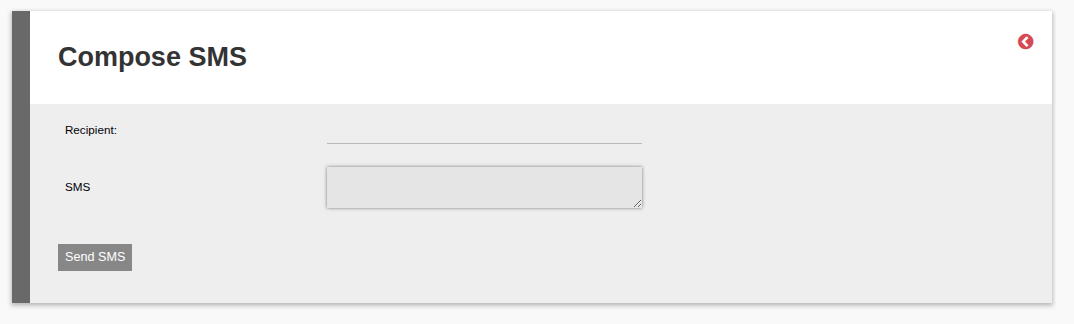
Example of selecting sending a SMS
Last Updated on 1 year ago by Debra Hart