
Load the bank account to buy into on the custodian
Go to Cash Instruments
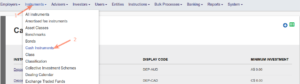
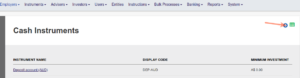
If the instrument ‘Treasury Account ZAR’ (ZAR, the currency of the new bank account that was loaded on the custodian) does not exist, add it. If the instrument already exist, go to it, ensure that the correct dealer/Bank is set on the instrument and proceed to Supplier Instrument Accounts.
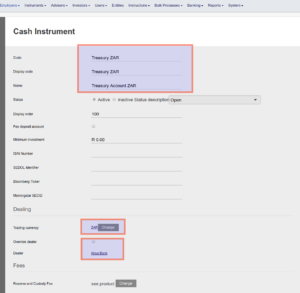
Complete the relevant information and override the Dealer to the relevant bank, in the example used it will be ABSA Bank, and save
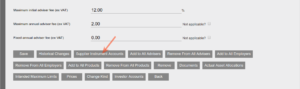
Re-enter the Cash instrument and go to Supplier Instrument Accounts at the bottom of the instrument
Select Add
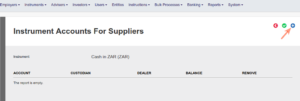
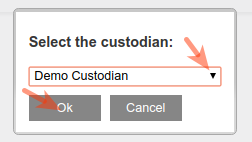
Select the relevant Custodian from the drop-down list
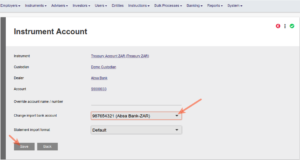
Select the relevant Bank account and save
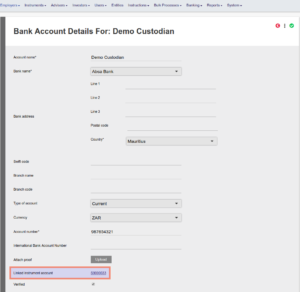
Returning to the Bank account will now display the linked instrument account
Treasury Account ZAR will now be available as an instrument to transact in
Last Updated on 8 years ago by Antoinette Van Meyeren