
Setting up a Sliding Scale
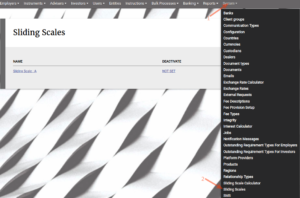
Go to Sliding Scales from the System Main menu
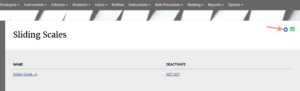
Add a name and select the calculation method
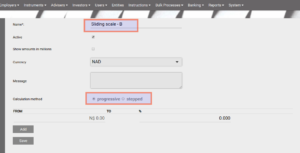

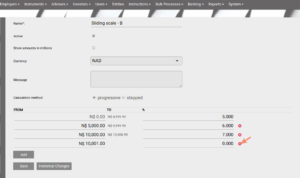
A new line will appear when the first has been added, add the ‘From’ amount and % for the next range. The system will automatically update the ‘To’ amount in the previous range.
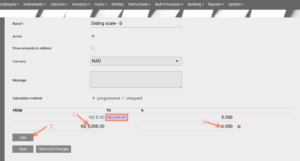
When the last range is added, the system will create a new line with a ‘From’ amount. If the ‘To’ amount of the previous range should be unlimited, delete the new line that was created
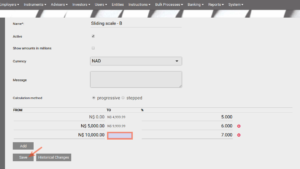
The sliding scale can now be used in the calculation of interest or fees.
Last Updated on 7 years ago by Tinus Burger