
Setting up templates on a product
Refer to the below for setting up document templates:
- Navigate to the Document templates
- Logo on the document template
- Main Template
- Sub Template
- Styling on the document template
Navigate to the Document templates
The templates are accesable via the product
- From the Product select the More Actions (1) then Document templates (2)
- A list of Document templates are provided, select the template to be used eg. Capital Gains Tax Certificate


Logo
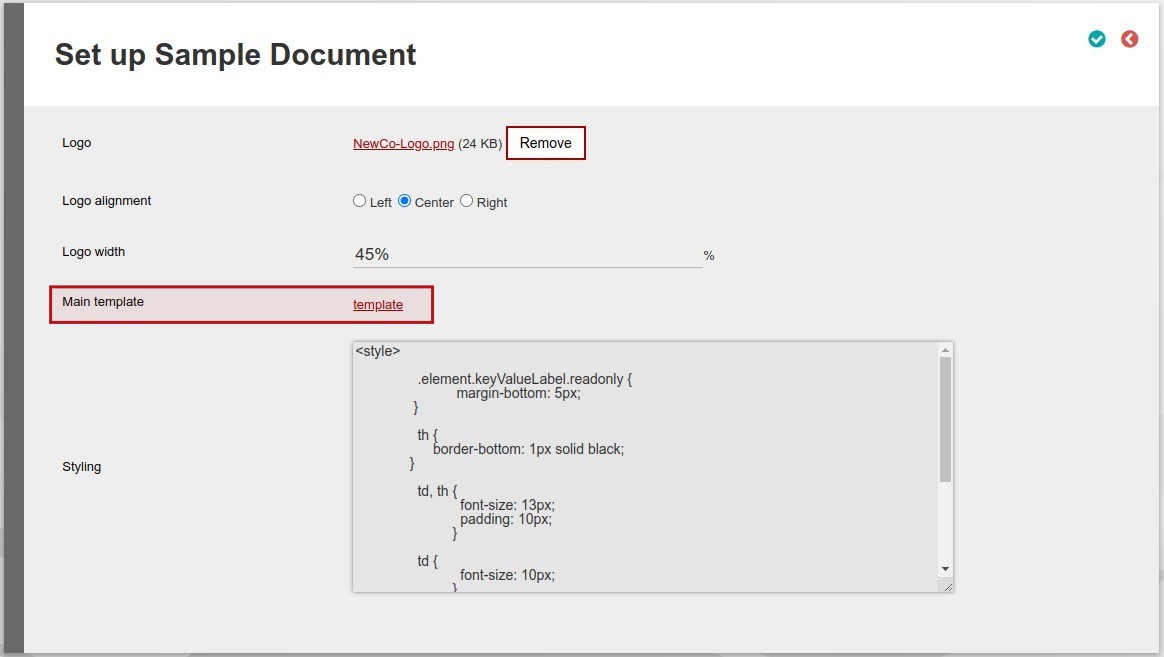
A logo can be added to the template:
- Upload the logo
- Click the Browse button and select the file from your local machine
- After the file has been selected select the upload button to upload the file to the system
- The Logo alignment is used to set the alignment of the logo on the document, the following options are available:
- Left
- Center
- Right
- The width of the logo on the document can be set with the Logo width, the Logo width is set as a percentage eg.:
- 100% = Full width of the page (Maximum)
- 50% = Half of the width of the page
- 0% = No Logo will be shown

Main Template
- The main temaple is accessable by selecting template from the Main template
- The main template consists of the Template body (1)
- The Template body is generated by the use of html code
- A list of Substitute are listed on each template (2)
- A Substitute is defined as a placeholder for data that needs to be updated.
- For example: Reference need to be made to the Company Address in the Template body the {companyAddress} Substitute will then be used
- A Test button is available to view the sample template (3)

Sub Template
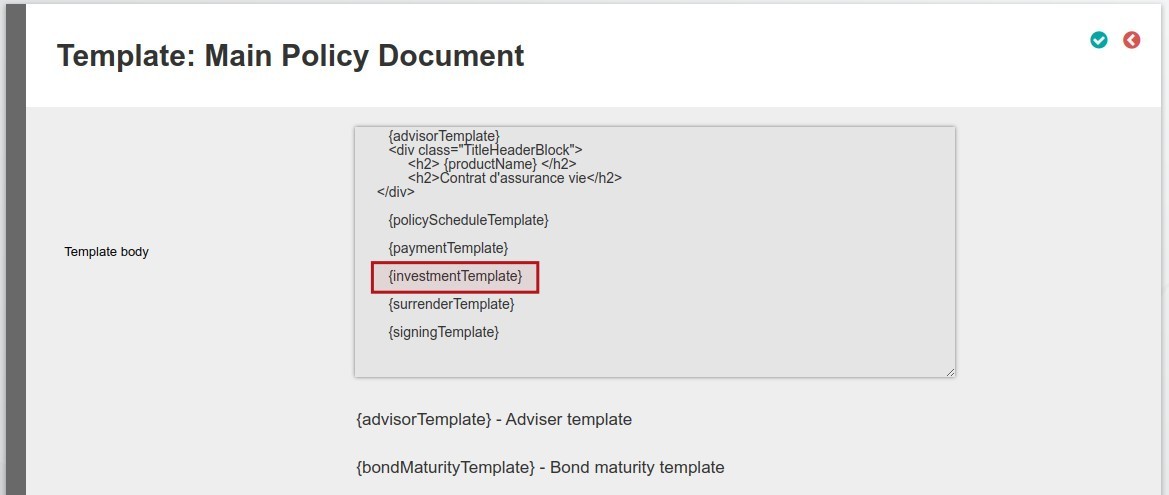
- If the template have sub templates (as example the Policy Document Template) the sub templates will be listed on the document template page (2)
- The Sub Templates are accessable by selecting individual Sub Template (3)
- The Sub Templates are used within the main template (4)
- As with the maintemplate the sub template have the following:
- The Sub Template consists of the Template body
- The Template body is generated by the use of html code
- A list of Substitute are listed on each template
- A Test button is available to view the sample template

Styling
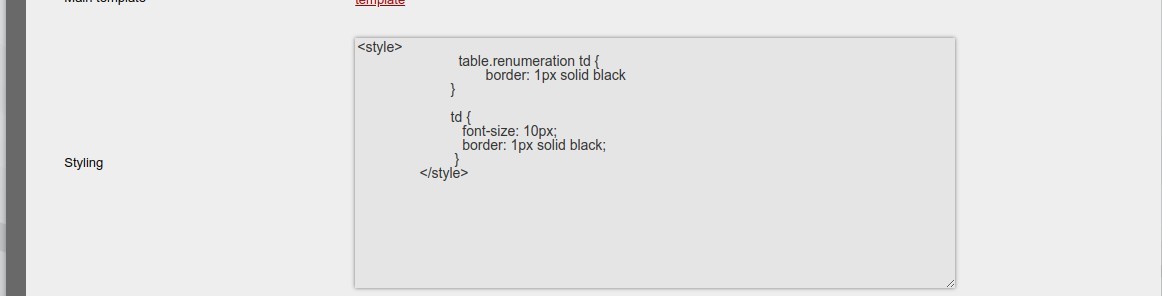
- Custom styling can be set for eg. border width and font sizes
Last Updated on 3 years ago by Tinus Burger