
Amount settled in period on Instrument Instructions
The instrument instruction report enables the user to determine which of the bank entries matched with the relevant buy – or sell instrument instruction has been within the period selected on the report.
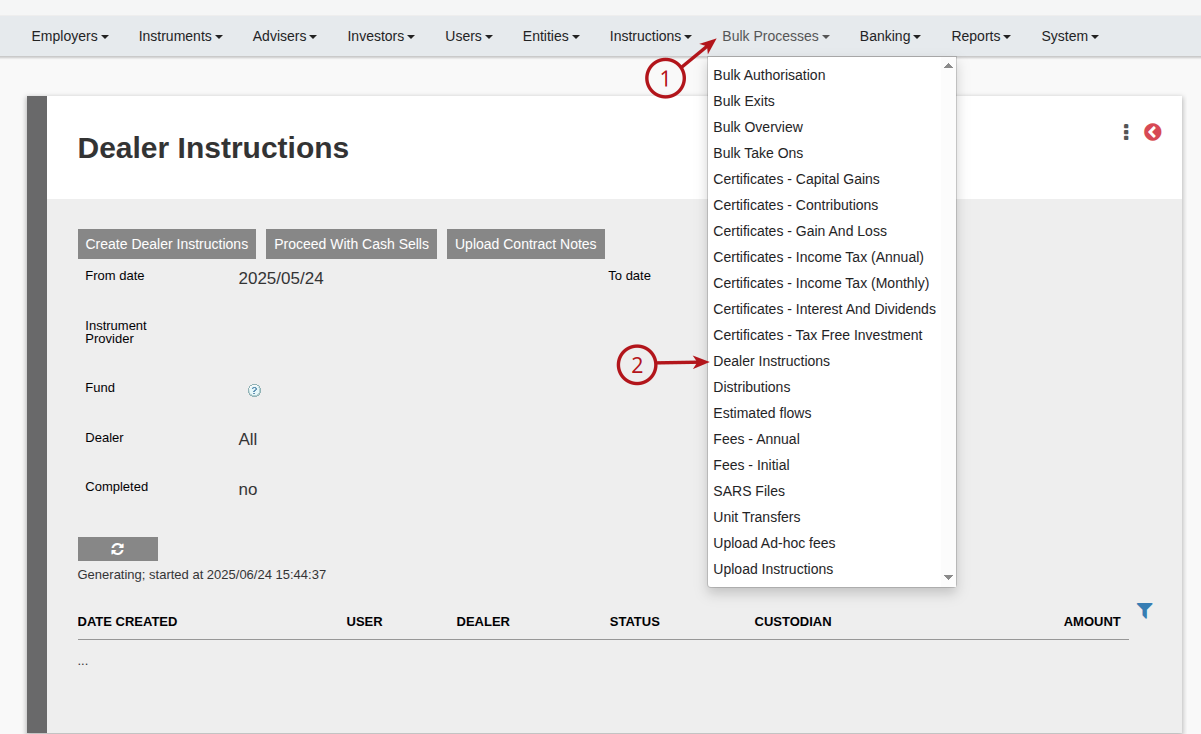
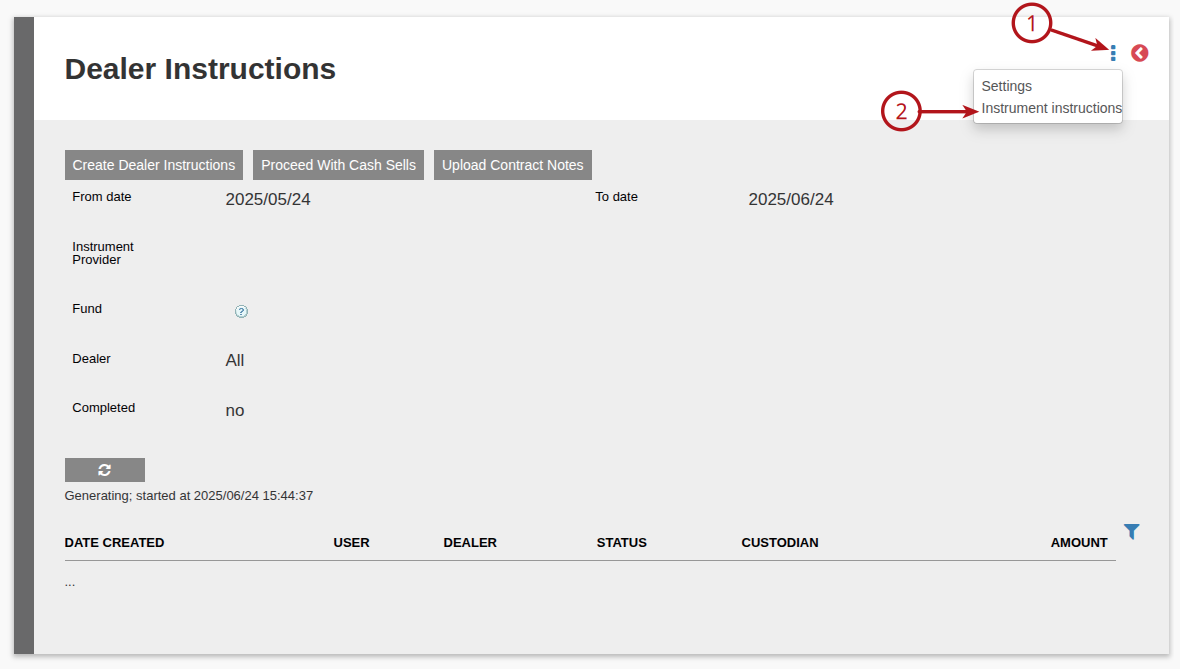
A. Go to Bulk processes -> Dealer Instructions -> More Actions -> Instrument Instructions
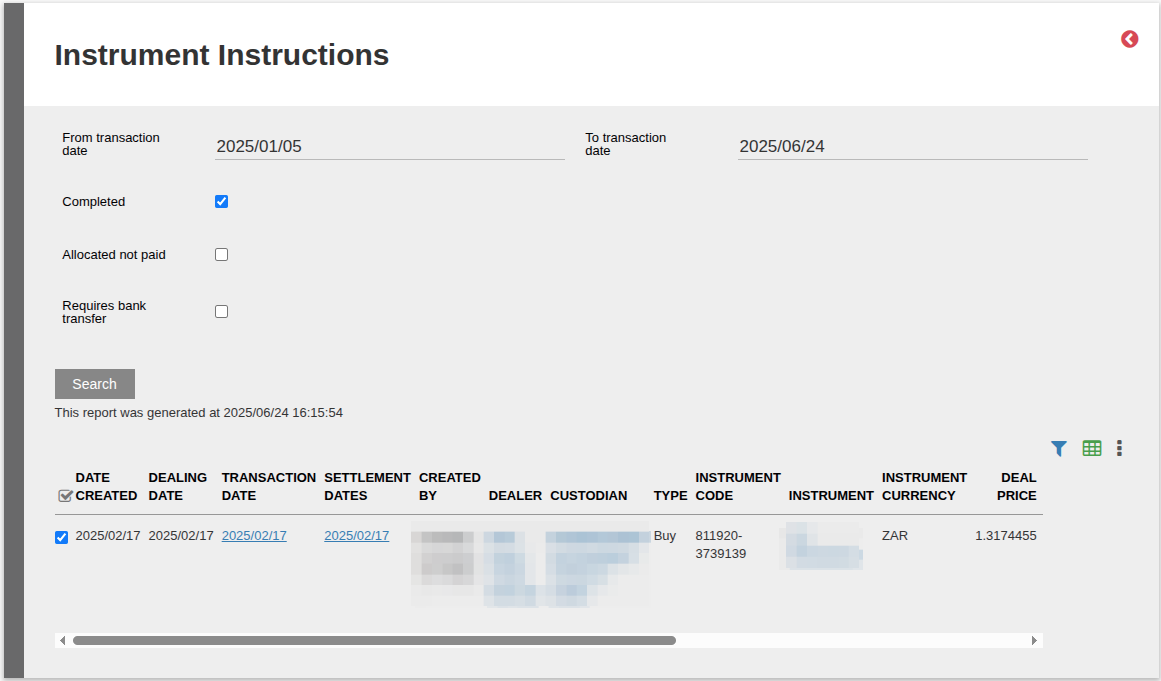
Complete the date range, further selections needed and select search.
The ‘Settlement Date’ column will contain the bank entry dates matched to the buy – or sell instrument instruction.
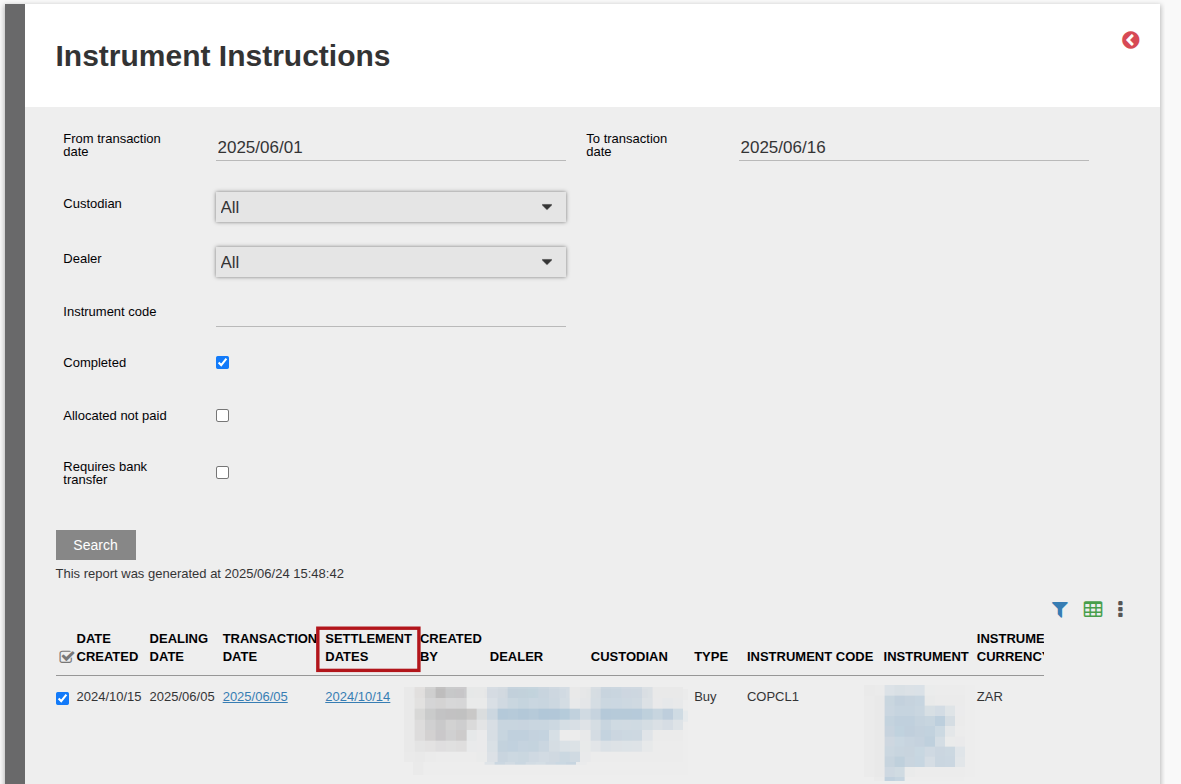
The ‘Amount settled in period’ column will indicate the amount of the bank entries within the selected date range that has been matched to the buy – or sell instrument instruction.

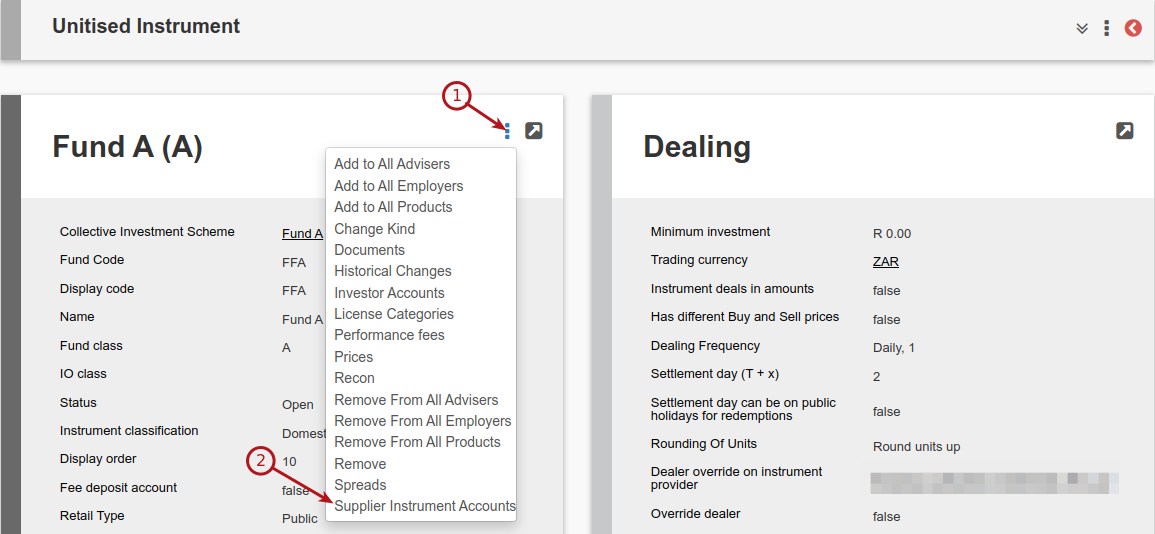
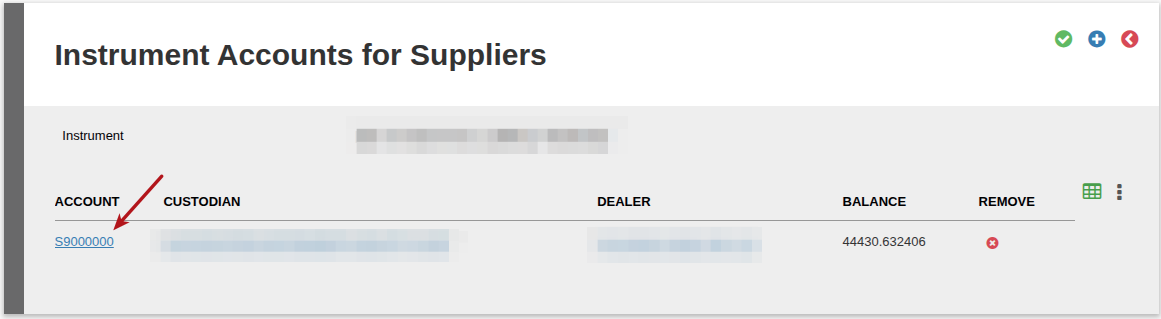
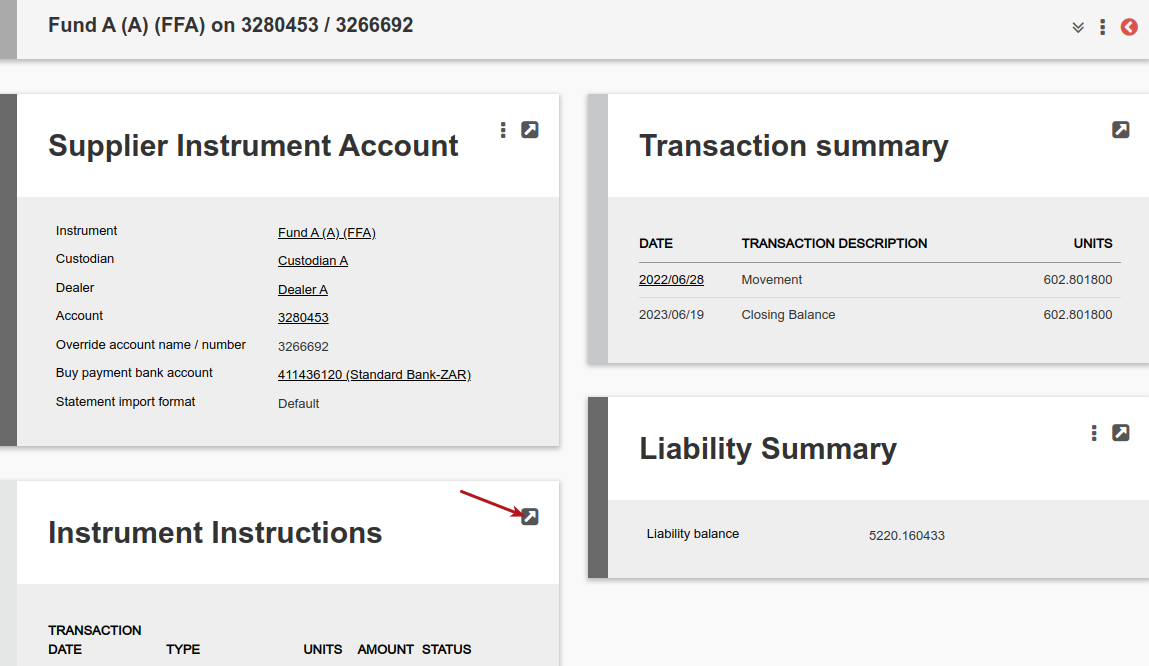
B. The same report can be accessed on an instrument level.
Go to the relevant instrument
Last Updated on 1 year ago by Debra Hart