
Signature on Policy document
A signature to be displayed on a policy document can be uploaded on the product.
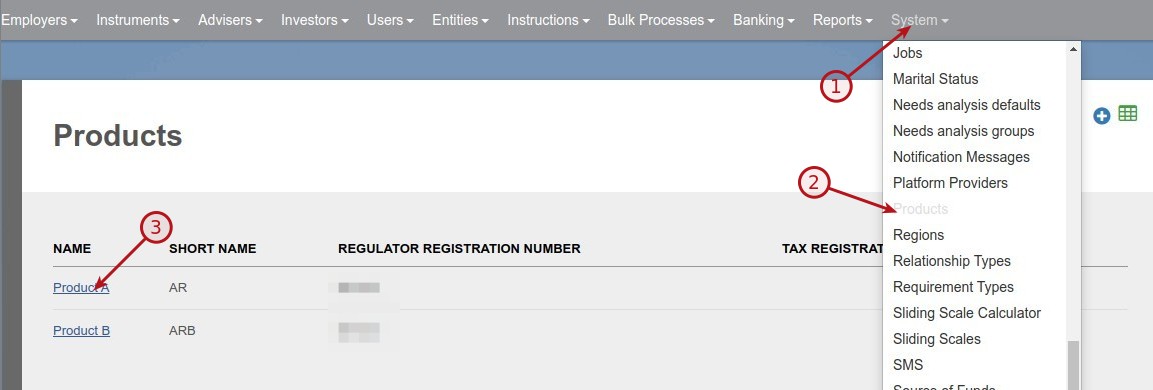
Go to the relevant product


Select Document type ‘Policy Document FSP Signature’, upload the signature file and save

The name of the first director on the FSP company will display below the signature on the policy document. If no directors have been added to the FSP company, only the signature will appear.


Last Updated on 7 years ago by Antoinette Van Meyeren