
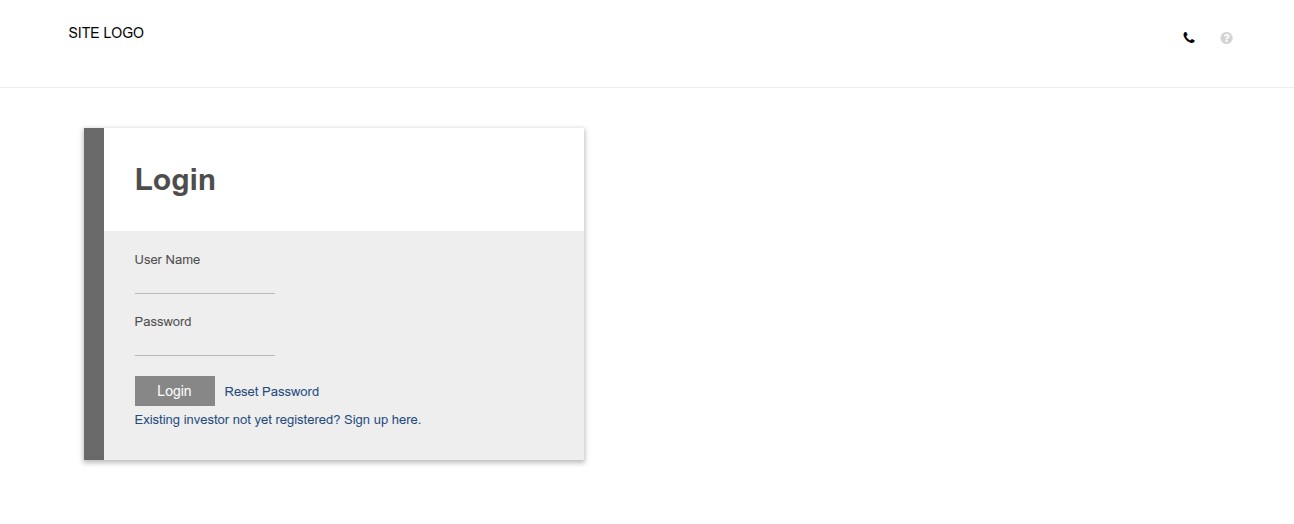
Signing In / Landing Page
- Enter your username or email and password
- Select login
Landing Page
The system will default as follows:
| User Type | Default Landing Page |
|---|---|
| Individual Investor (contract owner) | Investors -> Contracts (your own contract) |
| Company Contact Person with Investors -> Contract permission | Investors -> Contracts (company contracts) |
| Company Contact Person who is also a Contract Owner | Investors -> Contracts (your own contract is shown) |
| All other users | Own Profile |
NOTE
- The Investors -> Contract permission must be assigned to company contact persons for them to see the Investors -> Contracts menu item and be routed there on login.
- No changes are needed to how individual investors (contract owners) experience the login — their behavior remains the same.
- The priority rule (own contract > company contracts) ensures no contract owner is unexpectedly shown another company’s data after login.
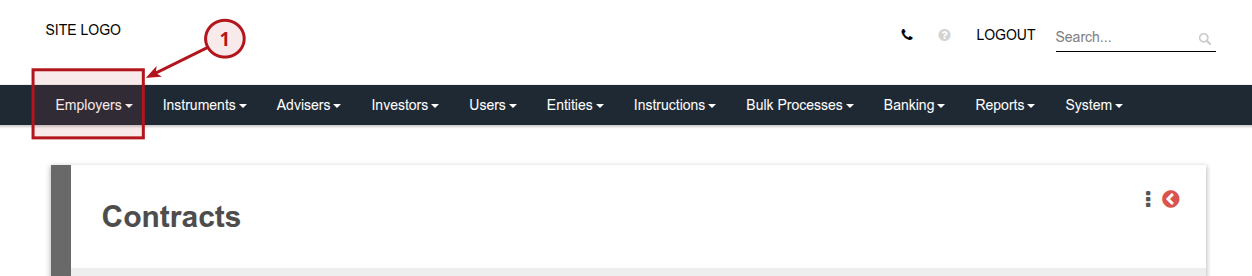
Employers
Click on “Employers” and “Active Employers” to make changes
Last Updated on 2 months ago by Tinus Burger