
Supplier Accounts and Instrument Accounts
Supplier – and Instrument accounts can be accessed through the System main menu and through an Instrument.
Through the System main menu

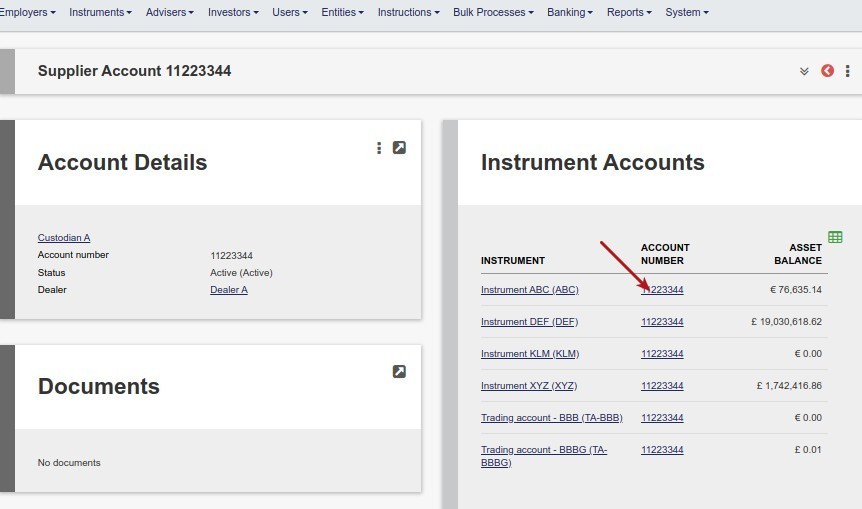
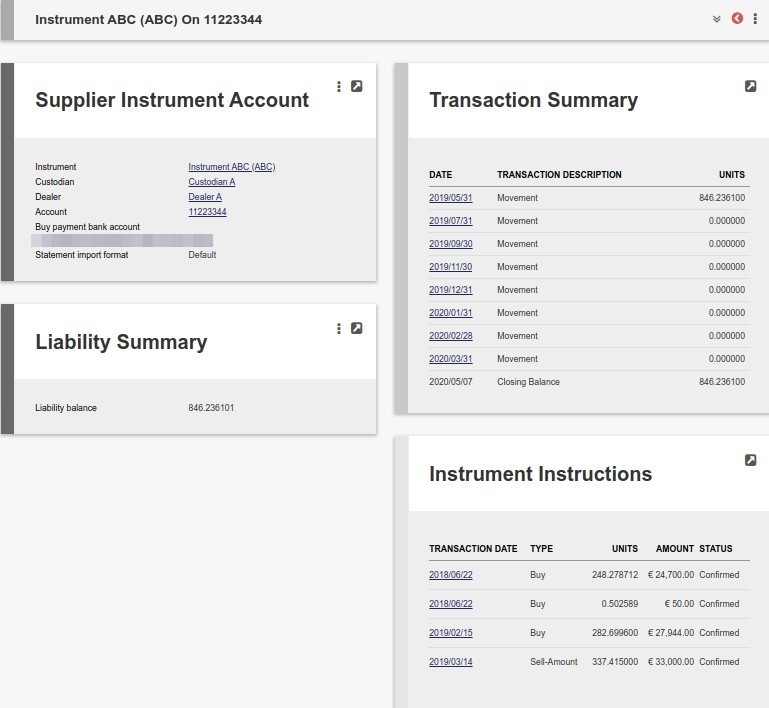
Clicking on an Account number in the Supplier account list displays the Instrument accounts that are part of the Supplier account, which is the Custodian/Dealer combination. There is an Instrument account for each Instrument that deals through the Custodian/Dealer combination.
Through the Instrument
Go to an Instrument
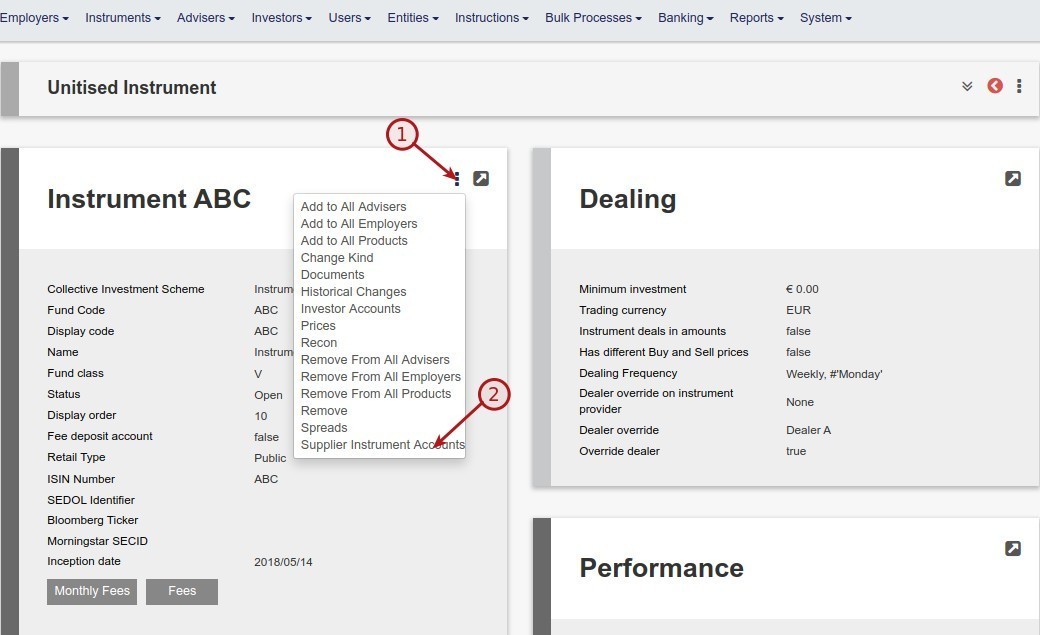 A list of the Instrument Accounts for the relevant Instrument will be displayed
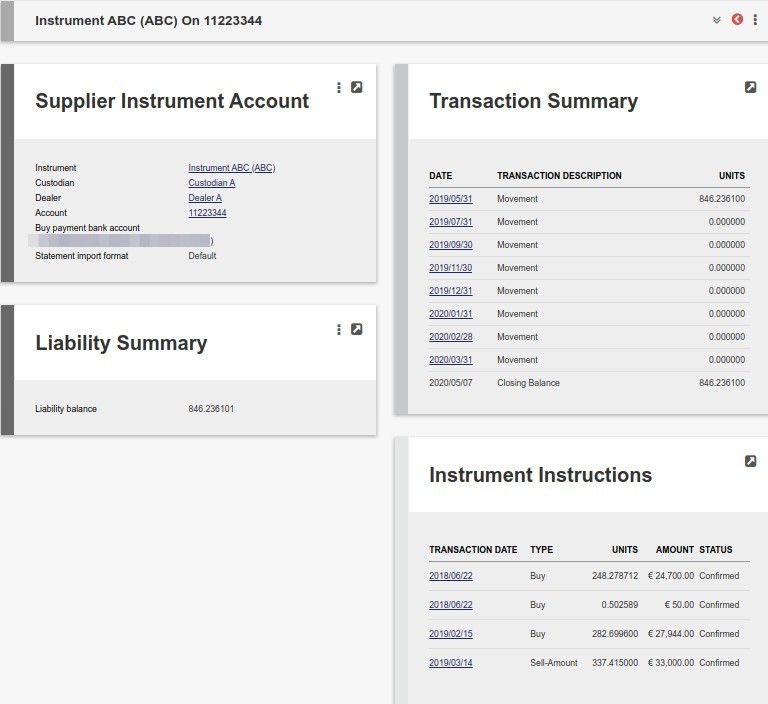
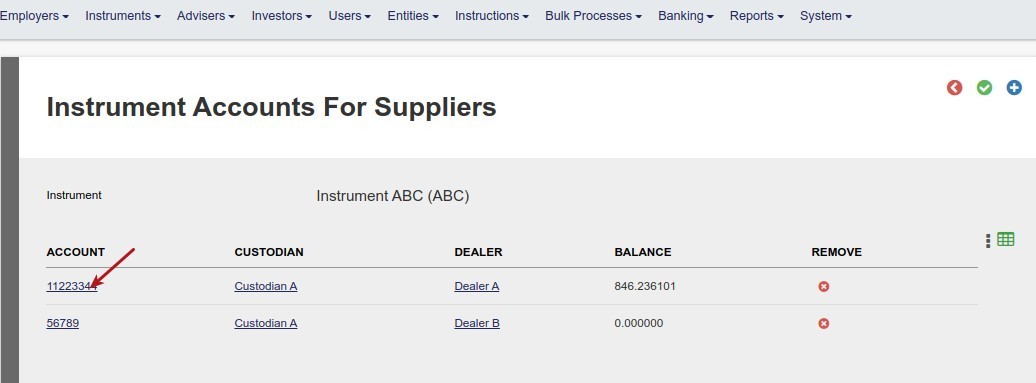 Clicking into an Account will display the detail of the Instrument Account
Last Updated on 3 years ago by Tinus Burger