
Switch Instructions on a Contract
A switch instruction is an instruction that allows an investor to move their investment from one instrument (or set of instruments) to another. A switch is essentially a sell of one or more instruments followed by a buy into one or more other instruments, handled as a single instruction. See note on Switching out of a model into a fund that exists within the model.
Create a Switch Instruction
Go to the relevant contract, select Add Instruction under the Active Instruction card and select ‘Switch’ as the Instruction Type.

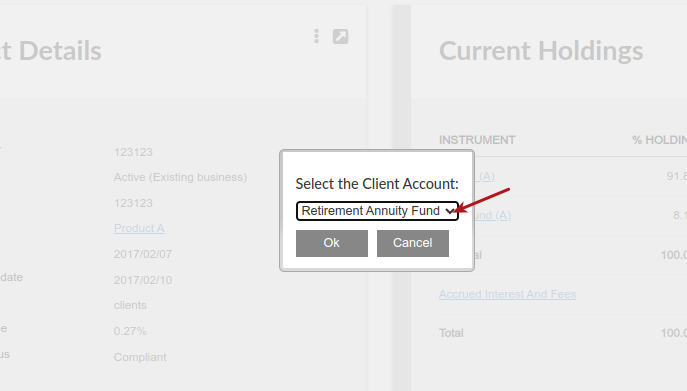
Select the client account on the contract on which the switch must be done
Option A
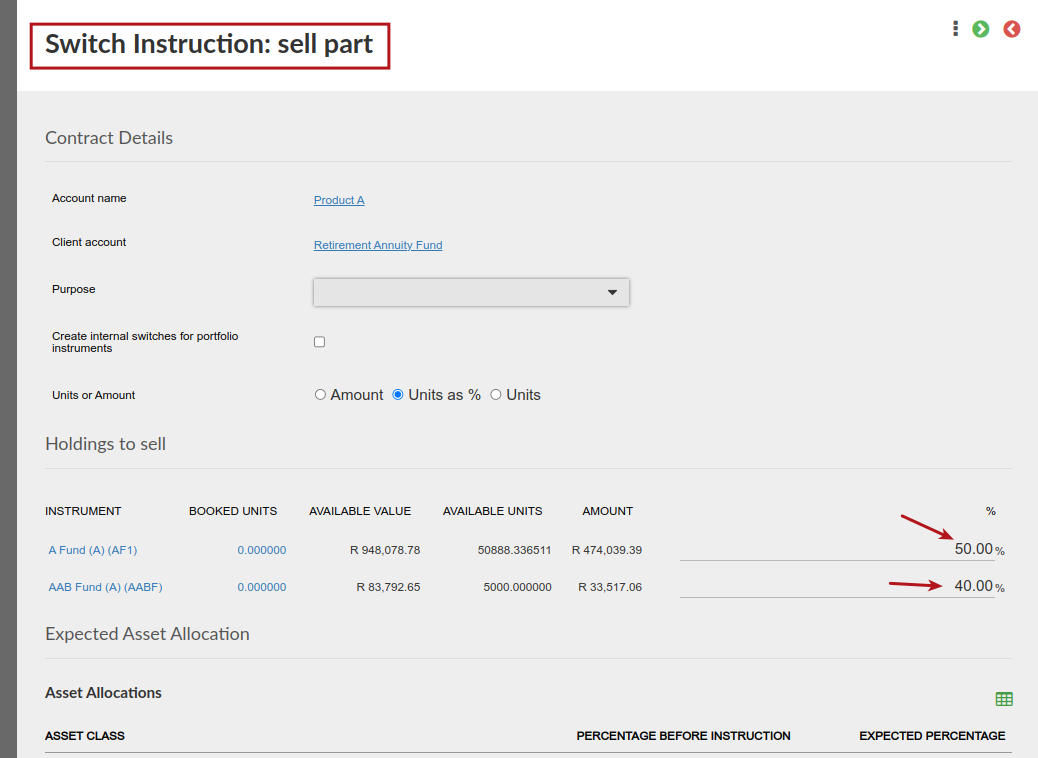
Specify the instruments and proportions to sell
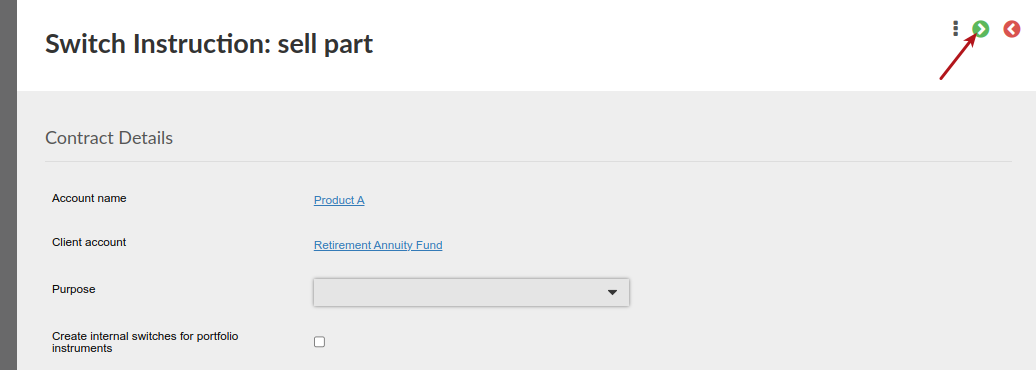
Select Next to specify the instruments and proportions to buy
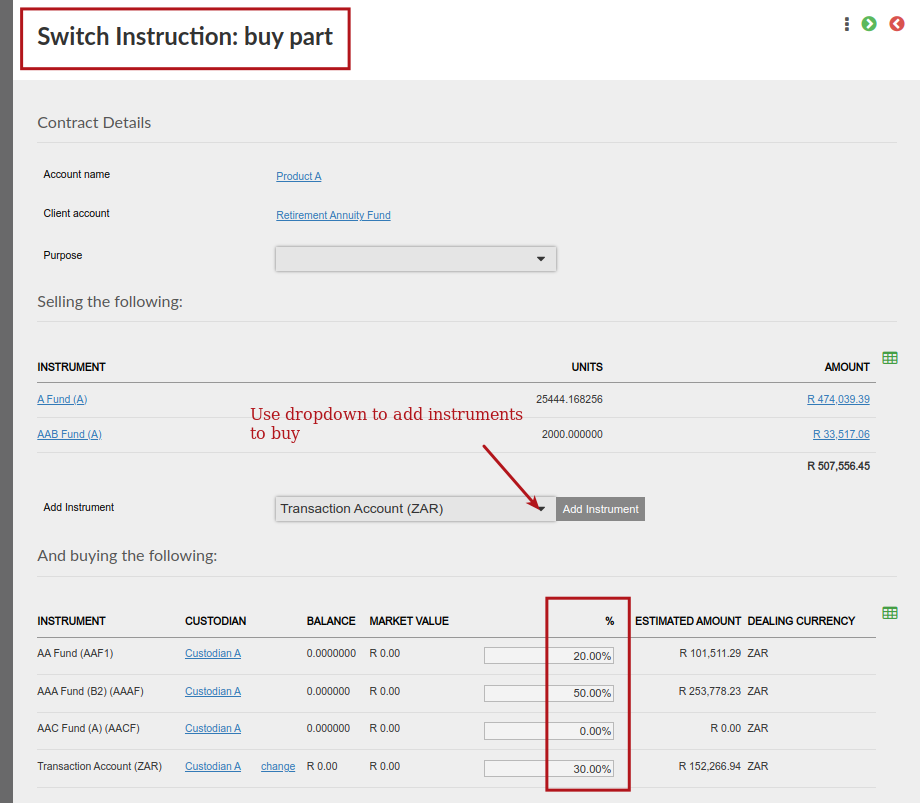
Select next to view a summary of the sells and buys
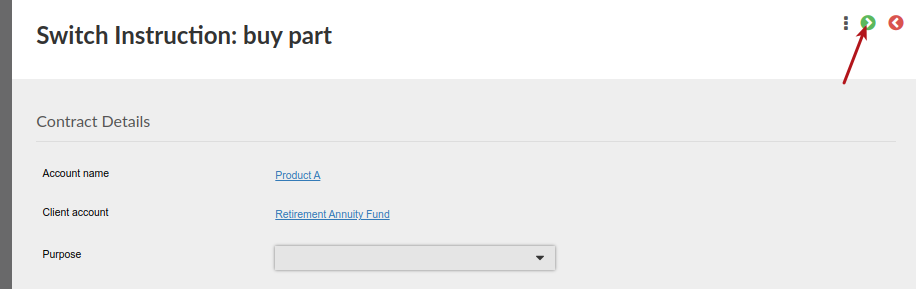
The system will show a final confirmation page with all the relevant sells and buys. You can Save this instruction to come back to at a later stage or Submit it for processing

After submitting the switch instruction, authorise the instruction

The sells will now be included in dealer instructions created, followed by the buys after the sells have settled
Option B
On the sell part of the switch instruction, select Rebalance switch

You can now do a Rebalance by specifying the end result of what the Contract composition should be after the switch has completed. The system will calculate what instruments need to be bought and what instruments need to be sold.
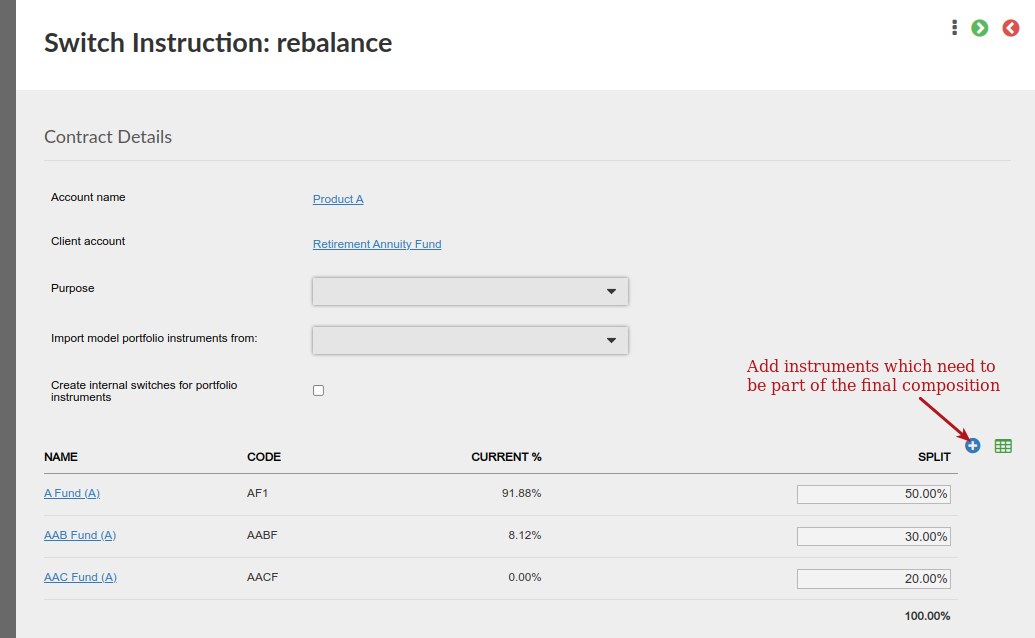
Select next to see instruments that will be sold
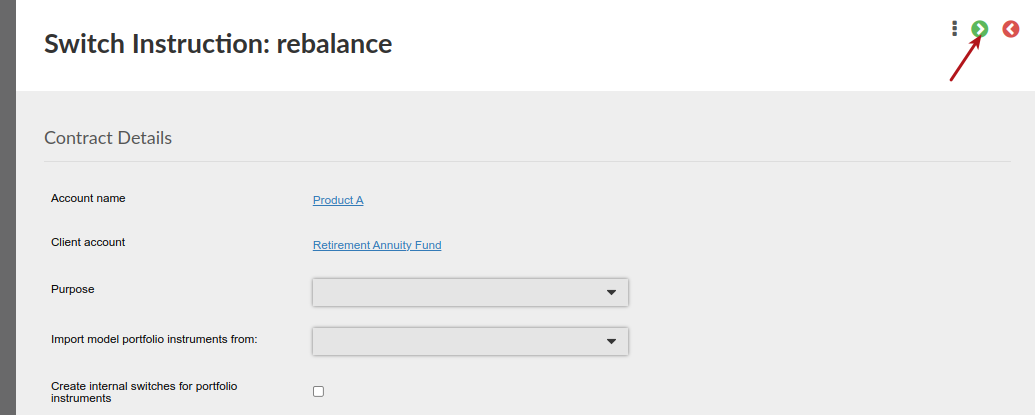

After selecting next again, the instruments and proportions that will be bought will be displayed

Selecting next will display a summary of the buy and sell part of the rebalance, which can be submitted and then authorised
Switching out of a model into a fund that exists within the model
- Internal Transfers are prioritised when switching from a Model to a fund that also exists in the model, a transfer will be done instead of a sell and a buy, since the investor already owns those units.
- Why does this happen? If the sell instrument and buy instrument overlap (e.g., the same fund exists on both sides of the switch), there is no need to sell and repurchase those units in the market. Instead, it is simply moved via an internal transfer.
- The “last” sell/transfer behaves differently when it comes to the final sell or transfer out of an instrument, the system changes from an amount sell to a 100% unit sell. This is to ensure all remaining units are fully cleared from the instrument, preventing any leftover units or shortfalls.
Last Updated on 3 months ago by Jamie Chinsamy