
Upload bank entry retrospectively
On a Cash Instrument, go to the Supplier Instrument Account

Select ‘Add bank Entry’

Complete the required bank entry details and save

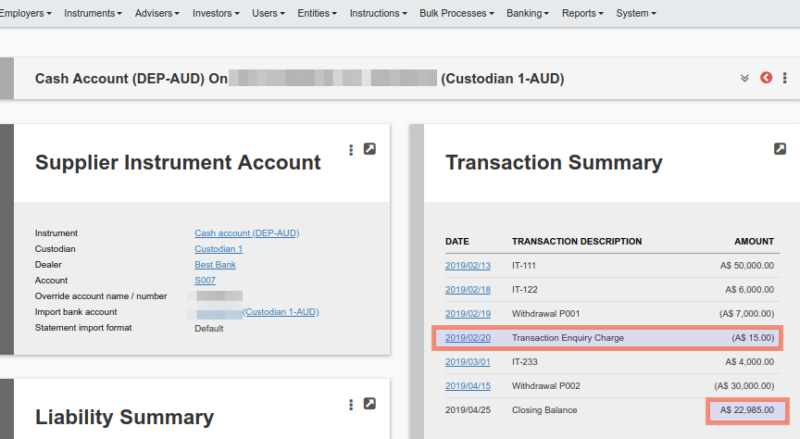
The bank entry is now included and the balance updated
NOTE: Only users with the global permission ”Add Bank entry manually’ will be able to utilise the facility
Last Updated on 4 years ago by Antoinette Van Meyeren