
View Online Confirmation
In order to generate an Online Confirmation on a Contract, go to the Contract Details Card, select View Online Confirmation
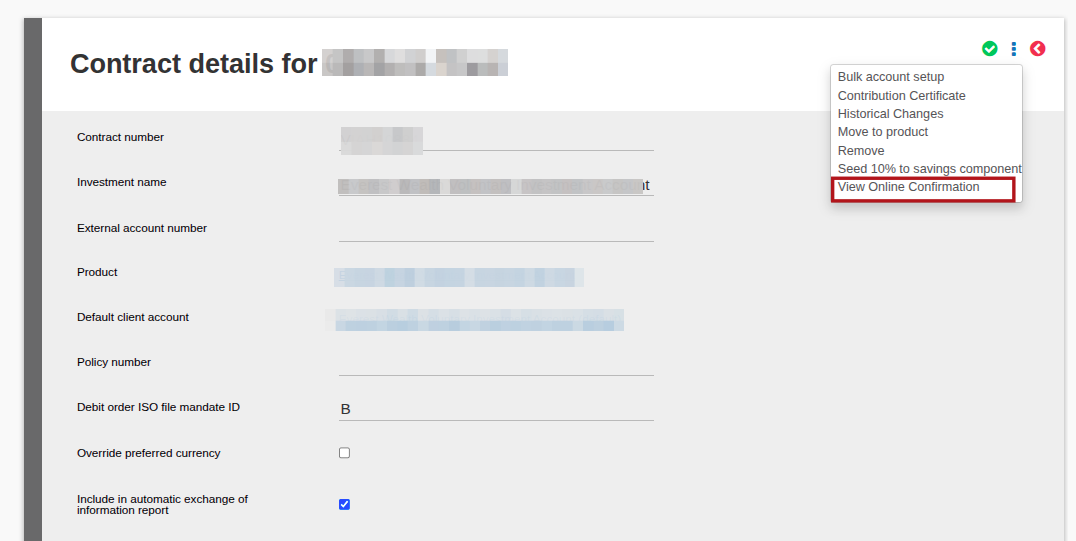
The Online Confirmation will open, then scroll to the bottom of the page, there will be an option to “Generate PDF” button
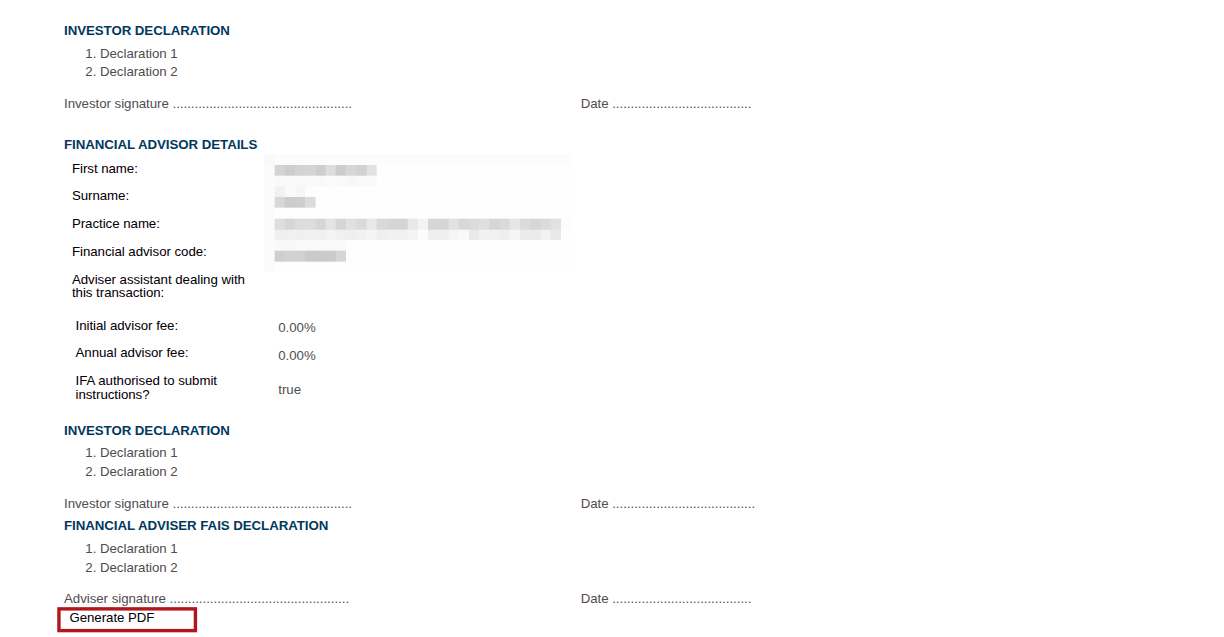
Once “Generate PDF” is selected, it will download to the user’s download folder
Last Updated on 1 year ago by Debra Hart