
Adding Asset Classes
Asset Classes can be added from the Instruments Main menu
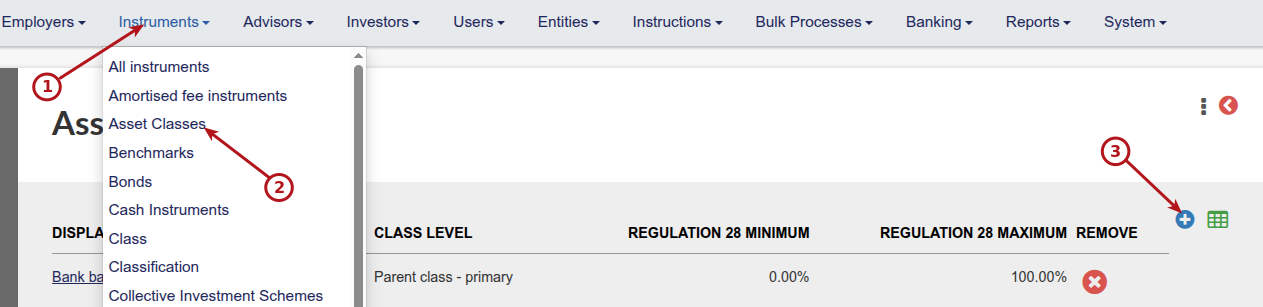
For each Asset Class, specify the relevant Regulation 28 Maximum and Minimum
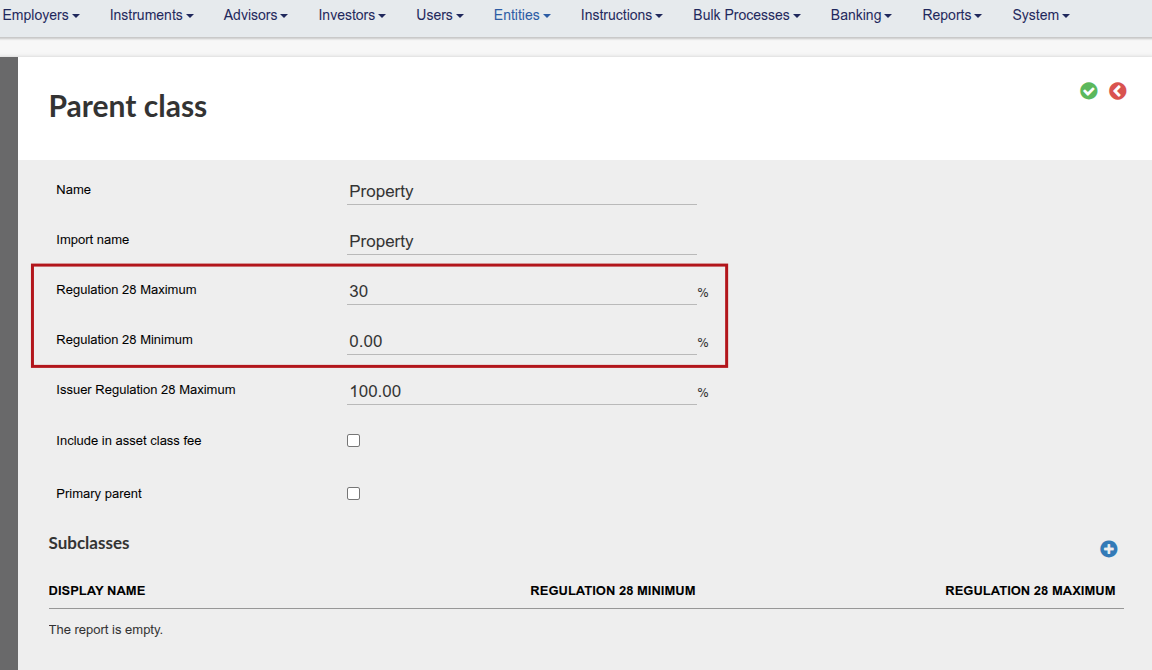
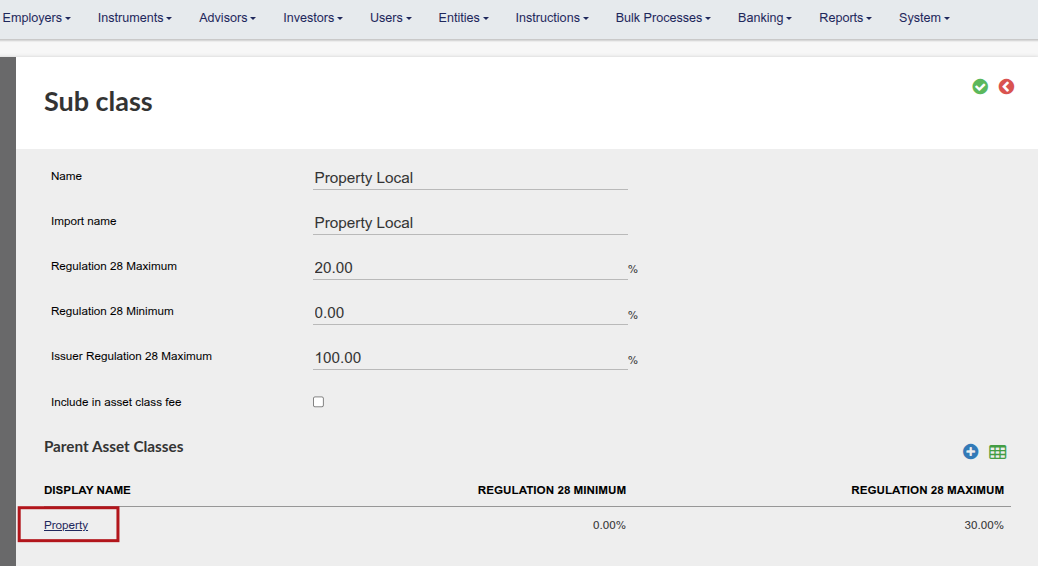
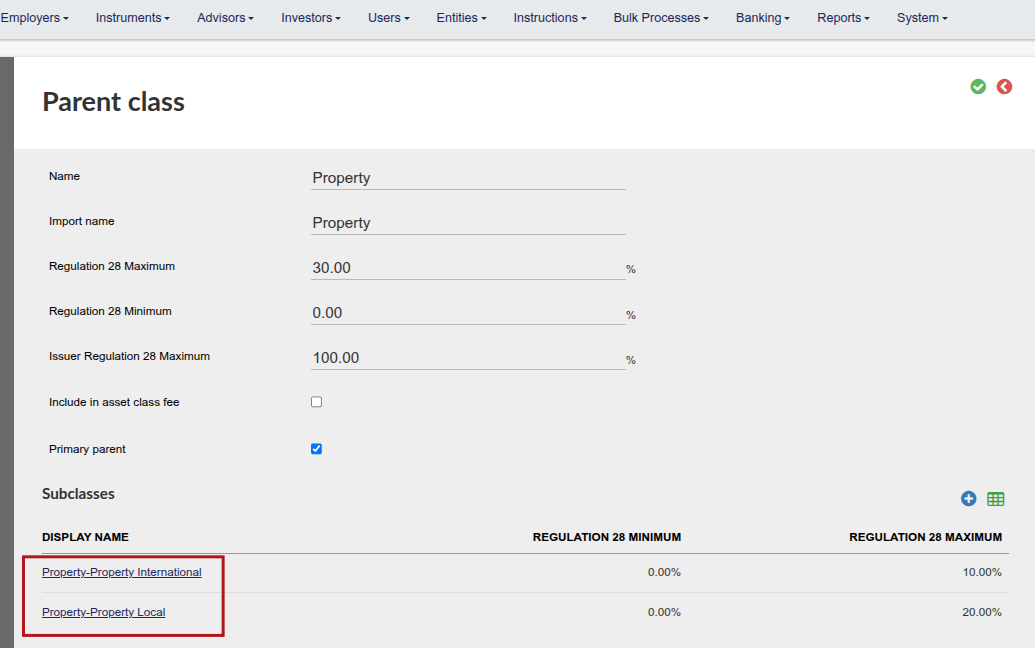
Sub-classes can be setup per parent asset class
The parent value should be >= sum of the subclass values
Note: only the parent asset classes will be displayed in the pie chart on the Investor Account, Asset Allocation card

Also see Regulation 28 for the setup and enforcement of Regulation 28
Note:
Regulation 28 only on two levels, refer to the following:
Scenario 1 | Setup includes: Primary Parent & Parent
When the setup is for Primary Parent & Parent we will do both validation on Primary Parent & Parent
Scenario 2 | Setup includes: Parent & Class
When the setup is for Parent & Class we will do both validation on Parent & Class
Scenario 3 | Setup includes: Primary Parent & Parent & Class
If the setup is for Primary Parent & Parent & Class we will only do validation on Primary Parent & Parent and not show the validation on the Class
For more details refer to Retirement Fund Investment Limits – South Africa (Regulation 28) vs. Namibia (Regulation 13)
Last Updated on 4 days ago by Tinus Burger